A pull-up banner is read in two steps. First from the aisle, in the second or two it takes to walk past, then from a metre away when someone decides to scan. Most banner codes are designed for neither: a postage stamp at the bottom corner, opening the home page, with no way to tell which show it came from.
This guide works out the size and height for an aisle (with numbers from our own decode test), what the code should open, and how to count scans per show so you can set them against what the stand cost.
What the aisle looks like
- Aisles are 2.5 to 3 m wide. Moscone Center asks for 10 ft (3 m) between rows of booths, Austin Convention Center for a 10 ft minimum, and Suntec Singapore for 2.5 m at trade events (3.0 m at consumer events). A 10 ft aisle is the number to plan with.
- The banner is inside your booth, never in the aisle. Fire rules keep aisles clear, so a visitor who wants to scan has to stand at the booth edge or step in. That is why the code must read from 2 to 3 m and be easy to aim.
- Walking past is quick. At 1.34 m/s, the usual free walking speed in the pedestrian studies, someone crosses a 3 m booth frontage in 2.2 seconds. In a crowd we assumed 0.8 m/s: 3.75 seconds. Exhibit firms repeat a rule of thumb that a booth has 3 to 7 seconds to catch the eye; we found no measured study behind it, so treat it as a rule of thumb.
- Scanning takes longer than passing. In a US Census Bureau usability test (2024), 20 people took 12.4 seconds on average to scan a QR code and open a page. Nobody does that while walking. The banner has to make them stop; the code has to work once they have.
How big, and where on the banner
A phone reads a code when every square covers enough pixels of its camera frame. We use the same model as in our last-slide-of-a-talk article: a main camera about 67° across with a 1,920-pixel frame. A short link such as b59.link/acme-spring-fair makes a code 25 squares wide; a 100-character address makes one 41 squares wide. At 4 pixels a square (the margin our test below supports), the smallest code, without its white border, is:
A pull-up banner of the common North American size is 33 × 80 inches (84 × 203 cm) and the printers ask for about 5 inches of extra artwork at the bottom that disappears into the cassette. So you have about 84 × 190 cm of visible banner. A code 25 cm wide (33 cm with its border) is 30% of the banner's width (39% with its border), reads from 3 m with room to spare, and still leaves a headline above it. The 24 × 63 inch (61 × 160 cm) table-top banner can take a 15 cm code (20 cm with border): readable from 2.2 m.
Height. Median standing eye height for British adults is about 163 cm for men and 150 cm for women (5th percentile women: about 140 cm; 95th percentile men: about 174 cm). People scan with the phone held at chest to eye level, so we put the centre of the code at about 130 cm from the floor: a 25 cm code then covers roughly 117 to 143 cm, in reach of a short visitor without a tall one stooping. On a table-top banner standing on a 75 cm table, that is 55 cm above the table. The headline goes above the code (read from far), not below it behind the table.
Reading it from down the aisle
People rarely face the banner. They see it from along the aisle, and the squares are squeezed by the viewing angle (the cosine of the angle off the banner's straight-on direction: 0.71 at 45°, 0.5 at 60°). We built a test: the same code (b59.link/ifa-26, 25 squares, error correction M) drawn at a given number of pixels a square across, squashed for the angle, blurred, with camera noise and JPEG at quality 60, decoded 100 times per cell with two decoders. Cells show decodes out of 100, zxing-cpp first (the C++ port of the library behind many scanning apps), then OpenCV's QR detector (stricter).
What this says: zxing-cpp reads from 4 pixels a square even at 70°, OpenCV's detector gives up past 45° at any size (it expects a code close to square). Phone scanners are closer to the first than the second, but we haven't tested a real phone, so don't take the exact thresholds as phone figures: it is a reason to give the code room, not to cut it to the minimum. Putting that on a 25 cm code (25 squares) at spots in a 3 m aisle, with the banner at the booth front:
So 25 cm is comfortable and 15 cm only works in the first two rows of the table. Don't forget the border, and keep it empty: no photo or edge of the banner within 4 squares. Check the printed size with our QR size tool, then scan the proof before the print run.
What it should open
Not the home page. Someone has stood at your stand for 12 seconds to scan. What they find should be what the banner promised:
One banner, one promise, one page. If you have two offers, put two codes on two surfaces (the banner and a table card), not two codes on one banner. Halls are bad for mobile signal, so keep that page small; our article on light pages for one bar of signal has the budget.
One short link per show, one per surface
Banners are reprinted rarely and shows come in a series, so we split the counting in two:
- A permanent link on the banner (b59.link/acme-stand), pointing at the current show's page. Change where it points before each show; the code on the print never changes, so the banner works at the next one. Our article on retiring a campaign page covers the page after the show.
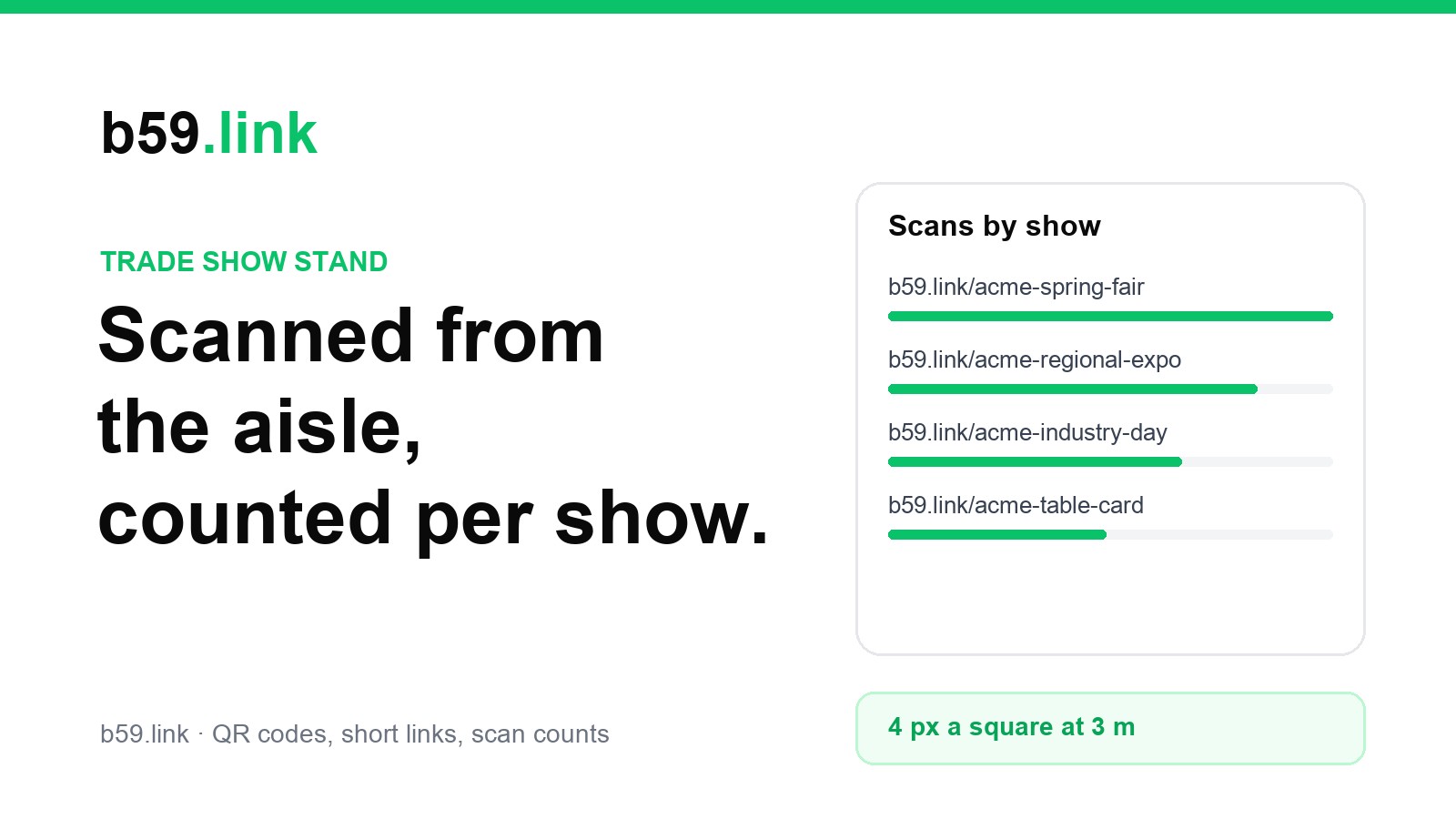
- A link per show on the cheap prints (table card, leaflet, follow-up email): b59.link/acme-spring-fair, b59.link/acme-regional-expo. These are the ones that compare shows.
- For the banner's own count, use dates. The stats page shows clicks per day for the last 14 days with a log of each click, so write down each day's number at the close of the show. One number per show is enough.
The comparison that matters is cost per booked demo, not cost per scan. A worked example (made-up numbers, same method for yours):
Cost per scan is almost the same at all three, around 20 to 22. The shows differ in what happens after the scan: the small regional expo booked a demo from 1 scan in 7, against 1 in 21 at the industry day. That is the number to take to the next planning meeting, and it points at the page and the people on the stand, not at the banner. The same code counts a scan, not a person: someone who scans twice is counted twice.
Next to the organiser's badge scanning
Many organisers rent out badge-scanning for leads; it records who walked up and gives you the data after the show, and they own that process. Your short link is the other side: the people who scanned without being scanned, and what they did on the page. Count both, and keep them apart. Our conference badge article covers what badge scans can and can't tell you.
Checklist for the banner
1. One promise on the banner, one page behind the code.
2. Code 25 cm (33 cm with its border) on a pull-up banner, 15 cm on a table-top one; centre at about 130 cm from the floor.
3. A short link: 25 squares, not 41.
4. Permanent link on the banner, pointed at this show's page; a per-show link on table cards and leaflets.
5. Scan the proof from 3 m and at an angle before printing; scan the live banner on the first morning from the far side of the aisle.
6. At the close of each day, write down the scans; after the show, the demos booked.
7. Before the next show, point the link at the new page and take the old one down properly.
Make the banner's short link and QR code, and change where it points before each show. Free.
Make a QR codeMake one link per show, table card and leaflet in one go.
Make campaign linksSources
- Moscone Center, 'Exhibit Hall Floor Plan Requirements' (10 ft aisles); Austin Convention Center, exhibit hall requirements (10 ft minimum); Suntec Singapore, 'Aisle Space' (2.5 m trade, 3.0 m consumer events).
- Pedestrian walking speed: Weidmann (1993) review, free speed 1.34 m/s; Knoblauch, Pietrucha and Nitzburg (1996) field study. The 0.8 m/s crowded figure is our assumption.
- The 3 to 7 second booth rule of thumb: exhibit-industry blogs (The Trade Group, Absolute Exhibits); no measured study found.
- US Census Bureau, 'Usability of QR Codes as a Method to Access a Survey Using a Smartphone', working paper rsm2024-05 (2024): mean time on task 12.4 s.
- Banner sizes: 33 × 80 in and 24 × 63 in from banner stand spec sheets (4over, Showfire; 5 in bottom bleed).
- Eye height: UK adult anthropometric tables (men median 1,630 mm, women 1,505 mm, SD 69 and 61 mm); US Army 2012 survey (NC State Ergonomics Center).
- Camera model and 2 to 3.5 pixel limits: see the sources of our article on the last slide of a talk.
- Our decode test: qrcode (version 2, level M, 25 squares), blurred, noise, JPEG 60, 100 runs per cell, decoded with zxing-cpp and OpenCV's QRCodeDetector, November 2026. A model of the optics, not a real-phone test.