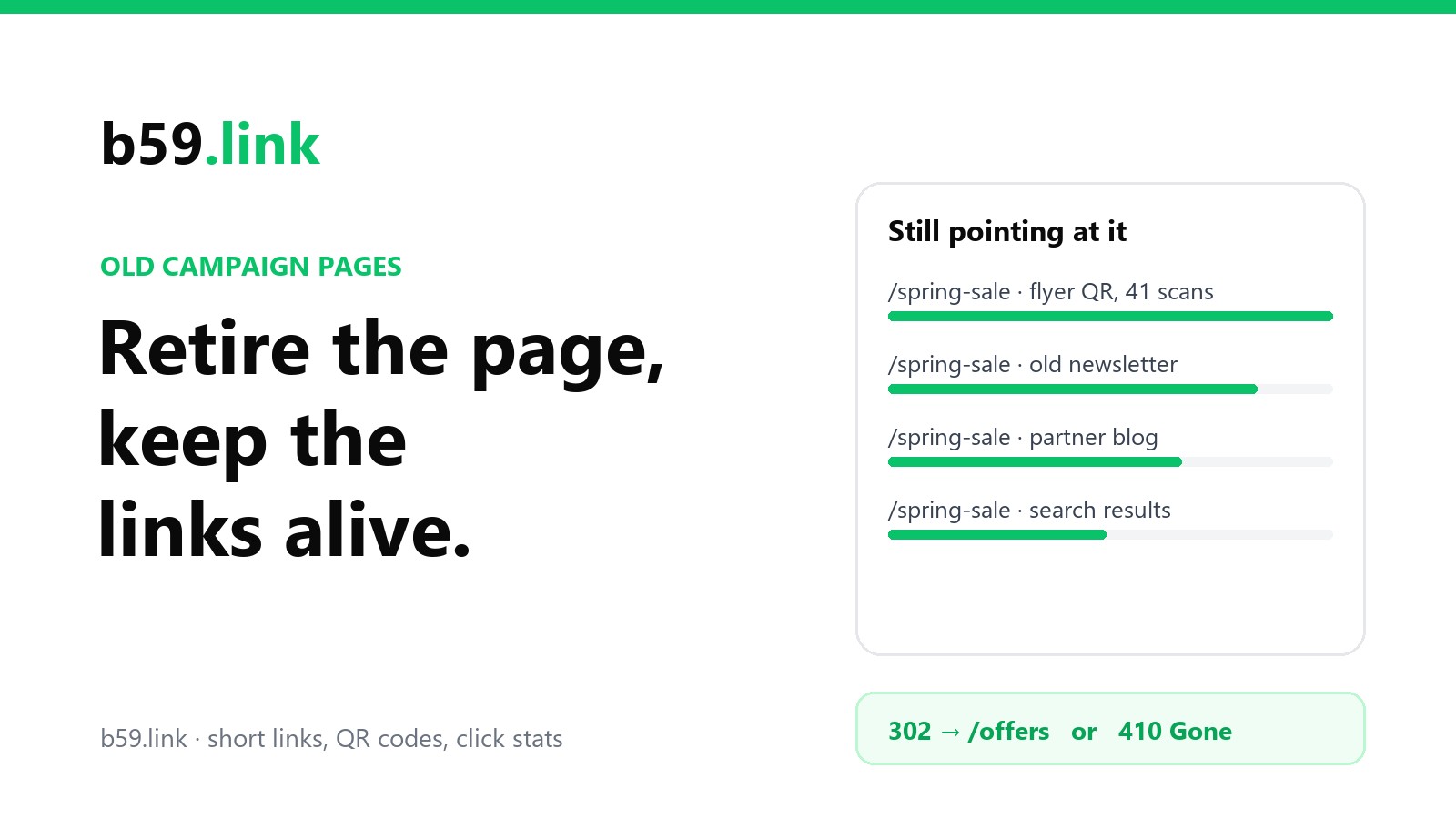
A campaign has an end date. The links to it don't. The flyer stays pinned to a noticeboard, the newsletter sits in a few thousand inboxes, somebody's blog post from the launch week still ranks, and a QR code on last season's packaging is in a cupboard in somebody's kitchen.
So when the page is deleted on the day the sale ends, the people who arrive afterwards get an error page. They're a small crowd, but they are people who were interested enough to scan or click. This is a checklist for taking a page down without losing them.
First, find out what still points at it
Do this before you touch the page, while it still answers. There are five places to look, and each one sees something the others miss.
Your server's log. Every request records the page it came from, when the browser sends one. On a server with the usual log format, this lists the sites that sent visitors to /spring-sale, busiest first:
The output is a count per site (these numbers are made up to show the shape):
The first line is the one to think about. A dash means the browser sent no referrer, and that's what a scanned QR code, a typed address, most mail apps and many phone apps look like. Often it's the biggest number. The log can't tell you which of those it was, and that's what the next two sources are for.
Tags in the address. If your links carried utm_source and friends, the tags are in the log even when the referrer isn't. Change the awk line to print $2 (the request itself) and count the utm_source= values instead. A flyer link tagged utm_source=flyer shows up as a flyer, dash or no dash.
Your short links. Every short link you made for the campaign has its own click count and its own record of recent clicks. This is the only place where a printed code is visible as itself. On b59.link, the list of your links is at My links, and each link's stats page shows its recent clicks and where they came from. If the flyer's link had three scans last month, the flyer is still out there. If you made one short link per place, you can now see place by place what's still alive.
Your page-view stats. Whatever you use to count visits will show the page's views over time and the sites that sent them. Look at the last 90 days, not the campaign's peak. A page with 40 views a month from search is a page people still look for.
Search Console. Google's free console has a Links report with a "Top linked pages" table: other sites that link to each of your pages, including ones that haven't sent a visitor lately. The Performance report shows whether the page still appears in searches, and for which words.
And one place people forget: your own site. Search your pages, your email templates, your social profiles and your footer for the address. It's embarrassing how often the link that keeps a dead page busy is your own.
Then decide where those people should go
There are only four honest answers. Pick by asking what the visitor wanted when they clicked.
There's a newer version of the same thing. This year's sale, the next workshop date, version 2 of the product. Send them there. This is the easy case.
The offer is over but the thing still exists. The discount ended; the product is still for sale. Send them to the product's normal page. If you can, say at the top that the offer ended, so nobody hunts for a discount code box.
It comes back every year. A seasonal sale, an annual event. Keep the address and change what's on it: "Spring sale 2026 is over. Leave your email and we'll tell you when the next one opens." A page that keeps its address from year to year also keeps its links and its place in search results. Next spring you update the page and every old flyer works again.
It's gone and nothing replaces it. A one-off event, a product you stopped making. Say so, on a page that answers with the right status (more on that below) and offers one or two useful ways on.
The answer that isn't on the list is the home page. It feels safe and it's the most common choice, but it fails the visitor: they asked for something specific and got the front door with no explanation. Search engines read it the same way. Google's people have said for years that a redirect to an unrelated page, the home page above all, is treated like a missing page.
302, 301 or 410
302 (for now): the destination may change again. The seasonal case, or any time you aren't sure. Browsers ask again on every click, so you can change your mind next month and everyone gets the new answer.
301 (for good): this address has a permanent replacement. Search engines move the old page's standing to the new one, and browsers may remember the answer and stop asking. That memory is the catch. If you later want the old address back for next year's campaign, some returning visitors will still be sent to the old replacement and you can't clear it for them. We went through that in 301 or 302 for a short link. Use a 301 when you're sure, and a 302 while you're deciding.
410 (gone): it was here, it was removed on purpose, and there is no replacement. The standard describes it well: a 410 is "primarily intended to assist the task of web maintenance by notifying the recipient that the resource is intentionally unavailable and that the server owners desire that remote links to that resource be removed". A 404 says "nothing here", which is also what a typing mistake gets. A 410 says "you had the right address, and we took it down".
For search engines the two are close. Google's documentation treats every answer in that family alike: pages that return one "are removed from the index". For people, what matters is what the page says. A 410 doesn't have to be a bare error. It can carry a full, friendly page: the offer's name, the date it ended, and a link to what's on now. The visitor reads the page; the machines read the number.
The rules, for the usual servers
nginx. The first rule forwards and keeps any tags on the address, so ?utm_source=flyer arrives at the new page and you can still see where the visit began. The second answers 410 with a page of your own:
Apache, in the site's configuration or an .htaccess file:
Caddy:
On a static host such as Netlify or Cloudflare Pages, a _redirects file in the site's root does the forwarding with one line per address (/spring-sale /offers 302). Site builders and shop platforms have a "URL redirects" screen that does the same; some of them only offer 301, which is one more reason to be sure before you save it.
Whichever you use, test it the way a visitor would arrive, tags and all:
Three things that go wrong later
Chains. This year's page forwards to next year's, which forwards to the one after. Three campaigns on, a flyer scan makes four hops before it lands, and one broken hop loses everything behind it. When you retire a page, look for older redirects that point at it and change them to point straight at the new destination. Our redirect checker shows every hop a link makes.
Short links left pointing at the old address. The redirect on your site catches them, so nothing breaks, but each click now makes an extra hop. If the short link's destination can be edited, edit it. On b59.link you can change where your own links go from My links when you're signed in, and the printed code stays the same.
The campaign had its own domain. A microsite at springsale2025.com is the riskiest thing to retire, because when the registration lapses, anyone can buy the name, and every printed code then opens whatever they put there. Either keep paying for the domain and forward it to your main site, or decide that you'll keep it for as long as anything printed is likely to be in circulation. Next time, put the campaign on a path of your main site.
The yearly check
Keep one sheet of retired addresses: the old address, where it goes now, the date and the reason. Redirects are invisible when they work, and in two years nobody will remember why /sp24 exists.
Once a year, go down the sheet. Ask each old address for its headers and confirm that it still lands on a live page (our link list checker does this for up to 25 addresses at a time). Then run the log command from the top of this article for each one. An old address that nobody has asked for in twelve months can have its rule removed, and the address goes back to being free. One that still gets visits stays. Google's advice for moved pages is to keep redirects "as long as possible, generally at least 1 year", and for anything printed we'd go by the log and not the calendar.
The same check is a good moment to look at the short links themselves, and at whether the services behind them are still there. That's the subject of when a link shortener shuts down.
The short version
Before the page comes down, find what points at it: the log, the tags, your short links, your stats, Search Console and your own site. Send people to the closest thing to what they wanted, never to the home page. 302 while it may change, 301 when it's settled, 410 with a friendly page when it's really over. Keep the tags on the way through, flatten the chains, write it down, and look again in a year.
Sources: RFC 9110, HTTP Semantics, sections 15.4 (redirects) and 15.5.11 (410 Gone; the quotation); Google Search Central, How HTTP status codes affect Google's crawlers (the quotation on removed pages), Redirects and Google Search and Site moves with URL changes (the quotation on keeping redirects); Search Console Help, Links report; the redirect documentation for nginx, Apache and Caddy. The log command was run against our own server's log; the sample output is invented to show its shape.
Give each flyer, post and email its own short link, and you'll know which ones are still being used when the campaign ends.
Create a short link