Every supplier who sends a PDF price list knows what happens to it. It goes out in January to every trade account. Some customers save it to the desktop, some print it and pin it by the phone, some forward it to a site manager who forwards it to a subcontractor. In September somebody orders from it. The prices are eight months old, two of the items have been discontinued, and the 'order online' address at the bottom opens the old shop, which you moved in June.
You can't recall a PDF. Once it's sent, every copy lives on in inboxes and folders you'll never see. What you can control is where its links go. This guide is for small wholesalers, makers and distributors who send price lists and catalogues as PDFs: what the prices actually do over a year, how many links a catalogue needs, how PDF readers treat links (we tested two of them), what to put behind a link when an item is discontinued, and what you can count afterwards.
How fast a price list goes out of date
To put a number on it, we took one distributor's public list of 2026 price changes from its manufacturers. Cooney Brothers, a US supplier of pipe, valves and fittings, keeps a page of every increase its suppliers have announced for the year (read 31 October 2026):
Every month of the year has at least one increase taking effect. A price list printed on any date is wrong for some line within weeks. One manufacturer shows how it adds up. Apollo's increases on that list were 4% on all products from 2 January, up to 20% on its PowerPress fittings from 7 May, and 3-4% on PowerPress again from 1 December. For an item at the top of each range:
A customer quoting a job from the December PDF in December 2026 is out by almost 30% on that line. That's the case for keeping prices and order buttons apart: the PDF tells people what you sell and roughly what it costs, and the link next to each line opens the page where today's price is. The link stays the same; the page behind it changes every time the price does.
Put an issue date on the cover and on every page footer ("Prices from 2 January 2026, current prices at the link on each section"). A customer holding a September printout should be able to see at a glance that it's old.
How many links: per product, per section, or both
The temptation is a link for every line. For a short list that's fine. For a real catalogue it becomes a list nobody maintains. A worked example: a catalogue of 640 products in 24 sections, sent to 40 trade accounts.
For most catalogues, one link per section plus your best sellers is the sweet spot: 24 to 64 links is a list one person can keep in a spreadsheet. A section link opens the shop's category page; a best-seller link opens the product page. Products below the cut are found from the section page, which is where most people go to compare anyway.
Per-customer links are tempting because they'd tell you who clicked. At 40 accounts and 24 sections it's 960 addresses, and you'd need to make a separate PDF for each customer. If you want to know which accounts still use the list, give the big accounts their own whole-list link on the cover (b59.link/pl-acme) and keep the section links shared.
Names that last more than one edition
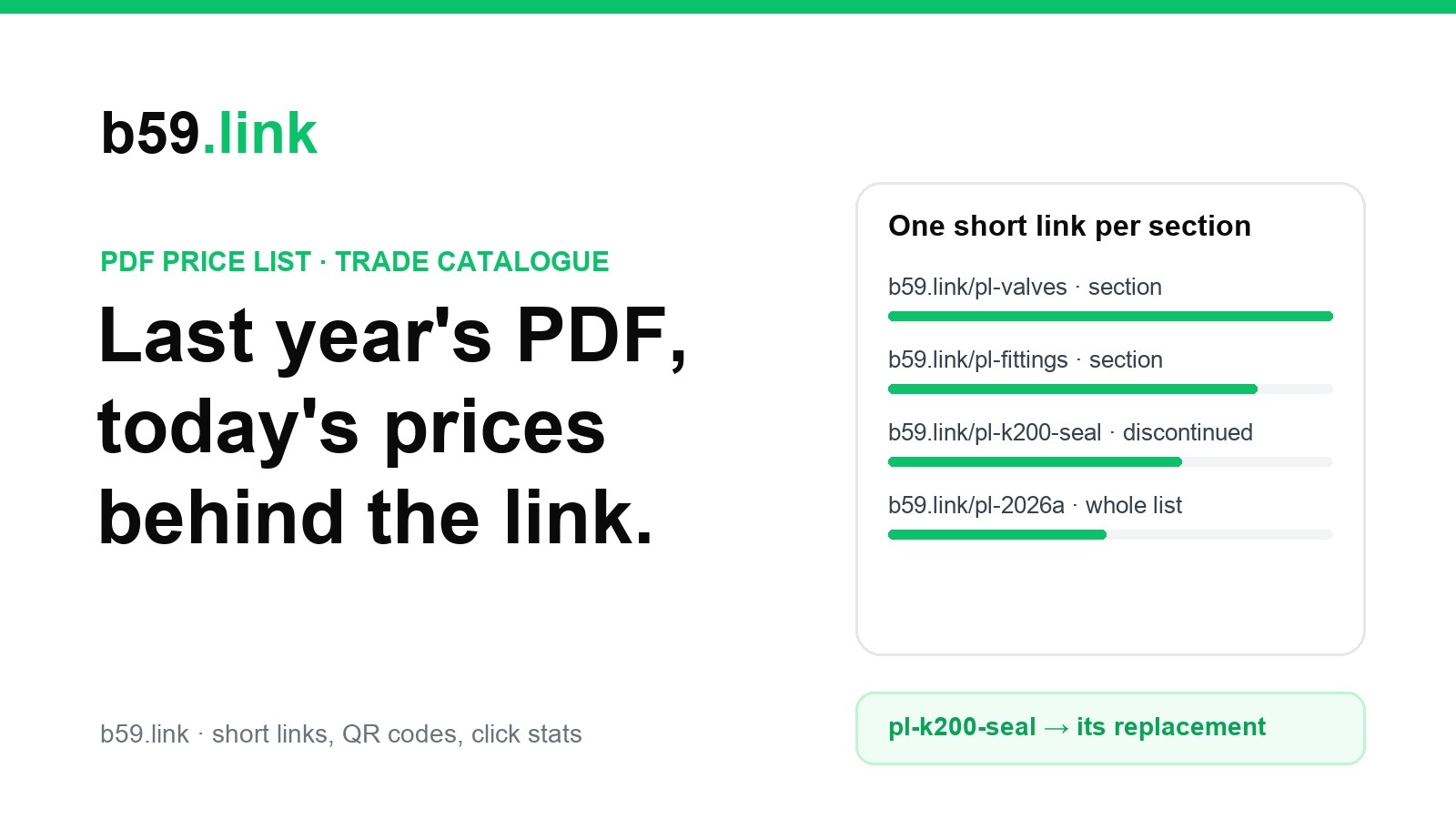
Leave the year out of section and product links: b59.link/pl-valves, b59.link/pl-k200-seal. Then next year's PDF uses the same links, and a customer with an old copy still lands on today's page. Put the edition only in the whole-list link on the cover (b59.link/pl-2026a), so the clicks on it tell you how long people keep using an old edition after the new one goes out.
Links in the PDF and on the printout are two different things
A PDF opened on a screen can hold a real link: a clickable area over the text that opens an address. When the same PDF is printed, the clickable part vanishes and only the visible text is left. So every link needs to work both ways: clickable on screen, and readable and typeable on paper.
That means the visible text should be the short address itself, not "click here" or "order online". A printout that says "Valves: order at b59.link/pl-valves" still works when it's pinned to a wall. A printout that says "Order valves online" in blue is a dead end.
Where a QR code fits, and where it doesn't
On paper, a QR code saves typing. But a price list is dense, and the code has to be big enough for a phone held over a page on a desk. We worked out the sizes at level M with a 4-square margin, for a phone reading from 30 cm (held over the page) and 50 cm (a printout on the wall above a desk):
A price-list row is 6 to 8 mm tall, so a code on every line is out of the question: a 23 mm code takes three or four rows. Put one code per section, beside the section heading, and one on the cover for the whole list. The rows keep their clickable short addresses as text. And notice the bottom line: a shop address with tracking tags needs a code half as big again as a short link, which on a crowded page decides whether it fits at all.
How PDF readers handle links: our test
Many price lists are made in a spreadsheet or a word processor, and the links in them aren't always real links. Some PDF readers make plain-text addresses clickable by themselves, which hides the problem until a customer opens the file in a reader that doesn't. We tested what the two most common browser PDF readers do with text that has no link built in.
Chrome's PDF viewer is built on PDFium. We made a PDF with ten addresses as plain text, one per page, and asked PDFium (version 156, the one in current Chrome) which ones it turns into links. For Firefox we read the rule in pdf.js 6.4, the viewer Firefox uses, which has linked plain-text addresses since Firefox 137.
Two findings matter for a price list:
1. An address without https:// or www. stays plain text. b59.link/pl-valves printed as text is not clickable in either reader unless the PDF has a real link on it. So either make real links (below), or write the address with https:// in front in the PDF. On paper the https:// can go; nobody types it.
2. A long address that wraps opens the wrong page. We printed https://shop.example.com/catalogue/spare-parts/k200-blender-seal-set?ref=pricelist across two lines, as a narrow table column does. PDFium linked only the first line, https://shop.example.com/catalogue/spare-parts/, so the customer lands on the parts folder, not the seal. A short address fits on one line and doesn't have this problem.
Making real links in the PDF
Real links (link annotations, in PDF terms) work in every reader whatever the text looks like. How you get them depends on how you make the PDF:
- Spreadsheet or word processor: make each address a hyperlink in the document, then use Save As or Export to PDF, not Print to a PDF printer. Print to PDF often drops links: Microsoft's and Adobe's forums are full of reports about Microsoft Print to PDF, and our CV and portfolio PDF article covers the same trap.
- A web page saved as PDF: Chrome's own Save as PDF keeps links. We saved a three-row HTML price list with Chrome 156 and the PDF had all three links.
- InDesign: Export > Adobe PDF (Print) only includes links if Hyperlinks is ticked under Include; the Interactive export includes them.
Then check before you send. Open the PDF in Chrome and hover over every short address in a few sections: the pointer should change to a hand, and the address shown at the bottom of the window should be the one printed.
The warning Acrobat shows
Adobe Acrobat and Acrobat Reader can stop a link with a security warning ("The document is trying to connect to...") and an Allow / Block choice, with a box to remember the choice for that site. It's controlled in Preferences > Trust Manager > Internet Access, and companies sometimes set it to ask every time or block outright. There's nothing you can do in the PDF to skip it. What helps is having every link go to the same domain: a customer who allows b59.link once (with the box ticked) won't be asked again for the other 63 links in the catalogue. Links to five different shop and supplier domains mean five warnings.
A discontinued item gets a page, not a 404
Items leave the range every year, and the old PDF keeps listing them. When a customer clicks the K200 seal in last year's list, there are four things the link can do:
The discontinued-item page doesn't need to be clever. Five lines do it:
1. The item's name and code, so they know they're in the right place: "K200 blender seal (K200-S), discontinued March 2026".
2. The replacement and whether it fits: "Replaced by the K210 seal, which fits all K200 jugs made after 2019".
3. A button to the replacement's product page, with today's price there.
4. What to do if it doesn't fit (older jugs, a phone number or an email to the trade desk).
5. A link to the current price list.
Then point the old item's short link at that page. Customers with every old copy of the PDF land on it, and when the replacement is itself replaced you change one page, not the links. Keep the page out of search results if you like (a noindex tag): it's there for people arriving from old paper, not for search. Google treats a page that only says "this is gone" as a soft 404, so don't count on it being indexed anyway. Our article on retiring a page without breaking links goes through the redirect codes if you'd rather send the old shop address to the new page as well.
Counting which lines get opened
A PDF can't tell you who read it. A short link can tell you how often each one was opened and when, and that's enough to learn a lot about how customers use the list. An example of what a month's numbers look like and how to read them (the figures are made up to show the reading, not from a real supplier):
The useful reading is in the comparisons. A discontinued item with 23 clicks a month is worth a proper replacement page and maybe a phone call to the accounts still ordering it. An old edition with 19 clicks means the new edition didn't reach everyone: send it again. A section nobody clicks is either ordered another way or laid out badly.
Two caveats. Clicks in the first minutes after you email the PDF are often mail security scanners opening links, not people, so read the days after, not the first hour. And clicks count devices, not companies: one buyer clicking a section five times while comparing is five clicks.
Make your section and product short links in one place, change where they point when prices or pages move, and see which ones customers open. Free.
Make a short linkThe day the shop moves
Sooner or later the shop changes platform, the category pages get new addresses, or the business is renamed. With a short link on every line of every PDF ever sent, that day is a spreadsheet job: go down the list, put each link's new destination in, and check every one opens a real page. With shop addresses printed straight into the PDFs, every copy you've ever sent breaks at once, and there's nothing to update.
If you have more than a handful of printed links, it's worth having something check them for you. Our free printed link watch checks up to 25 links a day and emails you if one stops opening a page, which covers the section links of a typical catalogue.
Watch the links printed in your price list and get an email when one stops working.
Open printed link watchChecklist before you send the next price list
1. Issue date on the cover and every page: "Prices from ...; current prices at the link on each section".
2. One short link per section, plus the best sellers; no year in those names.
3. One whole-list link on the cover with the edition in it (pl-2026a).
4. Visible text is the address itself, short enough for one line.
5. Real links in the PDF, made with Save As or Export, not Print to PDF; or https:// written in front.
6. All links on one domain, so Acrobat asks once at most.
7. One QR code per section heading, at least 21 mm for a short link; none on the rows.
8. Hover-check a few sections in Chrome before sending.
9. Discontinued items: a short page with the replacement, and the old link pointed there.
10. A month after sending, read the clicks: old editions, busy sections, discontinued lines still ordered.
Sources
- Price increases: Cooney Brothers, '2026 Price Increases' (list of manufacturer increases with percentages and dates, posted 9 December 2025, updated through the year; read 31 October 2026). Counts and the Apollo example worked from that list; 'up to' figures use the top of each stated range.
- PDF reader test: our own, 31 October 2026. PDF drawn with ReportLab, one address per page as plain text; links found with PDFium's web-link finder (FPDFLink_LoadWebLinks, PDFium 156.0.8076 via pypdfium2), the code Chrome's viewer uses for text without links. Wrapped-address test the same way.
- Firefox: pdf.js 6.4.299 Autolinker (in web/pdf_viewer.mjs), which links only text starting with https://, http://, mailto: or www. and email addresses; Mozilla bug 1019475 (automatic URL linking, Firefox 137).
- Save as PDF: Chrome 156.0.8078 headless --print-to-pdf of a three-row HTML list, link annotations counted with pikepdf (3 of 3 kept).
- QR sizes: our own encoding with segno 1.6.6 at level M, 4-square margin; 3 camera pixels per square and 1,445 px per metre at 1 m (1920 px across 67°), as in our slide QR article.
- Acrobat link warning and Trust Manager settings: Adobe Help, 'Allow or block website links in PDFs'.
- Print to PDF dropping links: Microsoft Q&A and Adobe Community threads on Microsoft Print to PDF.
- Soft 404: Google Search Central, 'HTTP status codes, network and DNS errors' (updated 4 February 2026).