A CV gets looked at in a hurry. The Ladders eye-tracking study (2018) timed recruiters at an average of 7.4 seconds on the first pass of a resume. In that time nobody opens your portfolio. The link earns its click later, if the CV makes the 'keep' pile and someone wants to see the work behind a line like 'redesigned the checkout flow'.
So the link has two jobs. It has to still be there by the time that person goes looking for it, which is less obvious than it sounds, because a CV passes through software, inboxes, printers and copy-paste before it reaches them. And if you set it up right, it can tell you which applications got that far.
This guide covers how to write links on a CV so they survive the trip, our own test of what a PDF parser keeps from a hidden link and a printed one, one short link per application to see who opened your work, what a click does and doesn't tell you, and keeping the links alive for the months a job hunt takes.
Three readers, and only one of them can click
A link on a CV is read by three different things, often in this order:
Applicant systems keep the original file, so a recruiter who opens your actual PDF can still click a hidden link. But the parsed copy (the profile the system builds from your CV, which is what many recruiters scroll) is built from text, and the printout is just ink. A word with a link behind it only works in one of the three places. A written-out address works in all three.
Our test: what a parser keeps from a hidden link
We made a one-page PDF with a CV header written four ways and read it back with two common text extractors, pdftotext (Poppler) and pypdf, the kind of step most parsers start with. Line A is the word 'Portfolio' with a link behind it. Line B shows the address and links it. Line C shows a short link and links it. Line D shows a LinkedIn address with no link at all.
Line A's address exists only in the link layer. If a parser reads text and nothing else, it has the word 'Portfolio' and no idea where it points. Some systems do read the link layer (one ATS testing site says Greenhouse pulls portfolio and GitHub links out of PDFs, and that Workday is weaker at it), but you can't tell which one a given employer runs, and you can't ask. Line D is the opposite case: the address is in the text, so any parser or person has it, but on screen it's only clickable if the PDF viewer turns text that looks like an address into a link, which some do and some don't.
Lines B and C are the safe ones: the address is printed and it's also a real link. (Test run on 22 October 2026: PDF made with ReportLab, read with Poppler pdftotext and pypdf.)
How to write the links
- Print the address, then link it. janedoe.design/work, not 'My portfolio'. Leave off https:// and www.: browsers add them, and they make the line longer.
- Two or three links, in the header. Portfolio or site, LinkedIn, and GitHub, Behance or Dribbble if it matters for the role. A link on every bullet point gets none of them clicked.
- Short enough to type from paper. linkedin.com/in/jane-doe-4b2a19 works; LinkedIn lets you set a custom public profile address, so linkedin.com/in/janedoe is better. A Google Drive address (drive.google.com/file/d/1A2b..., 60-plus characters of noise) is not something anyone will type.
- Export, don't print, to PDF. In Word, use File > Save As (or Export) and pick PDF. 'Print to PDF' often gives links that look blue but don't open; the North Carolina Bar Association's practice tip on exactly this says to use Save As, and Adobe's forums are full of the same report. Google Docs' File > Download > PDF keeps links.
- Check the file you're sending, not the one you edited. Open the PDF, click each link, then select all the text and paste it into a plain text editor. What you see there is roughly what a parser sees.
One short link per application
Here's the part that turns a CV link into information. Instead of one portfolio address on every copy of your CV, give each application its own short link that points to the same portfolio:
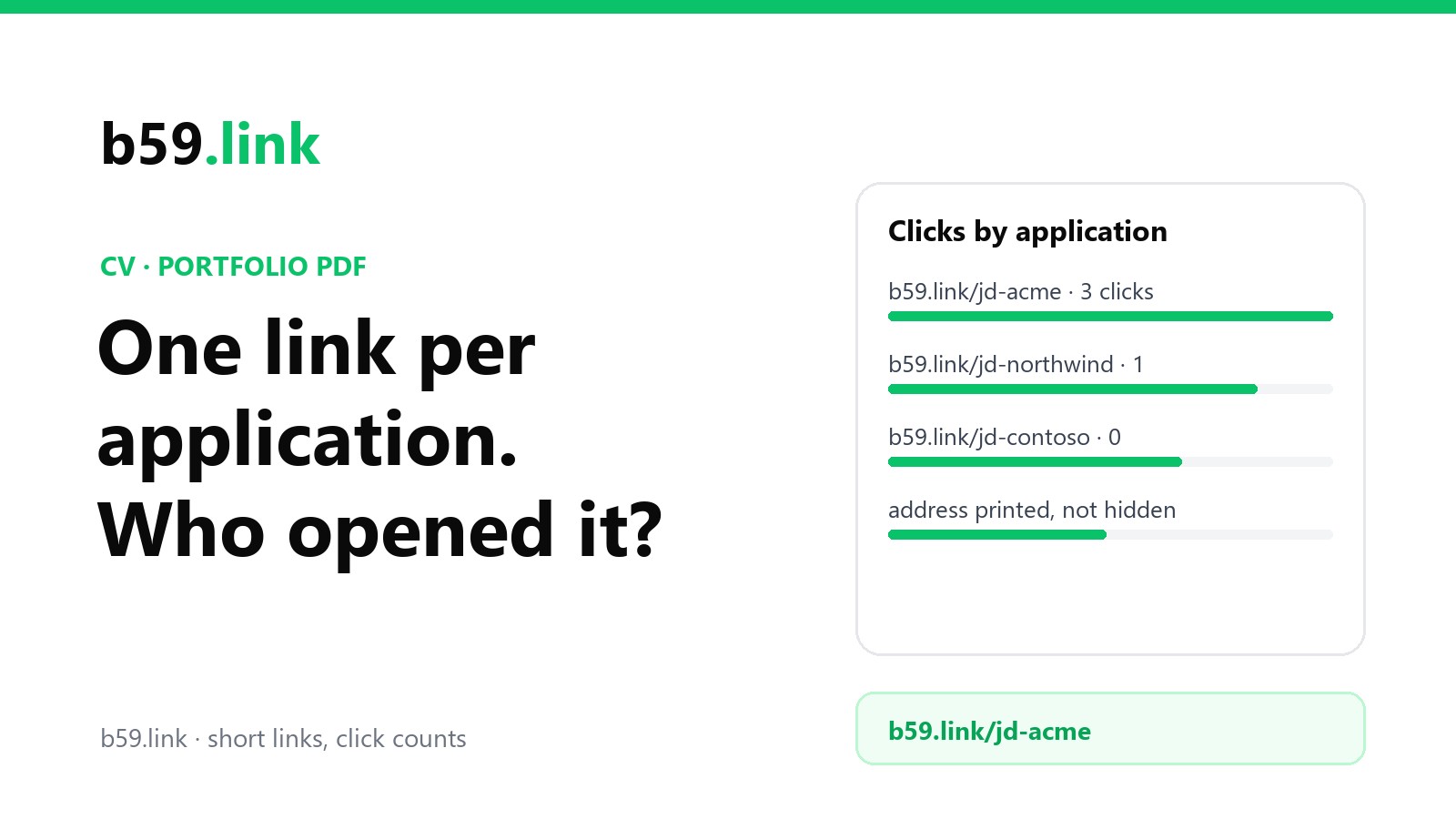
Every link counts its own clicks, so you can see that Acme's copy got opened and Contoso's didn't. You can point them all at the same page, or later at the case study that matches each role, without touching a PDF that's already sent.
It sounds like a lot of links. In practice it's a spreadsheet column. Huntr's job search report for Q3 2025 found the typical job seeker sent 16 applications a week. Over a four-week stretch:
Not every application needs one. Easy-apply forms on a jobs board, where the same CV goes out fifty times, are the least likely to be read by a person at all; Huntr's Q2 2025 report put LinkedIn's response rate at 3.3%, against 9.3% for jobs found through Google Jobs. Save the per-application links for the CVs you've tailored, the ones that go to a named person and the ones through an agency.
On b59.link a short link is free and needs no account. To make a batch in one go, the campaign link set tool takes one destination and a list of places (here: company names) and makes a short link for each, with utm_source set to the company, so if your portfolio counts its own visits, that tag shows up there too. It suggests a name for each link from the campaign and the place (call the campaign jd and the Acme link comes out as b59.link/jd-acme), and you can change any of them before it makes the set. It also gives you the set as a CSV, which is most of that spreadsheet done.
What a click tells you, and what it doesn't
A click count is a hint, not a verdict. The b59.link stats page for a link lists each click's time, device type, browser and the page it came from, when the browser sends one. Here's how to read the patterns you'll see:
That first row is the one that fools people. Many company mail systems, Microsoft Defender's Safe Links and Safe Attachments among them, check links in incoming mail and attachments before or as a person sees them. We wrote up how this inflates newsletter numbers in why links get clicked seconds after you send; the same thing happens to a CV sent by email. Ignore clicks in the first couple of minutes after you hit send.
No clicks doesn't mean nobody read the CV. Plenty of people decide from the CV itself. A hiring manager may read a printout and never type the address. A recruiter might look you up by name on LinkedIn instead of clicking. And a system that didn't keep the link (see the test above) leaves them nothing to click. Treat clicks as 'this application got at least this far', never as 'this one is dead'.
Two things not to do with the numbers. Don't mention them: 'I saw you looked at my portfolio' in a follow-up email reads as being watched, and nobody wants to hire that feeling. And don't read the timing as a promise: a click on Monday followed by silence usually means the process is slow, not that they hated the work.
One more thing to know: b59.link's link stats pages are public. Anyone with the short name can see the click count and times (never visitor IPs). For a portfolio link that's harmless, since the destination is your public portfolio anyway, but it's worth knowing before you name links after companies.
If your portfolio is your own site
A short link counts the click. Your site can count what happens next: which case studies they opened. If the site has no analytics, one tag from b59.link counts page views per page with no cookies, and the per-application utm_source tag tells you which company sent the visit. We walked through the setup in a view counter for your portfolio.
Keep the portfolio quick and readable on a phone. A lot of first looks happen on one, between meetings.
Keeping the links alive while you job-hunt
Job hunts run for months, and CVs stay in company systems for years. These are the things that break links in that time:
The 'request access' screen is the worst of these, because you never find out: the recruiter sees a sign-in page, shrugs and moves on. Open every link in a private window, signed out, before the CV goes anywhere.
When the job hunt is over, don't delete the links. Those PDFs are still in applicant systems, and the next time a recruiter searches their database for someone like you, they'll click. Point every application link at your current portfolio or LinkedIn and leave them be. If you're wondering why we keep going on about links you control, what happened to goo.gl and git.io links is the long answer.
Checklist before you send
1. Header: name, email, phone, city, then two or three printed addresses (portfolio, LinkedIn, one more).
2. Each address is also a real link, exported with Save As or Export, not Print.
3. This application has its own short link, in your spreadsheet next to the company and date.
4. Every link opens in a private window, signed out, on a phone.
5. Paste the PDF's text into a plain editor: the addresses are all there.
6. After sending, ignore any click in the first couple of minutes.
Make one short link per application, all pointing at your portfolio, and see which ones get opened. Free, no account needed.
Make a short linkSources
- Ladders, eye-tracking study (2018): 7.4 seconds average initial resume screen, reported by HR Dive.
- Our own test, 22 October 2026: a CV header PDF made with ReportLab, read with Poppler pdftotext -layout and pypdf; link annotations listed with pypdf.
- ATS Verification, Greenhouse platform guide and 'Greenhouse vs Workday ATS parsing' (May 2026): link extraction from PDFs (a vendor site; treated as a claim).
- North Carolina Bar Association, Center for Practice Management, Tip of the Month (July 2020): Print to PDF leaves links that don't open; Save As PDF keeps them.
- Huntr, Job Search Trends Q3 2025 (16 applications a week for the typical job seeker) and Q2 2025 (response rates: Google Jobs 9.3%, LinkedIn 3.3%).
- Microsoft Learn, 'Safe Attachments in Microsoft Defender for Office 365' and the Safe Links documentation.