Go through GitHub issues on personal sites and documentation projects for a few minutes and you'll see the same ticket over and over: "Simple view counter", "Add a page view counter to documentation pages". People don't want a full analytics dashboard on the page. They want one honest number that says somebody read this.
The usual way to build it is a small table, an endpoint that adds one, and a bit of JavaScript that fetches the number. It works, until it doesn't: bots inflate it, every reload counts, and one bug report we found sums up the most common mistake, "View counter never reflects the visit it just recorded".
So we added a view counter badge to b59.link. It sits on top of the page-view tracker you may already use, and it takes two lines of HTML.
Two pieces: one counts, one shows
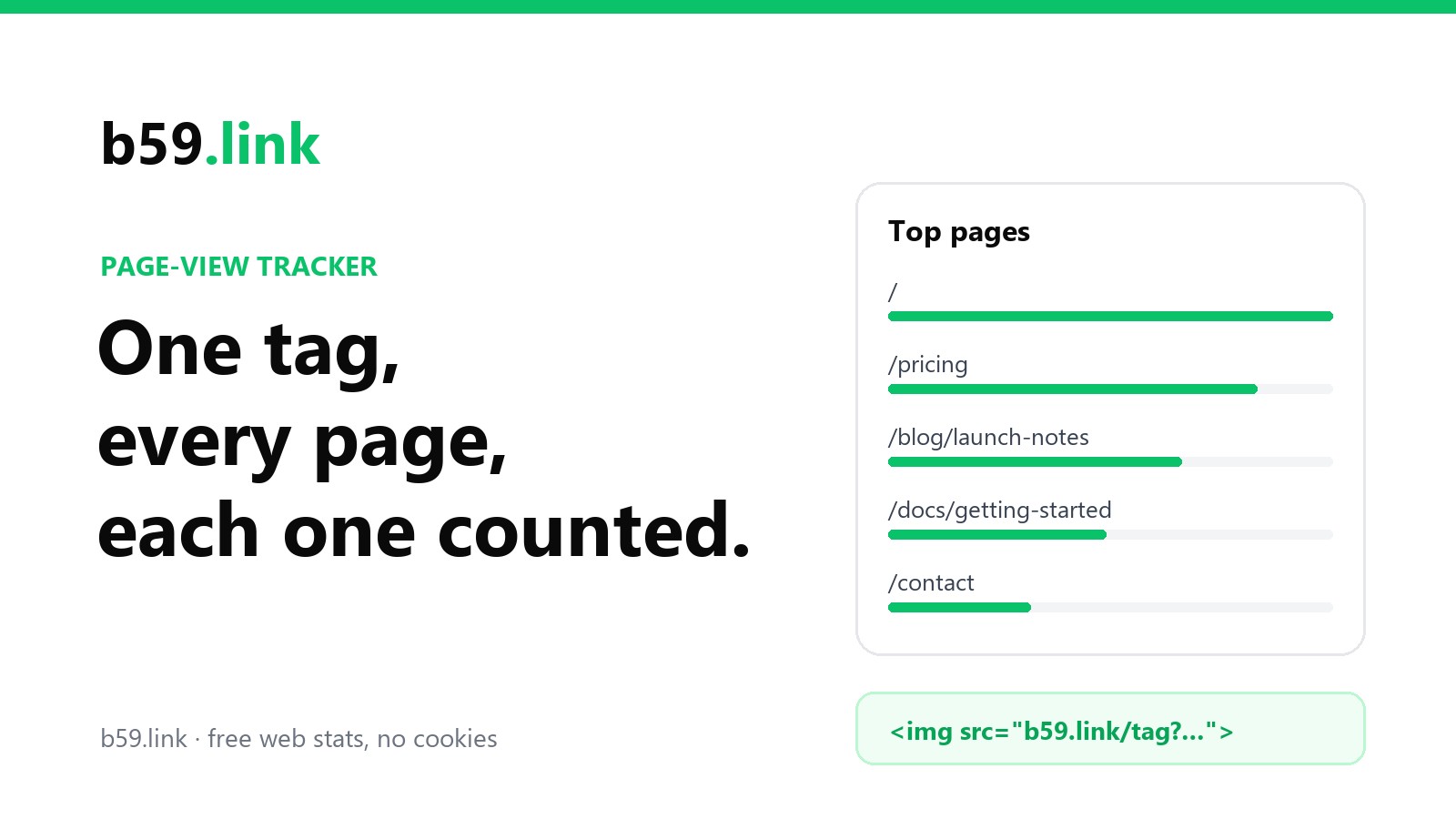
The tag counts. It's the same b59.link tracker tag: a tiny image request on each page view. It skips known bots and browsers that send Do Not Track, sets no cookies and doesn't store visitor IPs.
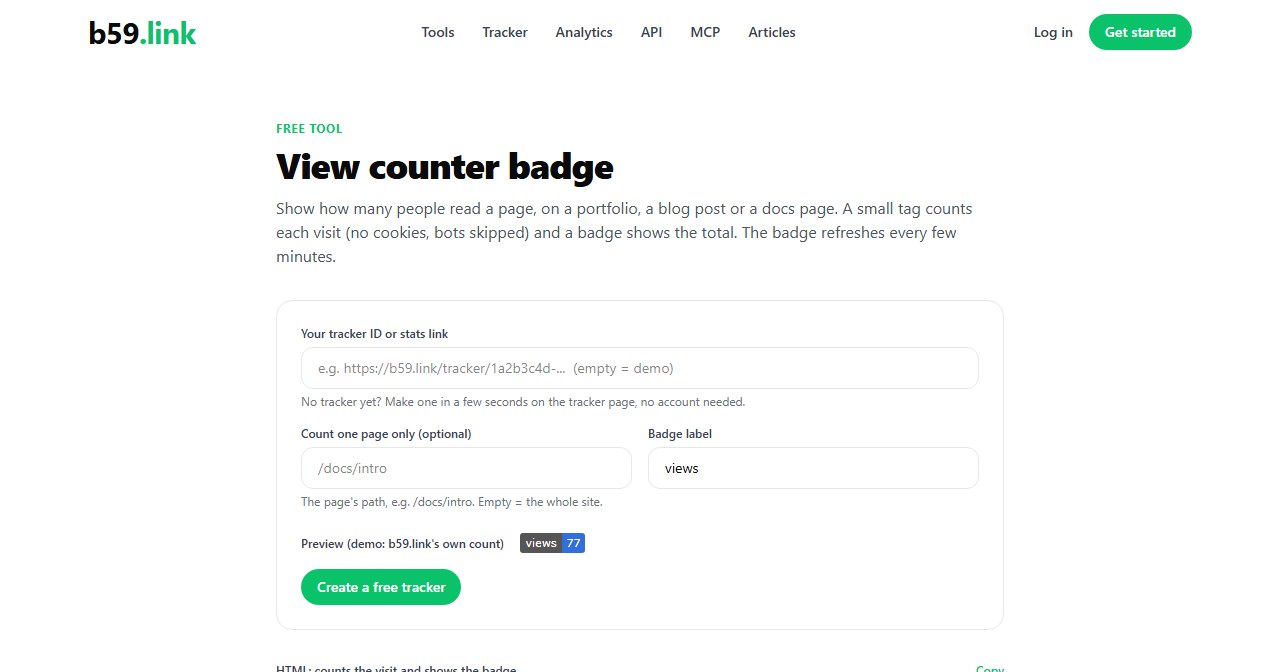
The badge shows. https://b59.link/badge.svg?id=<your tracker id> returns a small SVG, "views | 1,204". It only reads. Loading the badge never adds a view, so putting it in a README or on a page twice doesn't double anything.
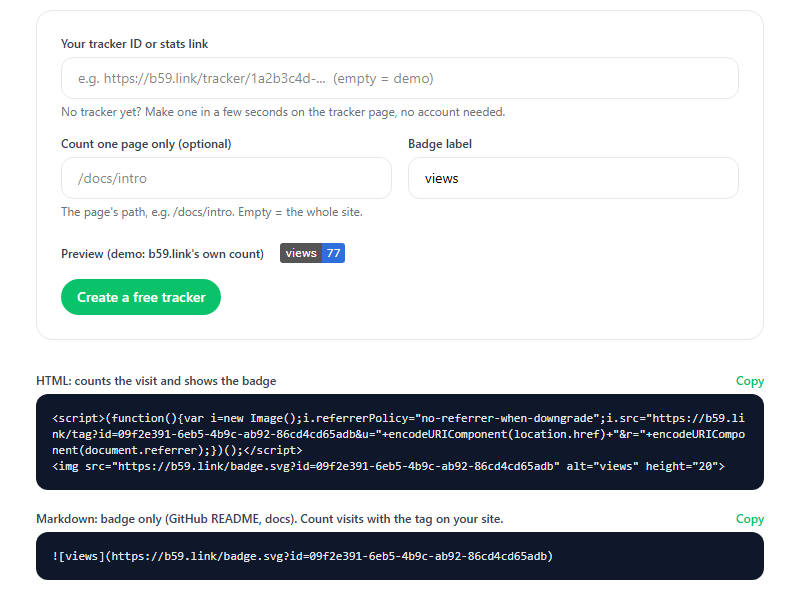
The tool at b59.link/tools/view-counter builds the snippet for you. Paste your tracker ID or its stats link, optionally a page path, and copy either the HTML version (counts and shows) or the Markdown one (shows only, for a README).
Whole site, or just this page
By default the badge shows every view the tracker has recorded across your site. For a docs page or a single blog post that's usually the wrong number. Add the page's path and the badge counts only that page:
The path has to match what the tracker saw, without the domain and query string. If you're not sure, open your tracker's stats and look at the Top pages list: those are the exact paths.
Why the number isn't instant (on purpose)
The badge is cached for five minutes. A badge is loaded on every single view, and many pages carry several images; counting the whole history each time would be wasteful for a free tool. So a fresh visit shows up a few minutes later, not the moment you reload.
That also sidesteps the bug from the issue above. A counter that reads and writes in the same request has to decide whether "now" includes the current visit, and different browsers fire the two requests in different orders. A counter that's a little behind is consistent; one that's sometimes off by one looks broken.
What the badge will and won't show
Only public trackers show a number. If you made your tracker private, the badge says "private" and nothing else. Even for public ones it shows only the count, never visitors, places, referrers or devices; those stay on your tracker page.
One more thing for GitHub READMEs: GitHub loads images through its own proxy, so a README can show your badge but can't count its own visits. Put the counting tag on your project's site or docs, and use the badge in the README to show that number.
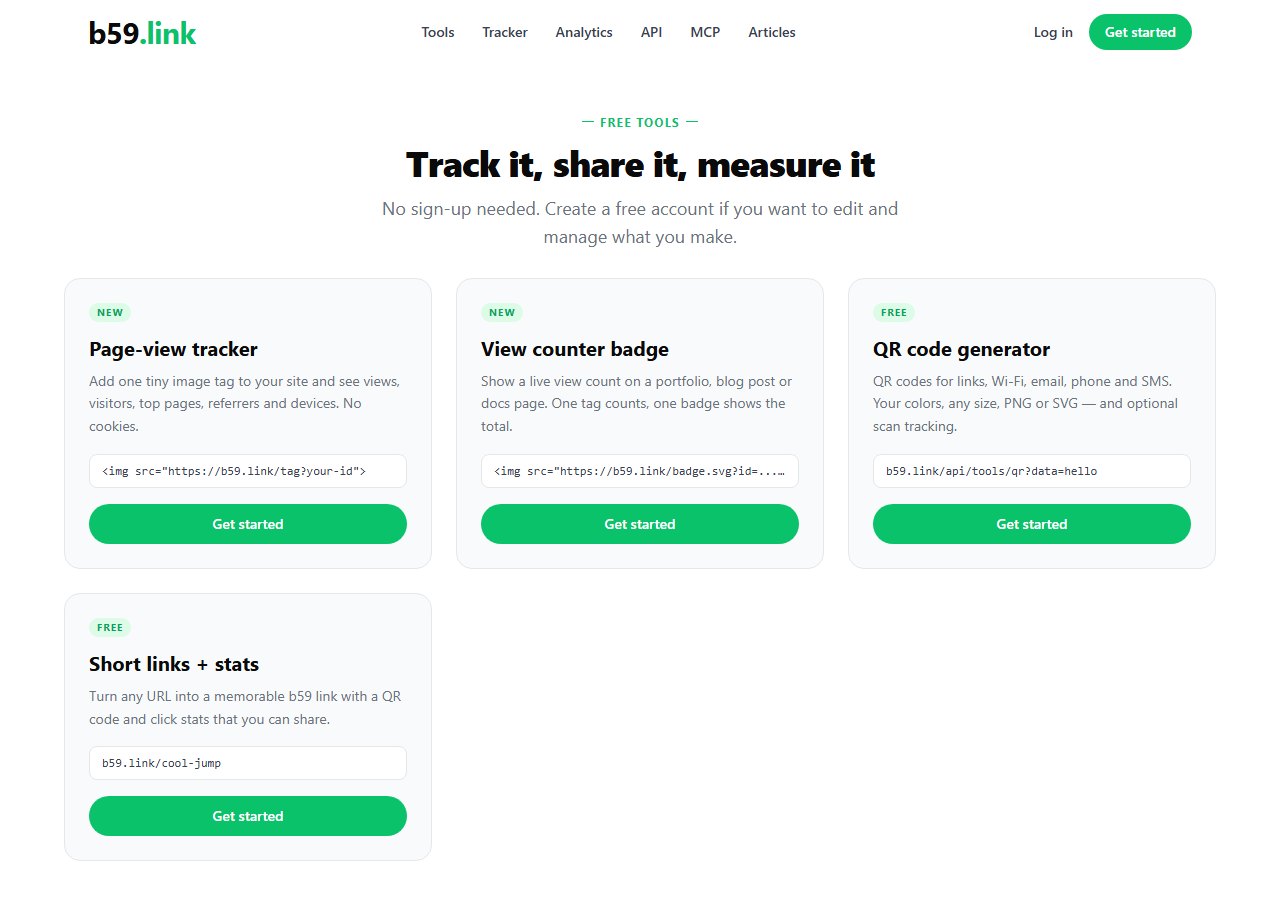
If you already use one tag across your whole site, nothing changes: the badge reads the same tracker. Our earlier guide on per-page tracking explains how the paths are recorded and the three cases (Safari with the image-only tag, single-page apps, duplicate tags) where pages can go missing.
Make a tracker, then copy a badge for your portfolio, blog or docs page. Free, no cookies, no sign-up needed.
Get a view counter badge