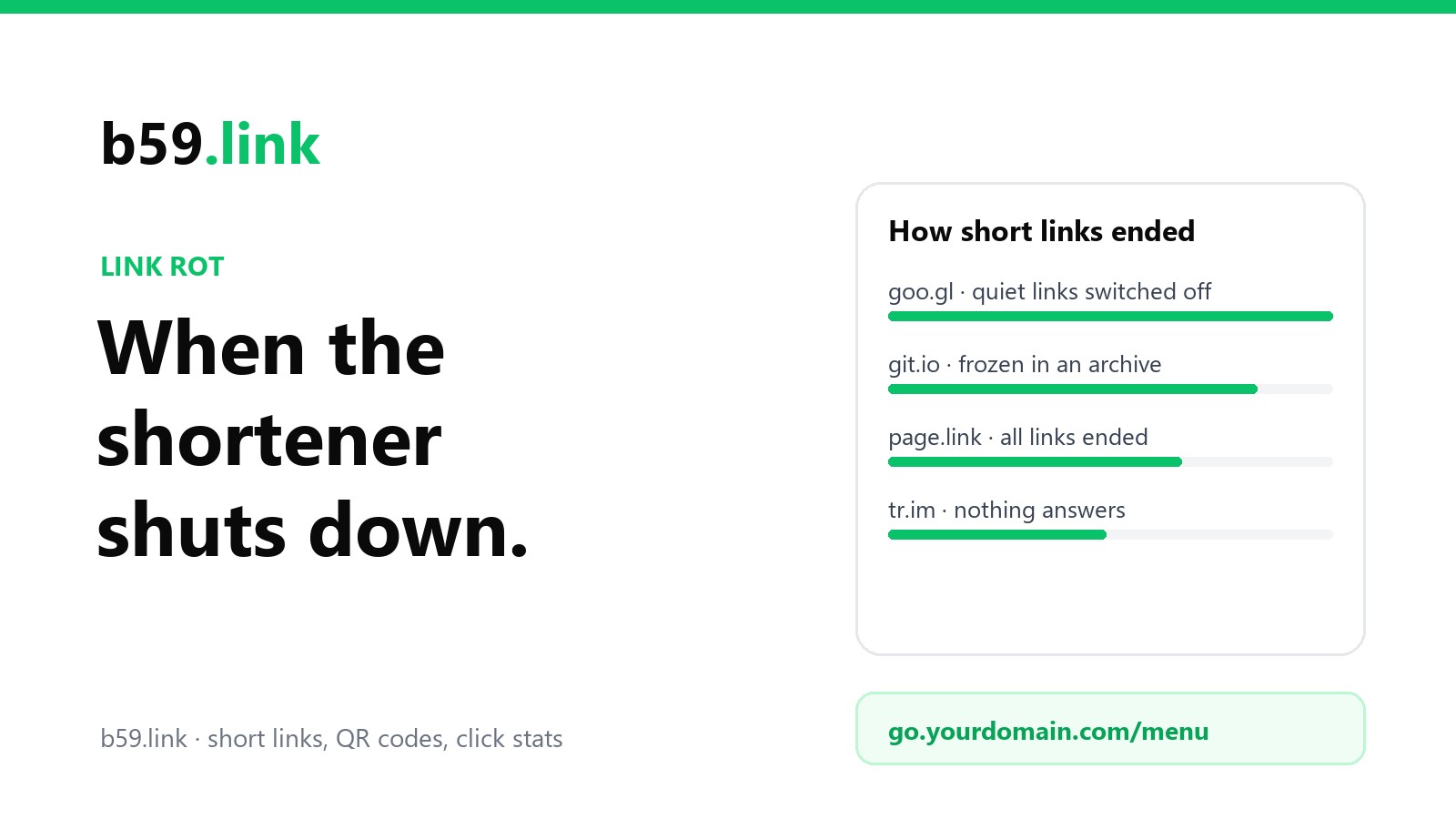
A short link is a favour somebody else's server does for you, every time anyone clicks. Your page can be perfectly healthy and the link to it can still die, because the company in the middle changed its plans. That has happened often enough now that we can look at how it goes.
We run a shortener, so read this as you would read a bank's advice about banks. We've tried to write the article we'd want to find before printing a short link on ten thousand boxes.
goo.gl: three announcements in seven years
Google opened goo.gl in December 2009. In 2018 it announced that the service would stop taking new links, and that it "would continue serving existing URLs". For anyone with goo.gl links in a book, a slide deck or a paper, that sounded like the end of the story.
On 18 July 2024 the story changed. Google said that goo.gl links would stop working after 25 August 2025, and that after that date "all links served will return a 404 response". The reason it gave was traffic: of all the links, "more than 99% of them had no activity in the last month".
The year in between had its own problem. From 23 August 2024, a growing share of goo.gl links stopped going straight to the destination and showed a warning page first. Google's own post said that this page "may prevent the redirect flow from completing correctly" for links that were part of a longer chain, and that it could stop preview cards from showing. So links began to misbehave a year before the date.
Then, on 1 August 2025, three weeks before the deadline, Google changed course. Only links that had shown no activity in late 2024 would be switched off. In its words, "All other goo.gl links will be preserved and will continue to function as normal."
We checked on 13 October 2026. goo.gl/l6MS, which points at Google's own 2009 post introducing the service, still answers:
Good news for busy links. But look at which links were lost: the ones nobody followed during a few months of 2024. A link in the footnote of a thesis, on the back of a product manual or in an archived mailing list is exactly the kind that sits quiet for a year and then matters to one person. Those are gone, and the people who made them were never asked. Most had no way to be told.
git.io: four days' notice, then an archive
GitHub made git.io in 2011 to shorten addresses on its own sites. On 11 January 2022 it stopped taking new links. On 25 April 2022 it announced that every git.io link would stop redirecting on 29 April, four days later, citing concern about the security of links passing through the old system.
Two days after that it reversed the decision. Developers and academic researchers had pointed out that git.io links were printed in documentation and research papers, and GitHub said it would move the existing links to a read-only archive that keeps redirecting. It kept two conditions: it may remove links that point at spam, malware or pages that no longer exist, and its support team can't edit any of them.
That archive is still up. It answers with a permanent redirect and tells browsers to keep it for a year:
It's the best ending on this page, and it still froze every link. If the repository behind a git.io link is renamed or moved, the short link can't follow it.
Firebase Dynamic Links: the one that went dark
Google's other link service had no last-minute rescue. Firebase Dynamic Links, the page.link addresses many apps used in emails, QR codes and share buttons, shut down on 25 August 2025. The notice was plain: "All links served by Firebase Dynamic Links (both hosted on custom domains and page.link subdomains) will stop working".
The two kinds of link didn't end the same way, though. A yourapp.page.link address belonged to Google, and nothing its owner could do would bring it back. A link on the app maker's own domain stopped working too, but the domain was still theirs. They could point it at another service, recreate the same paths, and the links already printed would work again. That one difference is most of what this article has to say.
The quiet endings
Most shorteners don't get a blog post. The company is sold, the feature is dropped, or the domain renewal is missed. On 13 October 2026 we asked the front door of some once-common short domains what was left. This is only the domain's main address; we didn't test old links on each.
Two of these have stories worth knowing. tr.im announced its closure in August 2009, with all links to die at the end of that year, and took it back within days after an outcry. It was the first time many people noticed that a shortener could take a slice of the web with it. And vb.ly was removed in 2010 by the registry that runs the .ly ending, which belongs to Libya, because it disapproved of the site. The owner said the domain was taken without warning. A short, clever domain ending is a country's property, run by that country's rules.
The last four rows are the uncomfortable ones. When a short domain changes hands or is put up for sale, old links don't just stop. Whoever holds the domain decides where they go, and it won't be your page.
Why this hurts more than ordinary link rot
Pages disappear all the time. Pew Research Center sampled the web in 2023 and found that 38% of pages that existed in 2013 could no longer be reached. People who publish have learned to live with that.
A dead shortener is a different kind of loss, for three reasons. The page at the far end is usually fine, so nothing on your own site warns you. You can't fix it from your side, because the link was never yours. And short links are used most in the places that can't be edited: print, packaging, slides, PDFs, video descriptions, papers. A web page with a broken link can be corrected in a minute. A poster can't.
Five things to check before you trust a shortener
1. It answers with a plain redirect. Ask for the link with curl -sI and look for a 301 or 302 and a location line holding your address. No ad page, no countdown, no script that does the forwarding. A plain redirect is something any web server can copy later; a page with a script in it isn't. The difference between the status codes is in 301 or 302 for a short link.
2. You can get your list out. Every short name and the address it goes to, in a file. And whatever the service offers, keep your own copy: a sheet with the short link, the destination, where you used it and the date. When goo.gl's notice came, the people with that sheet had a job to do. The people without it had to work out what they had ever published.
3. For anything printed, the domain is yours. If the short address is go.yourshop.com/menu, a closing service is a move: point the name somewhere else and recreate the paths. If it's on the service's domain, a closing service is a loss. You don't need a product for this. A few redirect lines in nginx, Caddy or your host's control panel will do, and we showed them in QR codes on packaging.
4. You know what was promised, and by whom. Read what the service says about old links if it stops. Then remember that goo.gl's promise from 2018 lasted six years, and that it came from one of the largest companies in the world. A promise is worth having. It doesn't replace point 2 or point 3.
5. The domain ending isn't a risk of its own. Two-letter endings belong to countries. Most are run sensibly, and a few have removed sites they disliked. It matters less than the other four, but it's worth one search before you print.
Here is how b59.link does on its own list. Links answer with a plain 302 and nothing in between. Signed in, you can see every link you've made at b59.link/my-links and read the same list through the API, so keeping your own copy is easy; there's no one-click export file yet. We don't offer short links on your own domain yet either. So our advice is the same one we'd give about anyone: a b59.link address is right for a post, a newsletter, a flyer for next month's event, anything where you want the clicks counted and could live with the link ending one day. For a code moulded into a product or printed in a book, put your own domain in it.
A yearly check that takes ten minutes
Put the links you depend on in a text file, one per line: the short links you've printed, and the long ones behind them. Once a year, run this:
Each line shows the final status, how many redirects it took, and where it ended:
Read three things in each line. The status should be 200; 404 and 410 mean the page is gone, and 000 means nothing answered. A 403 or 429, like the middle line here, usually means the far end turned away a script and not that the link is dead (Google's blog host asked our server to prove it was a person), so open those few in a browser before you worry. The address after the arrow should be the page you meant, not a home page, a sign-in page or somebody else's site. A link that "works" but lands on a home page has failed for the reader. And the hop count shouldn't have grown since last year, because each extra hop is one more service that has to stay alive.
If you'd rather not use a terminal, paste the same list into our link list checker: it follows up to 25 links and marks each one as working, dead, not answering or worth a look, with a file to keep for next year. For a single link, the redirect checker shows the chain hop by hop.
If your shortener has already announced the end
Save the list today. Export it if you can. If you can't, run the loop above over every short link you know of while they still answer, and keep the output. After the date there is no way to ask where a link used to go.
Fix what can be edited. Web pages, profile links, email templates, pinned posts, app settings. Replace the short link with the real address or with a link on your own domain.
For what can't be edited, look for a record. Volunteers at Archive Team's URLTeam project have spent years saving where short links point, and the Internet Archive's Wayback Machine stores redirects as well as pages. Paste your most important short links into the Wayback Machine's "Save Page Now" box while they still work. A reader who meets the dead link later can then find where it went.
Watch the warning period, not just the date. goo.gl links started showing a warning page a year early, and that page broke some uses before the service ended. Test your links as soon as a closure is announced.
The short version
Shorteners end in three ways: with notice and a change of heart (goo.gl), with an archive that freezes everything (git.io), or with silence. In every case, the links that survived the owner's plans were the ones on a domain the owner controlled, with a list of where each one went. Use a shortener for what it's good at: counting clicks, tidy links, codes that stay small. Keep the list, check it once a year, and put your own domain in anything that will outlast the campaign.
Sources: Google Developers Blog, Google URL Shortener links will no longer be available (18 July 2024, updated 1 August 2025; the quotations) and Google's update on goo.gl links; GitHub Changelog, Git.io no longer accepts new URLs and Git.io deprecation with its 27 April update; Firebase, Dynamic Links deprecation FAQ (the quotation); Pew Research Center, When Online Content Disappears (May 2024); Archive Team, URLTeam; news reports from 2009 and 2010 on tr.im and vb.ly. The header readings and the table of old domains are our own, taken with curl on 13 October 2026 from a server in New York; a domain that didn't answer us that day may answer from elsewhere or later.
Paste the links you depend on and see which still work, which are dead and which land somewhere you didn't mean.
Check a list of links