Fewer people carry cash, so the busker, the café counter, the market stall and the church door all end up with the same thing: a QR code taped to the jar. The code is the easy part. What goes behind it decides whether a stranger can actually give in the ten seconds they're standing there, how much of each gift you keep, and what happens to every printed jar when your account changes.
This guide compares the usual choices (PayPal, Venmo, Cash App, a Stripe payment link, a bank code) for a jar or a collection box, then covers the part most people skip: putting a link you control in front of the payment page, and counting scans against gifts.
What a stranger needs at a tip jar
A tip is an impulse. Someone liked the song or the coffee, and they'll give if it takes a few seconds and stop if it doesn't. So the page behind the code has to:
- Open without an app they don't have. A Venmo code is perfect for a Venmo user and a dead end for a tourist.
- Let them choose the amount, ideally with a few suggested ones, so they don't have to think.
- Take the way they pay: a card, Apple Pay or Google Pay, or the app they already use.
- Show a name they expect. If the jar says Rosa and the payment page says R. Delgado Holdings LLC, some people stop.
No single option does all four everywhere. That's the real choice.
The options
PayPal: PayPal.me or a business QR code
A PayPal.me link (paypal.me/yourname) opens a page with your name and photo where the giver types an amount. Most givers will be asked to sign in to PayPal, which is fine for people who have an account and a hurdle for those who don't.
Fees depend on how the money arrives. A personal payment sent as "friends and family" from a balance or bank has no fee, but a tip from a stranger is a commercial payment and PayPal's terms expect you to treat it that way. Paid as goods and services it costs 2.99%. A PayPal business account's own QR code costs 2.29% + $0.09 in the US. PayPal's Donate button, meant for charities, costs 2.89% + $0.49, and 1.99% + $0.49 for charities PayPal has confirmed: on small gifts that fixed $0.49 is what hurts.
Venmo
In the US, Venmo is how a lot of people under 40 pay each other, and a Venmo code at a market stall gets used. The giver needs the Venmo app, and Venmo is US only.
Venmo's user agreement says a personal account isn't for receiving payments for goods and services unless the payer marks them as such (2.99%) or you use a business profile. A business profile costs 1.9% + $0.10 per payment and shows your business name rather than your own. Whether a tip counts as payment for a service isn't spelled out, but if tips are part of how you earn, the business profile is the safe reading, and it keeps your personal feed out of it.
Cash App
A $cashtag link opens Cash App for people who have it, also mainly in the US. A personal account takes payments for free; a Cash App for Business account takes 2.75% of each payment received. Same trade-off as Venmo: great for regulars who use it, useless for those who don't.
A Stripe payment link
A Stripe payment link opens a checkout page in any phone browser. The giver pays by card, Apple Pay or Google Pay with no app and no account. Stripe has a "customers choose what to pay" option made for tips and donations, where you can set a suggested amount and a minimum and maximum.
The cost is the fixed part: 2.9% + $0.30 per card payment in the US. On a $2 tip that's 18% gone. On a $20 gift it's under 5%. Stripe has offered registered US nonprofits a lower rate (2.2% + $0.30 has been the usual figure), but it isn't on its public price page; ask them. You also need a Stripe account with your identity and bank details, which takes longer than a PayPal.me link.
A bank code
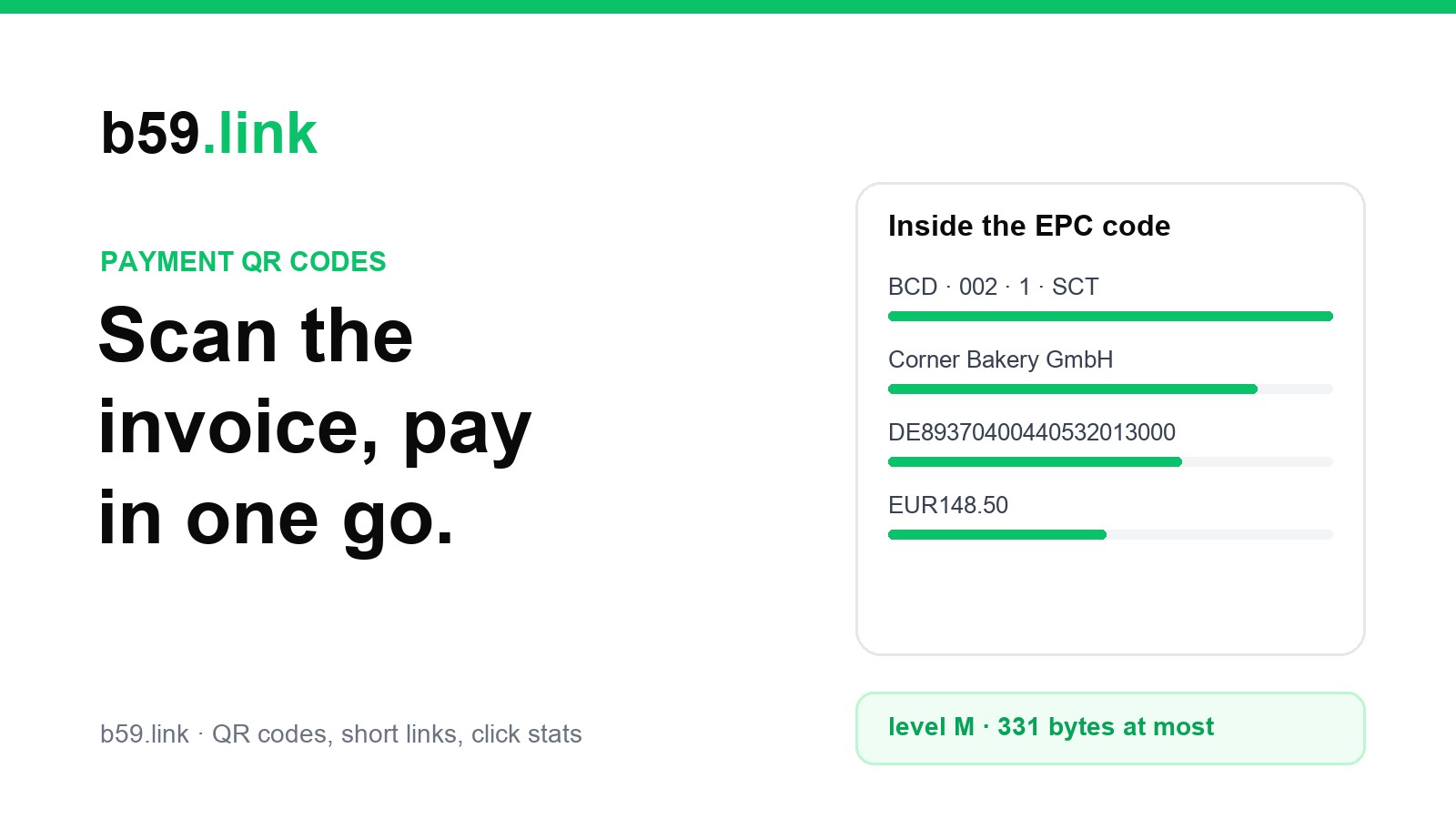
In much of Europe, a banking app can read an EPC payment code (sometimes called a GiroCode) that holds your name and IBAN. Leave the amount out and the giver types their own. Transfers inside the euro area are usually free on both sides, and the money lands in your bank account, not in an app. We covered the format in a payment QR code on an invoice. It's best where nearly everyone banks in euros; a visitor from outside the euro area can't use it.
Printing your IBAN on a jar is not a security risk in the way printing a card number would be, but it does put your full name on public display. For a personal jar, some people would rather not.
What you keep, side by side
Rates from PayPal's, Venmo's and Cash App's US fee pages and Stripe's standard US card rate, checked in October 2026; they change, and they differ by country, so check your own before you print. The pattern holds anyway: fixed fees eat small tips. If your typical gift is a couple of dollars, an app with a small or no fixed part keeps more for you. If it's $20 to a charity box, the card page that anyone can use probably brings in more gifts than it costs.
Cash is still the cheapest of all. Keep the slot. The code goes next to it, not instead of it.
Put a link you control in front of it
Here's the mistake that costs the most later. You print venmo.com/u/rosa-delgado-7 as a QR code on twenty jars and a banner. Then you switch to a business profile, or the band gets a joint account, or the charity moves from PayPal to Stripe. Every printed code now goes to the old account, or nowhere.
Put a short link of your own between the code and the payment page instead: the code holds b59.link/rosa-tips, and that forwards to whichever payment page is current. When the account changes, you change where the link points. The jars stay as they are. The same idea is behind codes on for-sale signs that outlive the listing.
If you take more than one way to pay, point the link at a tiny page of your own with two or three buttons ("Card or Apple Pay", "Venmo", "PayPal"). Each extra tap loses a few people, so only do this if the choice really helps, for instance when half your crowd uses Venmo and the other half are tourists with cards. A link page like the ones in one link in your bio works for this.
Make a short link for your jar, get the QR code for it, and change where it points when your account changes. Sign in with an email code to edit it later.
Make a tip jar linkPrint the address in plain type under the code too. Some people won't scan a code on a jar (more on why below), and they can type a short address.
Count scans, then count gifts
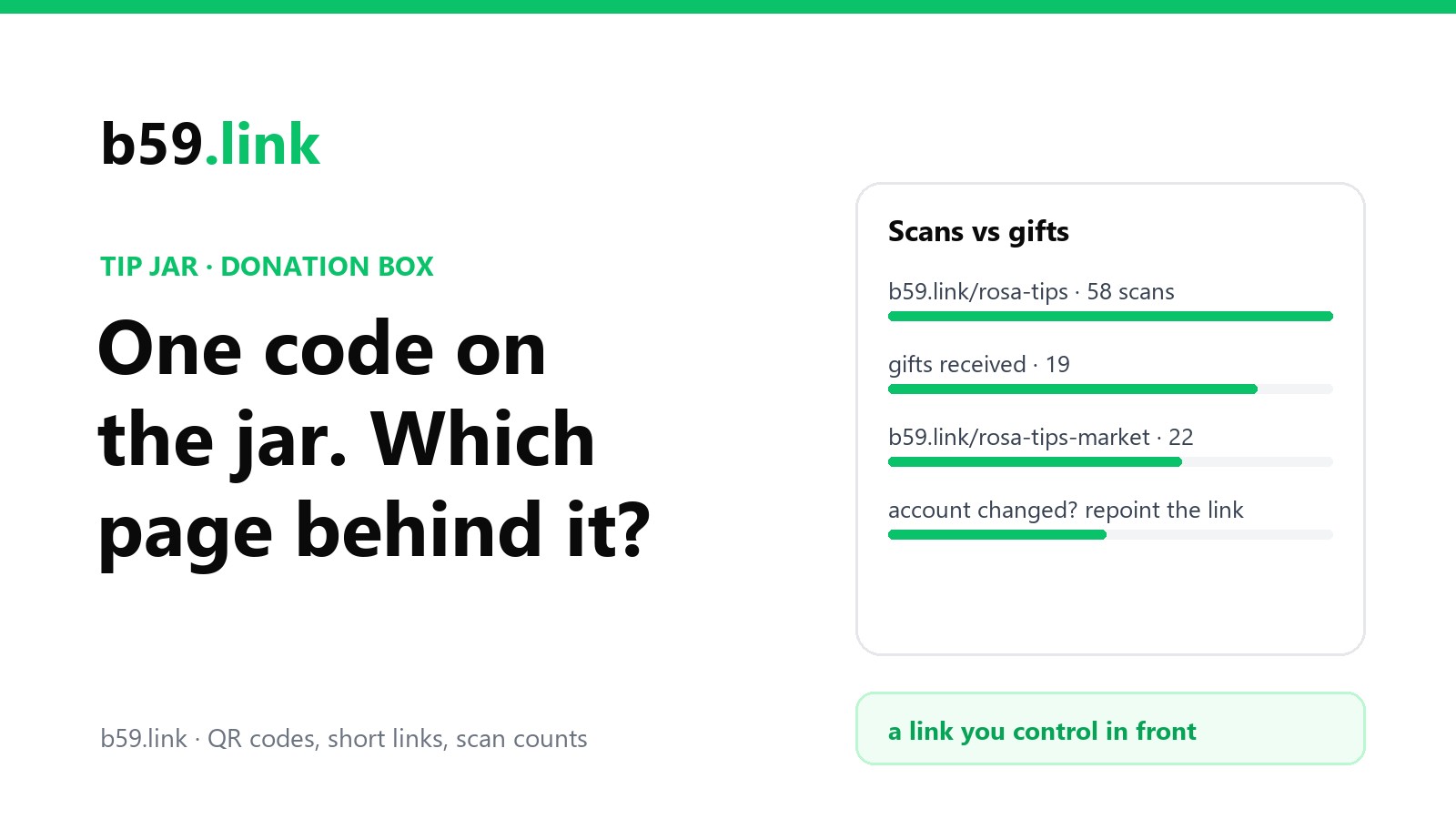
Your payment app tells you how many gifts came in. The short link tells you how many people scanned. The gap between the two is the most useful number you'll get:
- Lots of scans, few gifts: people want to give and something on the page stops them. Usually it's the app (they don't have it) or the amount (no suggestion, or a minimum that's too high). Try a card page.
- Few scans: the code isn't being seen or isn't trusted. Move it to eye level, make it bigger (our printing guide has sizes by distance), add a line saying what it's for.
- One link per place: rosa-tips-market on the Saturday jar and rosa-tips-station on the weekday one tells you which pitch brings in digital tips, not just which one feels busier.
A scan count isn't a count of people. One person may scan twice, and it can't tell you who gave. It's a rate to watch week by week, not a ledger.
What to print on the jar
Say what the code does in plain words, give the address, offer the second option by name, and keep it short. A collection box for a registered charity should also show the charity's name and number, and if you're claiming Gift Aid in the UK, a card page that collects the donor's details is worth more than an anonymous app payment.
Keep an eye on the code
A jar or a collection box is one of the easiest places to stick a fake code over yours: it stands still, it's unattended for hours, and people expect to pay there. Print the code into the sign or under lamination rather than on a loose sticker, check it each time you set up, and watch the scan count; if a busy pitch suddenly shows no scans, look at the code before you blame the weather. We wrote up the whole problem, with what helps and what doesn't, in someone stuck a fake QR code over yours.
Sources
- PayPal, US business fees page (QR code transactions, goods and services, Donate button, confirmed charity rate), October 2026.
- Venmo, "Our fees" and the Venmo User Agreement (personal accounts, business profiles).
- Cash App help, "Cash App for Business fees".
- Stripe docs, "Let customers decide what to pay" (payment links for tips and donations); Stripe's US standard card rate.
- European Payments Council, EPC069-12 quick response code guidelines.