A short link does one small job. A browser asks for b59.link/oct-flyer, and the server answers "not here, go over there". The answer is two lines long. The first line carries a three-digit number, and most people who make short links never look at it.
That number decides two things you probably care about: whether the tenth click from the same person is counted, and whether you can still change where the link goes after it has been printed on something.
What a redirect looks like
Here is a real one, from a link we made for an earlier article:
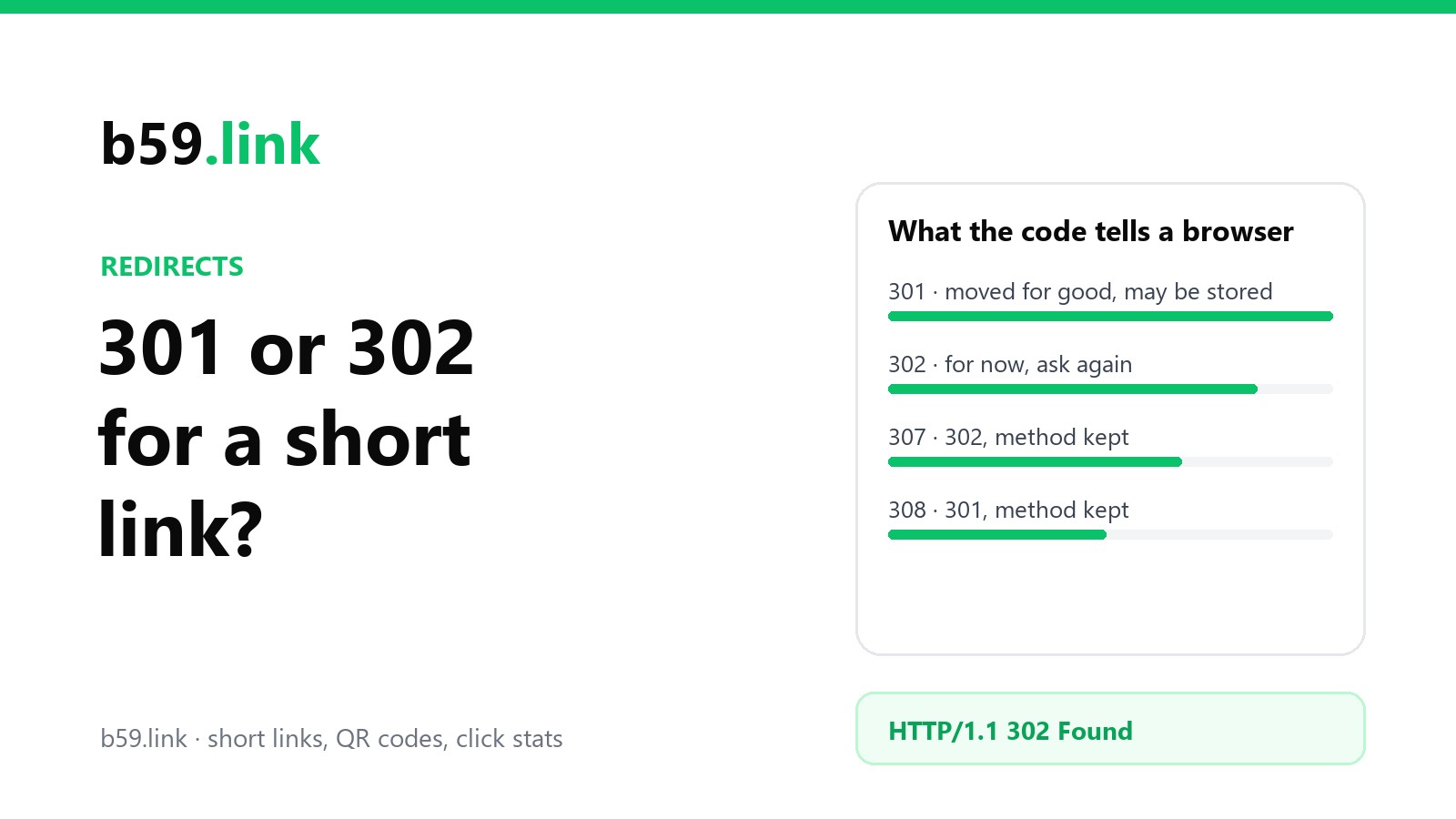
location is where to go. 302 Found is the status, and it says what kind of move this is. There are four statuses in everyday use, and they differ on two questions: is the move for good, and may the browser change the request on the way.
The last column matters for forms, webhooks and API calls. A click on a link is always a GET, so for a short link 301 behaves like 308 and 302 like 307. You'll also meet 303 now and then (YouTube's youtu.be links use it). It means "go and GET that other page" and counts as a temporary redirect.
The column that matters for a short link is the third one.
"Stored by default" is where clicks go missing
The HTTP standard says a 301 means the address "has been assigned a new permanent URI and any future references to this resource ought to use one of the enclosed URIs". It also puts 301 and 308 on the short list of answers a cache may keep and reuse even when the server hasn't said for how long.
Browsers take that at its word. A browser that has seen a plain 301 for your short link is allowed to skip the shortener next time and go straight to the destination. It doesn't ask again, so:
The repeat click isn't counted. The shortener never hears about it. First clicks are all counted; it's the second and later ones from the same browser that vanish. For a one-off campaign link that's a small loss. For the link in your bio that regulars tap every week, it's most of the traffic.
Changing the destination doesn't reach those people. You point the link at the new page, test it on your own phone, and it works. Someone who clicked last month still lands on the old page, because their browser never asks the shortener again. You can't clear other people's caches, and nothing in the standard says when a remembered 301 has to be forgotten. In practice it goes when the browser clears out its cache, and nobody can tell you when that will be.
A 302 is the opposite promise. The standard's wording is that the page is somewhere else temporarily, and "the client ought to continue to use the target URI for future requests". 302 and 307 aren't on the store-by-default list. Unless the server adds a header saying otherwise, every click comes back and asks.
The number and the storage time are two separate settings
So 301 loses clicks and 302 doesn't? That's the usual advice, and it's only half the story. A server can send a Cache-Control header with any redirect, and that header overrules the default. To see what the well-known services really do, we asked one live link on each for its headers on 12 October 2026:
One link per service is a sample, not a survey, and any of them may change tomorrow. But the pattern is worth a minute.
Most of the big names say 301, "moved for good", and then take the storing part back in the next line. Bitly lets a browser reuse the answer for 90 seconds; private means only the visitor's own browser may keep it, not a company proxy or a CDN in between. TinyURL and Microsoft's aka.ms say no-store: don't keep it at all. They get to tell search engines the move is permanent while still seeing nearly every click.
The one service in the list that lets a 301 do what a 301 does is git.io, GitHub's old shortener. It stopped taking new links in January 2022 and the old ones were kept as a read-only archive, so there is nothing left to count and nothing that will change. It tells everyone to keep the answer for a year.
b59.link sends a plain 302 and no cache header, so nothing is stored and every click asks us where to go.
The practical lesson: if you're choosing a shortener, or setting up redirects on your own domain, look at both lines. A 301 with a short max-age or no-store counts clicks about as well as a 302 does. A bare 301 doesn't.
Which one a short link should use
A link you count, or might ever re-point: 302. Campaign links, a link in a bio, anything printed. A 307 does the same job. A 301 with Cache-Control: no-store gets you there too, but then you're relying on every browser and proxy in between honouring the second line, and a 302 asks for nothing clever.
A QR code on something printed: 302. The camera opens the address in the phone's normal browser, with the normal cache. The whole point of putting a forwarding address in a printed code is that you can change it later. We went through that in QR codes on packaging.
A page or a whole site that has really moved: 301 or 308. New domain, renamed product page, http to https. This is what permanent redirects are for, and here you want browsers and search engines to remember.
An address that receives form posts, webhooks or API calls: 307 or 308. They keep the request a POST with its body. A 301 or 302 may quietly turn it into a GET, and the data is gone.
There's a cost to the 302, and it's fair to name it. Every click makes a round trip to the shortener before it goes anywhere, so the link is only as fast and as available as that service. A stored 301 would keep working for returning visitors even while the shortener was down. We think counting every click and being able to fix a wrong destination are worth more than that. And for a link you'll never count and never change, you may not need a shortener at all.
What it changes for search engines
Google's documentation splits redirects the same way. For a 301 or 308, "Googlebot follows the redirect, and the indexing pipeline uses the redirect as a signal that the redirect target should be canonical". For a 302, 303 or 307, Googlebot still follows it, but the pipeline "doesn't use the redirect as a signal that the redirect target should be canonical".
When you move your own site, that difference is everything: use a 301, or the old addresses can stay in the results long after the move. For a short link it matters much less than people fear. Your page has its own address, other links point straight at it, and it's that address you want in the results. A 302 short link doesn't hide your page; it's simply not a vote for which address is the main one.
One thing that does deserve a look: a short link that forwards to a tagged address (?utm_source=...) introduces crawlers to that tagged version of your page. Make sure the page has a rel="canonical" link pointing at its clean address, so the tagged copies aren't treated as separate pages.
Check any link yourself
You don't have to take a service's word, or ours. Three commands cover it:
-I asks with HEAD, which returns the headers only. Nearly every service answers it the same as a normal request; if the result looks odd, curl -s -o /dev/null -D - <link> makes a real GET and prints the headers. On some services your test counts as a click. b59.link leaves curl and other scripts out of its click counts, along with the preview fetchers that chat apps send (those are the subject of why a shortened link shows the wrong preview card).
In a browser, open the developer tools, switch to the Network tab and tick "Preserve log" before you click the link. Two things there confuse people. A 301 marked "from disk cache" means the browser answered itself and the server was never asked, which is the missing click from earlier, caught in the act. And a "307 Internal Redirect" in Chrome didn't come from the server at all: it's the browser switching http to https on its own, because the site told it to with an HSTS header on an earlier visit.
If your own browser is holding on to a 301 while you test, use a private window, or clear cached files for that site. It fixes your copy and nobody else's, which is the best argument for not sending a bare 301 until you're sure.
The short version
The number tells the world whether the move is permanent. The Cache-Control line tells browsers how long to remember it. Clicks go uncounted, and changed destinations go unseen, only when the answer is remembered. So: 302 for links you count or might change, 301 for things that have really moved, 307 and 308 when the request carries data, and thirty seconds with curl before you trust any of them. Once the clicks are being counted, the next question is where they came from, and that's one short link per flyer, post and podcast.
Sources: RFC 9110, HTTP Semantics, sections 15.1 (which statuses a cache may store by default) and 15.4 (301, 302, 303, 307, 308; the two quotations) and RFC 9111, HTTP Caching; MDN, Redirections in HTTP; Google Search Central, Redirects and Google Search (the two quotations); GitHub Changelog, Git.io no longer accepts new URLs. The header table is our own reading of one public link per service with curl on 12 October 2026. How long a browser keeps a 301 that has no cache header isn't set by the standard, and we haven't measured it.
Make a short link that answers with a plain 302: every click counted, and no stale copy left in anyone's browser.
Create a short link