Guests arrive tired, often late, with a phone full of booking messages they haven't read. Within the first hour they want three things: the Wi-Fi, how the heating works, and what time they have to leave. A card by the door with a QR code to the house guide answers all of them without a message to you at 11pm.
This guide covers what guests actually ask about (with numbers from ten million guest messages), what goes on the card and what never should, a web page versus a PDF, updating the guide between bookings without reprinting, one link per property to see whether guests read it, the check-out steps and the review, and why the door code stays off both.
What guests actually ask
Conduit, a company that sells AI messaging to rental hosts, analysed about 10 million guest messages from 68,625 properties in 78 countries (August 2025 to July 2026). Treat it as a vendor's study, but it's the largest look at this we found. The biggest topics:
The striking part is what guests had already been sent. Of the guests who asked for the Wi-Fi password, 18.4% had it in an earlier message. Of those asking for the door code, 27.4%; for the check-in time, 20.8%. The information existed. It was buried in a thread, a long email or an app section they never opened. A card where they put their bags down is the fix: it doesn't depend on them scrolling back.
Wi-Fi matters more than most hosts think, too. On Airbnb's list of the amenities guests searched for most in 2025, Wi-Fi came third worldwide, after a pool and free parking.
What goes on the card, in the guide, and nowhere
Two codes on one card works well: the Wi-Fi code first (it joins the phone to the network, no typing), then the guide's code, which now loads over the house Wi-Fi. That order matters in the countryside: Ofcom's 2025 figures put indoor 4G coverage from all networks at only 78 to 84% of rural premises, so the guide may not load on mobile data at all. Our guest Wi-Fi sign article covers the Wi-Fi code format and the characters that break it, and the Wi-Fi sign tool draws it in your browser without sending the password anywhere.
Print the address and postcode on the card even though the guests found the place. It's for the moment they need to tell a taxi, a delivery driver or an ambulance where they are. In England, the Home Office's fire safety guidance for small paying guest accommodation asks hosts to give guests instructions on contacting the emergency services along with the full address and postcode.
A web page, not a PDF
The quickest guide to make is a PDF of the welcome folder, and it's the worst one to read on a phone: pinching and scrolling across an A4 page, a big download on a weak signal, no way to jump to 'bins'. Nielsen Norman Group's usability research has said for twenty years that PDFs are unfit for reading on screen (their 2020 update is titled 'PDF: Still Unfit for Human Consumption, 20 Years Later'), and the US government's plain language guidelines tell agencies to avoid PDF for web content for the same reasons.
A plain web page with a heading per topic (Wi-Fi, heating, bins, check-out, local tips) and the most-asked things at the top does better. It can be a page on your own site, a shared document published to the web, or one of the guidebook apps; it just has to open fast without a sign-in. Keep it light: our article on pages for museum labels and walking-tour stops shows how to make a page that loads on one bar of signal.
Updating the guide between bookings
Guides change: a new boiler, the bin day moving, a café closing, the pool shut for winter. If the code on the card holds the guide's own address, every change of tool or address means reprinting the card, and probably missing one in a drawer somewhere. Put a short link you control in the code instead and point it at wherever the guide lives. Move from a PDF to a web page, from one guidebook app to another, or to a winter version with the heating section first, and the card stays where it is.
Check the guide on your phone between bookings, the same way a guest will: scan the card, read the top of the page. If the top still says 'pool open', fix it before the next arrival.
One link per property: do guests read it?
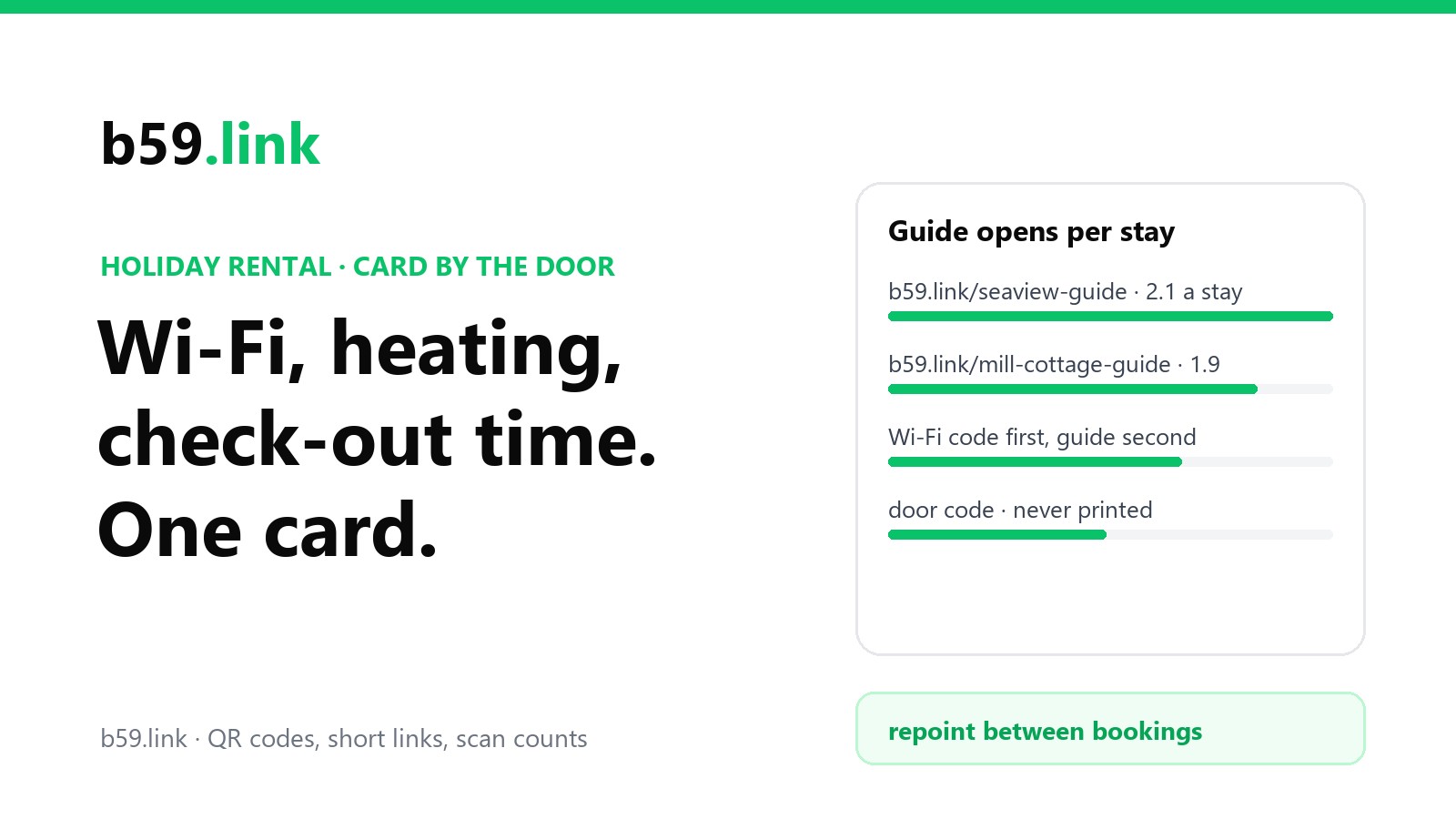
Give each property its own short link (b59.link/seaview-guide, b59.link/mill-cottage-guide), even if the guides look alike. Then compare opens with stays:
More than one open per stay is normal: two guests on two phones, or the guide reopened at check-out. Under one per stay, with Wi-Fi questions still arriving by message, says the card isn't being seen. On b59.link each link's stats page shows clicks, visitors and the time of each, so you can also see when guests open the guide (arrival evening, check-out morning) and leave out your own test scans.
Check-out steps and the review
Airbnb added check-out instructions for hosts in its 2023 Summer Release, and sends them to guests near the end of the stay. Copy the same steps into the guide's check-out section, so the version on the wall and the version in the app say the same thing: what time, what to do with towels and dishes, heating off, where the keys go.
The review is where the card needs care. On Airbnb, guests and hosts have 14 days after check-out to write a review, and reviews are published once both have written one or the 14 days are up. Airbnb's Reviews Policy forbids offering anything of value for a review, and its 'Pricing and payment transparency' policy bars hosts from offering discounts to book outside Airbnb and from putting links in listings or messages that take people off the platform. So:
- For platform guests, a line on the card or at the end of the check-out section is enough: 'If you enjoyed your stay, a review on the app you booked with really helps us.' No link needed; the platform sends its own reminder.
- No discounts for reviews, and no 'book direct next time for 10% off' card. Both are what those policies prohibit.
- For guests who booked with you directly, a link to your Google review box makes sense; our article on the Google review link shows how to get the exact address.
Why the rule on rewards exists is visible in Airbnb's own experiment: researchers found that offering guests a $25 coupon for a review raised review rates by 53%, and the extra reviews were more negative (Fradkin and colleagues, Marketing Science, 2023). How many guests review without a nudge isn't published; Inside Airbnb assumes 50%, the midpoint of the estimates it found (72% and 30.5%).
Why the door code stays off the guide
A guide behind a QR code is a public page. Anyone with the link can open it: the guest who forwarded it to friends, the person who photographed the card, last month's guest who still has it in their history. The link outlives every stay. So nothing goes in it that lets someone in.
Access is also where things go wrong most: in the Conduit study, 42% of messages about access and entry reported a problem, such as a code that didn't work. Send the code in the booking message, close to arrival (Airbnb shows guests the detailed check-in instructions 48 hours before check-in), and change it between stays. Airbnb's smart lock integration (Schlage, August and Yale, for US and Canadian hosts) does this for you, with a code that works only during the booking. UK police forces give the same advice for keysafes: change the code regularly and share it with as few people as possible.
Keep safety information on paper
Don't move everything behind the code. England's fire safety guidance for small paying guest accommodation (Home Office, updated January 2025) asks hosts to include the escape route and exit doors in the information they give guests, suggests instructions on the back of bedroom doors, and says to think about guests' age, mobility and language. In a power cut or with a flat phone, a printed note is the one that works.
Checklist for the card
1. Make the guide a phone-friendly web page, most-asked topics first.
2. Make one short link per property and point it at the guide.
3. Card by the door: Wi-Fi code, guide code with its short address in text, check-out time, full address and postcode, emergency number.
4. Leave every code that opens anything off the card and the guide; send it per booking.
5. Keep fire and escape information printed as well.
6. After a few months, compare guide opens with stays for each property, and move the card if the numbers are low.
Make the Wi-Fi code in your browser (the password is never sent), then a short link and QR code for the house guide that you can repoint between bookings. Free.
Make the Wi-Fi signSources
- Conduit, 'What 10 million guest messages are about' (3 August 2026; about 10 million messages, 68,625 properties, 78 countries, August 2025 to July 2026). Vendor study.
- Airbnb Resources, 'The amenities guests want' (31 August 2026; most-searched amenities in 2025).
- Ofcom, Connected Nations 2025 (July 2025 data), via ThinkBroadband: rural indoor 4G from all networks 78-84% of premises.
- Home Office, 'Making your small paying guest accommodation safe from fire' (30 March 2023, updated 20 January 2025).
- Nielsen Norman Group, 'PDF: Still Unfit for Human Consumption, 20 Years Later' (2020); PlainLanguage.gov, 'Avoid PDF overload'.
- Airbnb, 2023 Summer Release (check-out instructions); Airbnb Help, 'Check-in instructions' (48 hours before check-in), 'How reviews work' (14 days), 'Reviews Policy', 'Pricing and payment transparency'; Airbnb Newsroom, smart lock integrations for US and Canada hosts.
- A. Fradkin et al., study of incentivised reviews on Airbnb, Marketing Science (INFORMS press release, 11 October 2023).
- Inside Airbnb, 'Data assumptions' (50% review rate).
- Essex Police and Gloucestershire Police keysafe advice.