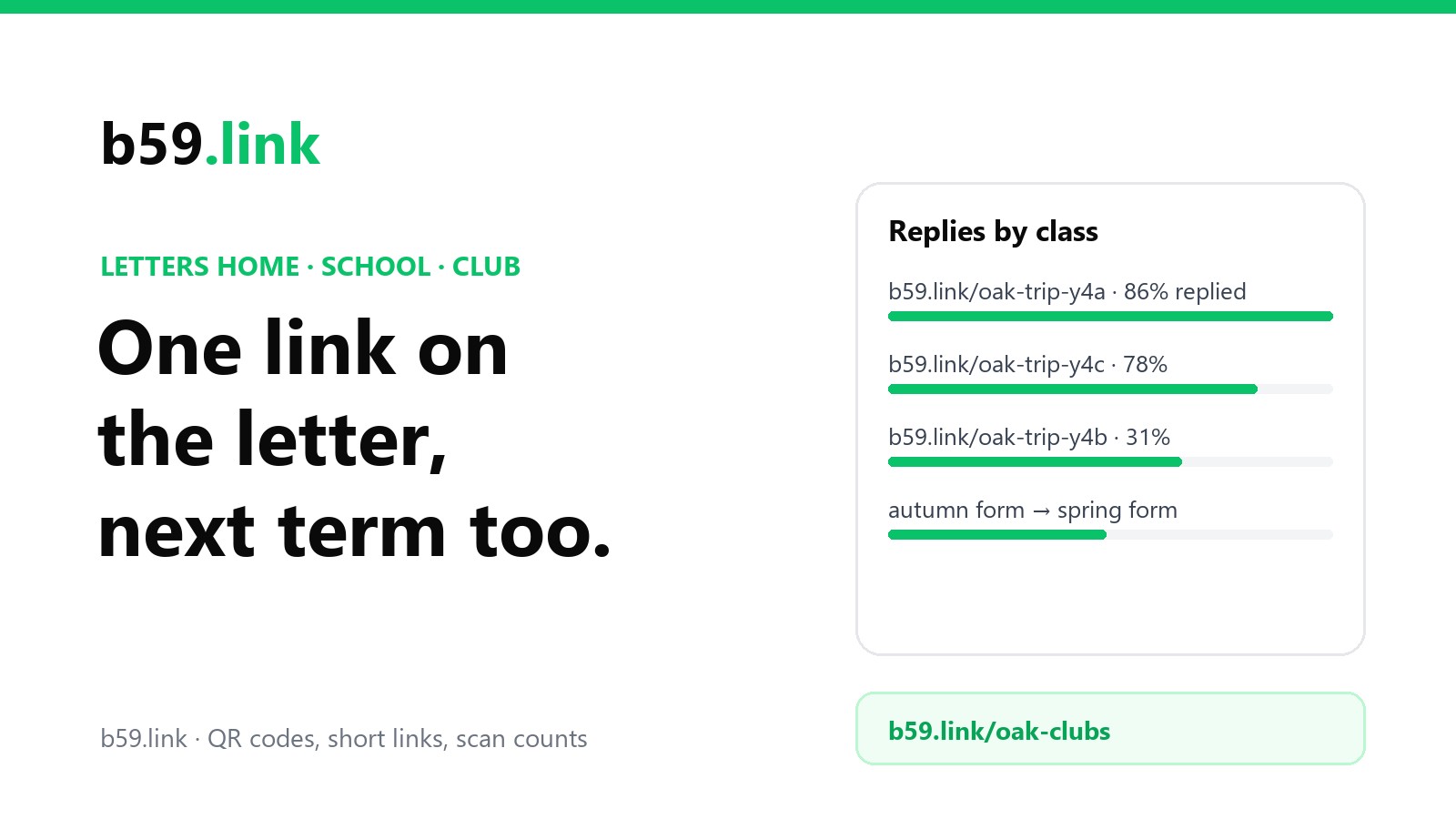
A letter home from school or the club has a hard life. It's squashed in a bag, photographed and forwarded to the class group chat, photocopied for the families who lost theirs, and stuck on a fridge until next spring. Somewhere on it there's a link to a form or a payment page, and that link has to survive all of it: being typed from a blurry copy, scanned from a crumpled page, and opened in March from a letter sent in September.
This guide is for school offices, PTA and PTO volunteers and club secretaries. It covers who is reading the letter, why the long form address fails on paper, keeping one printed link working while the form behind it changes every term, counting replies per class, letters in more than one language, and what to do with old letters' links.
Who is reading the letter
Almost every parent has a phone, and for a real share of families the phone is the only internet they have. Pew Research's 2026 survey of US adults:
In the UK, Ofcom's 2026 media use report found 6% of adults with no internet at home, 83% of them aged 65 or over: fewer parents, but some of the grandparents who do the school run. Two things follow. Whatever the link opens has to work on a phone, with no sign-in and no desktop-only upload. And keep a paper reply slip for families who can't or won't go online; the link is a shortcut, not the only way in.
Parents prefer messages by email (83% in Project Tomorrow's survey of US parents, ahead of text at 64% and apps at 39%), so the letter is often the second copy of something already emailed. That's fine. The paper copy is the one on the fridge, and the one a grandparent picks up.
Why the long form address fails on paper
Form tools give you an address made for clicking, not for printing. Here's how the common ones compare, with the QR code each makes printed 2 cm wide (the smallest size QR guides usually recommend):
Nobody types the first one. The short links from Google and Microsoft are an improvement for the code (bigger squares, which matters when the letter's been photocopied twice), but the random part is a trap for anyone typing it. Those IDs mix capitals, lower case and digits, and six of the 62 characters look alike in most printed fonts: 0 O o 1 l I. Our sum: a 17-character forms.gle ID has an 82% chance of containing at least one of them; a 10-character Microsoft one, 64%. On a photocopy the odds of a mistyped address are worse, and the parent gets a 'page not found' with no idea which character was wrong.
A short name made of words avoids all of that: b59.link/oak-trip-may can be read out over the phone and typed from a smudged copy. Keep it lower case with a dash between words: on b59.link short names are case-sensitive, and an all-lower-case name is one less thing to get wrong.
One printed link, a new form every term
Here's the problem the short links from form tools don't solve. forms.gle/... points at one form forever. In England the school year runs in three terms (usually six half terms) across 190 school days, and in the US most districts start in August or September (about 70% of public school students were back by late August in 2023, Pew found). Clubs, dinners, wraparound care and after-school activities get a new form every term, and every new form means a new link. Meanwhile the September letter is still on the fridge, and the forwarded photo is still in the group chat, both pointing at a form that now says it's closed.
Google Forms at least lets you change that 'closed' message (by default it says the form is no longer accepting responses), and it's worth writing 'This term's form is at ...' there. But the better fix is to print a link you control and point it at whichever form is current:
Two kinds of link, then. Standing links for things that come back every term (clubs, dinners, the uniform shop, the term dates page) printed on every letter the same way, so families learn them. One-off links for a single letter (a trip, a show, a fundraiser), which you repoint when the event is over. Either way the printed letter keeps working, and you only change where the link points.
Payment pages
Most schools take money through a payment system rather than a form: ParentPay alone is used by over 11,000 UK schools, and US districts use SchoolCash Online, MySchoolBucks and others. Those systems need parents to sign in, and a link deep into one item usually just lands on the login page. Point the short link at the sign-in page and print the item's exact name on the letter ('Year 4 trip to the castle, £12'), so parents know what to look for once they're in.
Do you need a form at all?
In England, the Department for Education's guidance says written consent isn't needed for most trips for children over nursery age, because they're part of the curriculum, and that schools can ask for one consent form at enrolment covering the child's time at the school. Consent is usually needed only for trips that need extra risk assessment or run outside school hours (and always for nursery-age children). A letter that only informs needs no reply link, which is one less form to chase. Districts and states in the US set their own rules.
Counting replies per class
Give each class its own short link, all opening the same form. Then you can see which class is lagging before the deadline, not after. Better still, Google Forms can make a pre-filled link (in the form's menu: 'Get pre-filled link'), with the class question already answered. Point each class's short link at its own pre-filled address and the class field fills itself in, so nobody picks the wrong one:
Clicks and replies are different numbers on purpose. Clicks above the number of letters means parents opened it twice, or both parents did; clicks far below replies would mean most replies came another way (a forwarded link, the paper slip). The per-class link tells you which letters were looked at; the form tells you who answered. On b59.link each link's stats page shows clicks, visitors and the time of each, and nothing about who the parent is.
Don't pre-fill a child's name. The link is printed on paper and forwarded around; anything in it is public. The class is fine. Names belong in the form, which the school controls.
Letters in more than one language
In England, 23.8% of primary pupils and 19.3% of secondary pupils have a first language other than English (DfE, 2025/26). In the US, 10.6% of public school students were English learners in fall 2021, about 5.3 million, three-quarters of them Spanish speakers (NCES). If you translate the letter, translate the form too, and give each language version its own short link (b59.link/oak-trip-may-es). The printed code then opens the form in the language of the letter in the parent's hand, and the counts show whether the translated letters are reaching anyone.
Old letters' links: where should they go?
Letters outlive their purpose. When the trip has happened, don't let its link die. Point it somewhere sensible: a short 'The castle trip was on 14 May, thank you; photos are here' page, or the school's events page. The same goes for last year's club link: point it at this year's form. Our article on retiring a page without breaking the links has more on where old links should land, and links in printed handouts and reports covers links meant to last for years.
A word on data while you're at it: the form, not the link, is where you collect children's details, and in the UK the school is the data controller for it under UK GDPR. Ask only for what the trip or club needs, and close and archive the responses when it's over.
Checklist for the next letter
1. Does it need a reply at all? If not, leave the link off or point it at information only.
2. Make one short link per letter (and per class, and per language), lower case, made of words.
3. Point it at the form or the payment system's sign-in page; print the item's exact name.
4. Print the code at least 2 cm wide with the short address in text beside it, and keep a paper reply slip.
5. Scan a photocopy of the letter, not the original, before it goes out.
6. Watch the counts per class before the deadline; chase the class that's behind.
7. When the event is over, repoint the link; next term, repoint the standing links to the new forms.
Make short links for every letter, class and language, print the codes, and point them at next term's form without reprinting. Free.
Make a short linkSources
- Pew Research Center, 'Mobile Fact Sheet' (survey of 5,511 US adults, 30 January to 18 June 2026; published 19 October 2026).
- Ofcom, Adults' Media Use and Attitudes 2026 (published 2 April 2026), via ISPreview: 6% of UK adults without home internet, 83% of them 65+.
- Project Tomorrow Speak Up survey, reported by EdSurge (15 October 2019): parent preferences for teacher messages.
- Google Docs Editors Help, 'Send your form to people' (Shorten URL) and 'Close a form / customise the closed message'; Microsoft Support, 'Shorten the URL of your form'. Character counts, QR versions and square sizes are our calculation (segno, error correction M).
- Look-alike characters: our calculation, 1 - (56/62)^n for an ID of n random characters from 62.
- Salford City Council and Newcastle City Council term date pages (190 days, three terms with half-term breaks); Pew Research Center, back-to-school dates (25 August 2023).
- Lancashire County Council, Education Digital Services 2025/26 (ParentPay: over 11,000 schools).
- Department for Education, 'Health and safety on educational visits' (26 November 2018).
- DfE, 'Schools, pupils and their characteristics' 2025/26 (June 2026); NCES, Condition of Education, 'English Learners in Public Schools' (May 2024).
- Welsh Government, guidance for schools on information management (schools as data controllers under UK GDPR).