Somewhere near you there's a café with a faded QR code stuck to every table. Scan it and you get the spring menu from two years ago, a "file not found" page, or the website of an ordering company the café stopped paying in 2023. Staff know, so they hand out paper menus and nobody fixes the stickers.
Codes don't go bad. What goes wrong is what's inside them. This guide is about getting that part right, so a sticker printed today still opens the right menu after the next three menu changes.
What the code should hold
A QR code is a printed web address. Whatever address you put in it can never be changed without reprinting. So the question isn't "menu PDF or ordering page", it's "whose address, and will it still work in three years?"
Here are the usual choices, from weakest to strongest:
- The PDF's own address, like yoursite.com/files/menu-autumn-v3.pdf. The moment you upload menu-winter.pdf, the code still opens autumn. Delete the old file and it's a 404.
- The ordering or menu platform's address, like order.someplatform.com/store/48213. Fine until you switch platforms, and restaurants switch platforms more often than they reprint stickers.
- A QR generator's own "dynamic" address. It can be changed, but only while you keep paying that generator. We decoded 77 codes from generators' own sites and found most of them hold the generator's address, not yours.
- An address you control, like yoursite.com/menu or a short link you can edit. This one survives every change, because you decide where it goes.
Use the last one. If you have a website, make a page at /menu and print that. If you don't, a short link works: the code holds the short link, and the short link forwards to wherever the menu lives this month. When the menu moves, you change the short link, and every table follows.
Why the PDF is the weakest menu
Most table codes open a PDF, because that's what the designer sent. On a phone, a PDF menu is hard work. Nielsen Norman Group's usability researchers have been saying this about PDFs for twenty years. Their 2020 review found PDF layouts are "optimized for a printed sheet of paper", which on a phone means tiny text, pinching and zooming, and losing your place.
At a table there are a few extra problems:
- Size. A menu PDF with photos is often 5 to 20 MB. On a crowded café Wi-Fi or a weak signal in a basement, that's a long blank screen.
- Downloads. Some Android phones download the PDF instead of showing it, and the guest has to find it in their files.
- Two-column layouts that look lovely in print turn into a page you scroll sideways and up and down.
- Screen readers read many design-exported PDFs badly or not at all, so a blind guest gets nothing.
A plain web page fixes all of this: text that fits the screen, sections people can jump to (starters, mains, drinks, allergens), and it loads in a second. Most website builders can do one in an afternoon, and so can most ordering platforms. If you love your designed PDF, put it on the page as a download link for people who want it.
If you must use a PDF for now, at least export it at screen resolution (the file should be under 2 MB), keep a single column, and put it behind your own address so you can swap it for a web page later without reprinting.
Ordering pages and table numbers
If guests order and pay from the table, the code usually needs to tell the ordering system which table it's on. Platforms do this by putting the table in the address, something like …/order?table=7. That means every table has a different code.
This is where restaurants get stuck when they change platforms: twenty different addresses, all printed, all pointing at the old system. The fix is the same as for the menu, done once per table. Give each table its own short link (table 7 → the platform's table 7 address) and print the short link. When you switch, you update twenty links in an afternoon instead of reprinting and re-sticking twenty tables.
How big, and where on the table
A guest scans a table code from about 30 to 40 cm away. The rule of thumb printers use is that the code should be a tenth as wide as the distance, so 3.5 to 4 cm wide is enough for a code holding a short link. A long address packs more squares into the code and needs it bigger: our guide to printing QR codes that scan works through the numbers, and the QR size calculator does it for your own link.
Where it goes matters as much as size:
- Not where plates go. The middle of the table gets covered and the edge gets wiped. A corner, or a small stand next to the salt and pepper, stays visible.
- Upright beats flat. A table tent or a little stand is easier to scan than a sticker lying flat, which has to be scanned at an angle under the ceiling lights.
- Matte, not gloss. Glossy laminate throws back the light from the lamp above the table, and the camera sees a white patch where the code should be. Ask the printer for matte lamination.
- A line of text next to it. "Menu, allergens and drinks" tells people what they'll get. A bare code could be anything, and some guests won't scan a code they can't explain.
Stickers that survive the cleaning spray
Paper stickers last a few weeks on a table that's wiped after every sitting. For anything that's wiped, ask for:
- Vinyl or polyester stickers, not paper.
- A matte laminate over the print, so the ink isn't the surface being wiped.
- Rounded corners. Square corners are where a cloth catches and peeling starts.
- A test with your actual cleaner. Some degreasers and alcohol sprays lift laminates or cloud them. Stick one on a spare board, spray and wipe it twenty times, then scan it with an old phone.
Order spares, and plan to replace stickers once a year or when they're scratched. Because the code holds an address you control, a replacement sticker is the same file printed again. You never need to redesign it.
When the menu changes
This is the moment that decides whether your codes keep working. Make it a short routine:
1. Upload or publish the new menu.
2. Point your menu address or short link at it, if it moved.
3. Scan one table code with a phone that isn't yours, on mobile data, not Wi-Fi.
4. Check the prices and the allergen section on the phone, not on the laptop.
5. If the old menu had its own address (an old PDF people might have saved or shared), redirect it to the new menu instead of deleting it.
The last step catches guests who bookmarked the old file, and old links in reviews and maps listings. A redirect costs nothing and saves every one of them a dead page. If you're closing a seasonal page for good, our guide to retiring a page without breaking the links that point to it has the options.
Counting scans per table
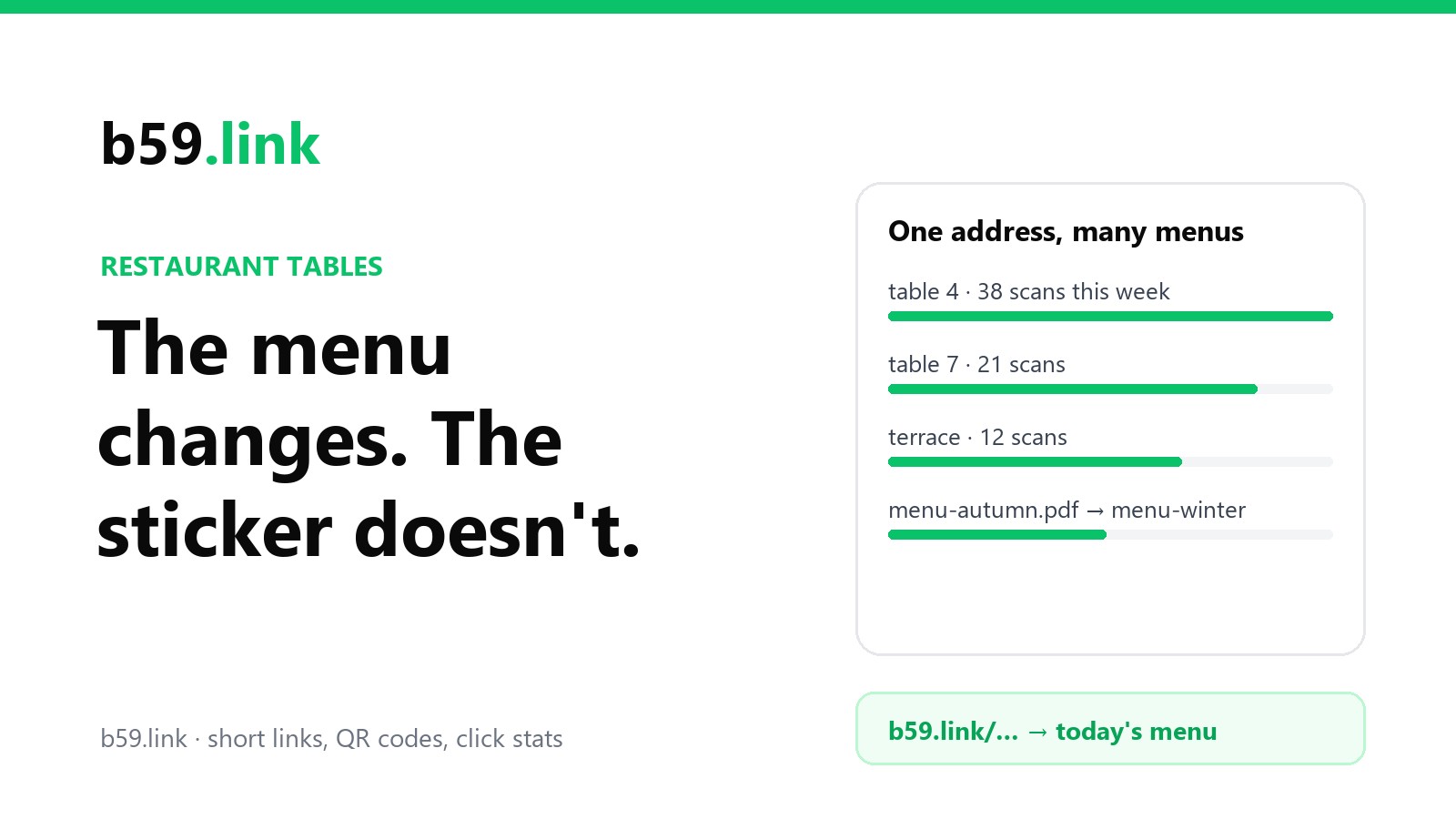
If each table has its own short link, each table gets its own count, and you learn things you can't see from the till:
- Which tables scan a lot and which almost never (often the window tables, where people already know what they want, or the ones with the code in a bad spot).
- Whether the terrace really is busier at weekends.
- What time the first scans start, which is when people really sit down, not when you open.
- Whether a move from a flat sticker to a table stand changed anything.
Read the numbers sensibly. A table of four usually scans once, and regulars don't scan at all. A count is a trend you compare week to week, not a head count.
A neat way to set this up if you have a website: each table's short link forwards to the same menu page with the table on the end, like yoursite.com/menu?table=7. You get the count per table in the short link stats, and when the menu changes you only edit the one menu page. The twenty table links never need touching.
Keep the paper menu
The codes are an addition, not a replacement. In US Foods' 2024 Diner Dispatch survey, 90% of diners said they preferred a printed menu, up from 74% the year before. Some guests don't carry a phone, some phones are flat, and some people just like paper. Allergen information also has to be available to anyone who asks, whether or not they have a phone. Keep a stack of paper menus and let staff offer them.
What the code does well is the things paper can't: today's specials, what's sold out, the allergen chart in full, a translation, and ordering without waving for the server. Point it at a page that does those things.
Checklist before you print
- The code holds an address you control (your /menu page or a short link), not a PDF's file address or a generator's.
- The menu opens as a web page that fits a phone, or a PDF under 2 MB.
- Codes are at least 3.5 cm wide, on matte vinyl or polyester, with a line of text saying what they open.
- One short link per table if you want counts or table ordering.
- A test sticker survived twenty wipes with your own cleaner.
- Someone owns the menu-change routine, and paper menus are still on hand.
Sources: Nielsen Norman Group, PDF: Still Unfit for Human Consumption, 20 Years Later (Jakob Nielsen and Anna Kaley, August 2020; the quotation); US Foods, 2024 Diner Dispatch survey (October 2024, the 90% and 74% figures as reported); the 10:1 sizing rule and the size figures from our own printing guide.
Make a short link for your menu, or one per table, then draw the code from it. When the menu moves, change the link and leave the stickers alone.
QR codes for shops