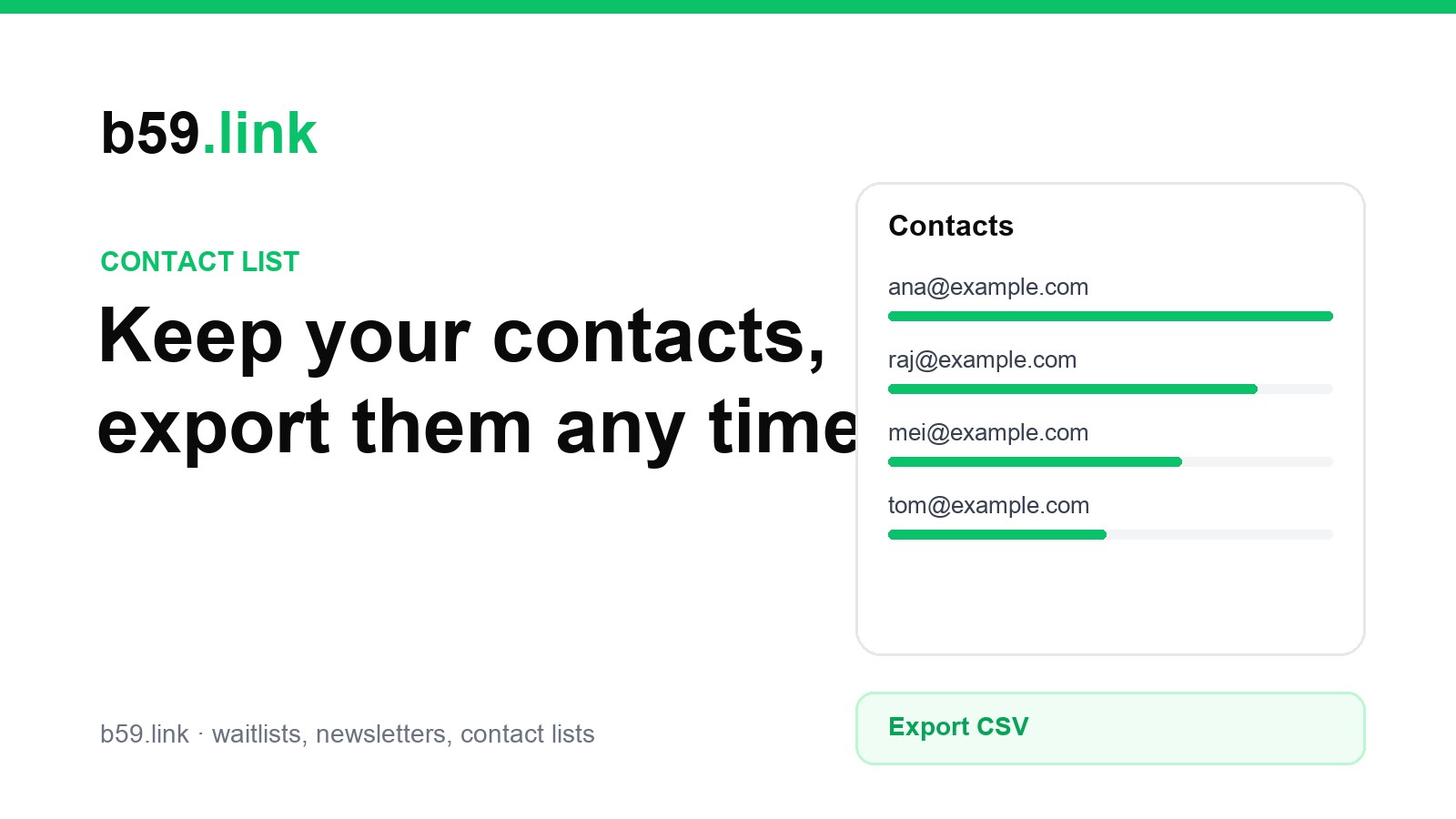
A launch brings in people you want to keep: customers, early users, partners, people who met you at a talk. A contact list is where they go. b59.link's contact list tool is the same backend as the waitlist and newsletter tools, with a page built for keeping and exporting the list.
Create a contact list
Open Contact lists at b59.link/cus, sign in and give the list a name. The page then shows the contacts, a sign-up panel and the list settings.
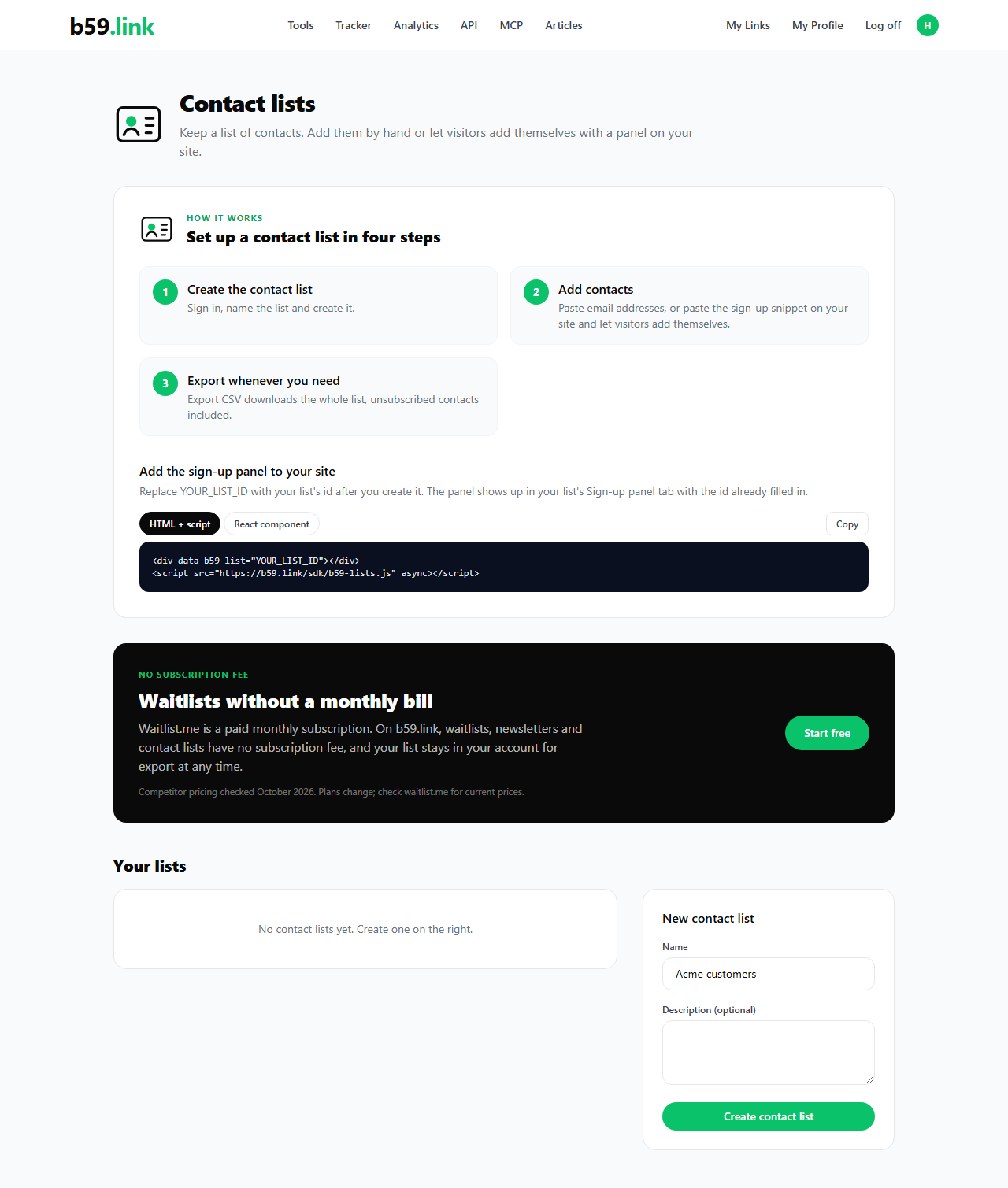
Add people
Use the Add emails box on the right of the Entries tab. Paste addresses one per line or separated by commas, up to 5,000 at a time. You get a summary back: how many were added, how many were already on the list and how many were not valid addresses.
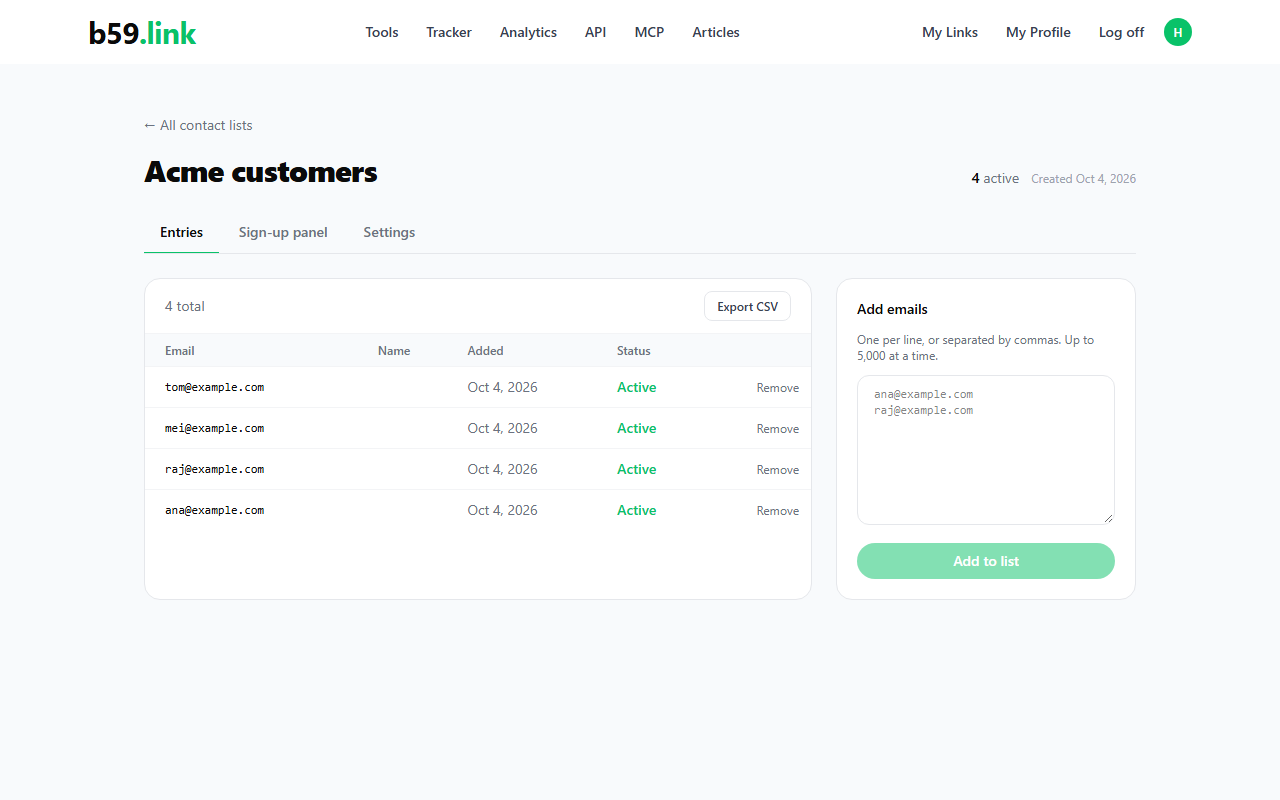
If you would rather people add themselves, use the Sign-up panel tab. It is the same snippet as the other tools, and the people who join show up in the same table with the source embed. Contacts you add by hand show manual.
Export the list whenever you need it
Export CSV downloads every contact, including the unsubscribed ones, at any time. The file has these columns:
Names are written as they were entered. A name that starts with =, +, - or @ gets a leading apostrophe in the file, so a spreadsheet shows it as text and doesn't run it as a formula when you open the file.
Remove contacts
Remove deletes one row from the list. An unsubscribed contact stays in the table, marked as unsubscribed, so you can see that they opted out and they are never included in a newsletter campaign. The contact list and the newsletter list are separate lists, so removing someone from one doesn't change the other.
Make a contact list, add your first contacts, and export it whenever you need it.
Create a contact list