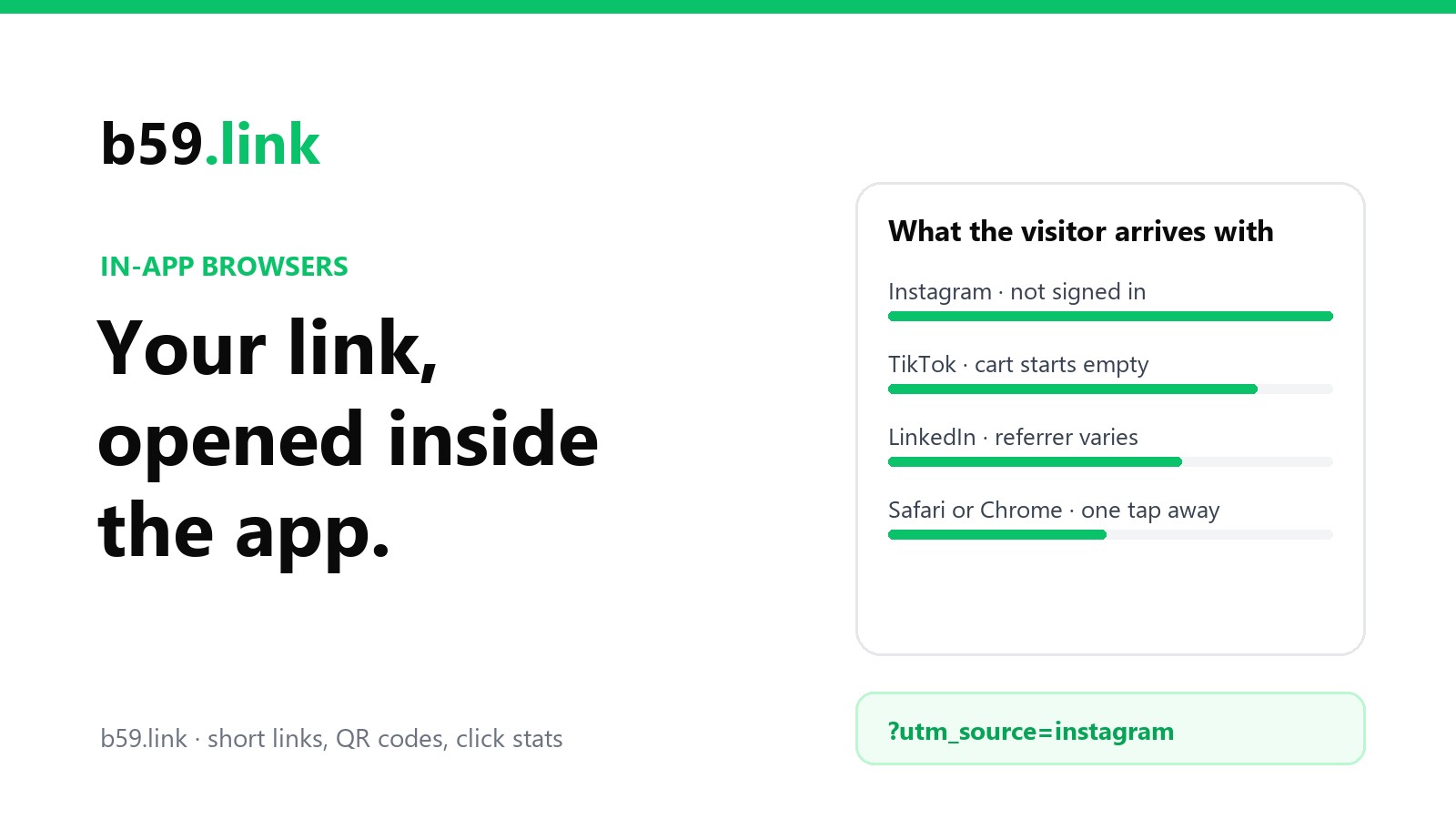
You put a link in your Instagram bio. Someone taps it. Your page slides up over the app, with a thin bar on top and a close button. It looks like a browser, and it mostly behaves like one. But it isn't the browser that person uses every day, and your site is meeting them as a stranger.
That's an in-app browser. Instagram, Facebook, TikTok, LinkedIn, X, Snapchat and Pinterest all open links this way by default, so for a link shared on social media it's where a large share of the taps land. It's worth ten minutes to know what it changes.
What it is
Phones give app makers two ways to show a web page without sending the person to Safari or Chrome.
The first is a sheet that belongs to the phone's real browser, drawn on top of the app. Android calls it a Custom Tab. Chrome's documentation describes what comes with it: a "Shared cookie jar and permissions model so users don't have to sign-in to sites they are already connected to", along with saved passwords, payment methods and addresses. The app that opened it can't look inside.
The second is a web view: a bare page renderer that the app embeds and controls. The same Chrome page is blunt about it: web views "don't share state with the browser". Each app gets its own empty cookie store, and the app decides everything else: which buttons exist, what happens to downloads, and whether to run code of its own in the page.
The big social apps mostly use the second kind. It keeps people inside the app, and it lets the app see what happens after an ad is tapped. For you, it means the visitor's browser is a fresh install every time.
What the visitor arrives without
Their sign-in. They're logged in to your shop in Safari. In Instagram's browser they aren't, and they may not remember the password, because Safari has been remembering it for them.
Their cart, and anything else you stored. Whatever they added last night in their normal browser isn't here. It also runs the other way: what they add to the cart in the in-app browser stays there. If they close it, think it over, and open your site in Chrome that evening, the cart is empty and your site thinks they're new.
Sign in with Google, sometimes. Google's rules for sign-in say that an app "must not direct a Google OAuth 2.0 authorization request to an embedded user-agent", meaning a web view, because the app around it could read what's typed. Google has enforced this since late 2021 by refusing the request with an error called disallowed_useragent. If the only way into your site is a Google button, some in-app visitors will meet that error page instead.
A tab to come back to. A normal browser keeps the page in a tab and in the history. The in-app browser closes when they swipe back to the feed, and the page is gone with it. "I'll finish this later" has nowhere to live.
What may not work at all
These depend on the app, the phone and the app's version, which is exactly why they catch people out. A web view only does what the app's developers chose to wire up.
Downloads. A PDF usually opens. A calendar file, a contact card, a wallet pass or a ZIP often does nothing, or shows a page of raw text. If your link's whole purpose is "download the ticket", test it.
Links that should open another app. App store pages, map directions, a WhatsApp chat link, your own app's deep links. Some in-app browsers hand these to the phone; some show an error or a blank page.
New windows and pop-ups. Payment pages, sign-in pop-ups and "open in new tab" links rely on a second window. Many web views have only one.
Uploads, camera and microphone. File pickers and permission prompts are the app's job to provide in a web view, and not every app does.
The app can run its own code in your page
In August 2022 the developer Felix Krause looked at what these browsers do to the pages they show. He found that Instagram's and Facebook's in-app browsers on iPhone added a script of Meta's to every site opened in them, and that TikTok's added code that could observe taps and keyboard input. Meta's answer was that its script is used to measure things like purchases for advertising, with the person's tracking choices respected; TikTok said the code was there for debugging and performance. Neither denied adding it.
You can't prevent this from your side in any reliable way. It's a reason to keep sign-in and payment steps working well in a normal browser, and to make leaving the in-app browser easy when it matters. Krause's test page, InAppBrowser.com, shows what an app adds when you open it from inside that app.
What your stats show
The visit looks new. Fresh cookie store, so no returning-visitor cookie. One person who taps your link in Instagram on Monday and types your address into Chrome on Wednesday is two visitors, and the purchase on Wednesday is credited to "direct".
The referrer is odd, or missing. Apps often pass links through a checking address of their own first. Visits from Instagram and Facebook commonly arrive from l.instagram.com, l.facebook.com or lm.facebook.com; LinkedIn's from lnkd.in or, on Android, an app name such as android-app://com.linkedin.android; X's from t.co. TikTok visits frequently carry no referrer at all, so they pile up under "direct" with the typed addresses and QR scans. Your log may show other values. These are the ones site owners most often report.
The browser name is a clue. In-app browsers usually sign their name in the user-agent line of each request. These are the words to look for:
The last row comes from Android itself: its web view adds wv to the device part of the line, and Google's Android team says sites "can continue to look for the wv token". The app names are what the apps send today; they're a convention, not a promise. To count them in a server log:
We'd have liked to give you our own split here. b59.link's click log is still too small for that to mean anything, so we haven't.
Why a tagged short link still tells you the source
Referrers and cookies are things the browser may or may not hand over. The address is different: whatever is in the address reaches your page, in every browser, because it's the thing being asked for.
So put the source in the address. Make a short link for each place you post, and have each one forward to your page with its own tags: ?utm_source=instagram&utm_medium=social&utm_campaign=spring for the bio, utm_source=tiktok for the other bio. The in-app browser asks the short link where to go, gets the tagged address, and loads it. Your stats read the tags and file the visit under Instagram, whatever the referrer said. The short link's own click count gives you a second number that doesn't depend on any script running in the page.
It won't join Monday's tap to Wednesday's purchase. Nothing on your side can, short of the person signing in both times. But it does make sure the first visit is counted in the right place. The method is in one short link per flyer, post and podcast, and the campaign link set tool makes the whole batch from one destination.
Test your own link in each app
This takes a phone and about five minutes per app. Put the link where the app will make it tappable: your bio, or a message to yourself or a colleague. (How the preview card looks in that message is a separate matter, covered in why a shortened link shows the wrong preview card.) Tap it, and go through this list:
Do it on an iPhone and an Android phone if you can borrow both. They differ more than you'd expect.
What to change on your page
Make the landing page work for a stranger. No sign-in wall, no "continue where you left off". The first screen should make sense to someone with no history on your site, because in an in-app browser that's everyone.
Give "later" somewhere to go. An "email me this" box, a wishlist that takes an email address, a discount code they can copy. Anything that survives the in-app browser closing.
Offer the way out when it matters. Every one of these apps has a menu, usually three dots in a corner, with an option to open the page in the phone's own browser. Most people never notice it. If your page needs a download, an app install or a Google sign-in, show a short hint to in-app visitors only:
There are tricks that try to force the phone's browser open without asking. They depend on behaviour the apps and phone makers change without notice, and when one stops working the visitor is left on a blank page. A plain hint is slower and doesn't break.
Keep email sign-in alongside the Google button. A code or link sent by email works in any browser.
The short version
A link tapped in a social app opens in a browser that belongs to the app, with no cookies, no saved sign-in and no tab to return to. Downloads, store links and Google sign-in may fail there. Your stats see a new visitor with an unusual referrer or none. Put the source in the address with one tagged short link per place, make the landing page work for a stranger, show in-app visitors the way out when they need it, and test the link yourself in each app before the campaign goes out.
Sources: Chrome for Developers, Overview of Android Custom Tabs (the quotations on shared state and web views); Android Developers Blog, User-Agent Reduction on Android WebView (the wv token; the quotation); Google, OAuth 2.0 Policies (the quotation) and Upcoming security changes to Google's OAuth 2.0 authorization endpoint in embedded webviews (2021; disallowed_useragent); Felix Krause, iOS Privacy: Instagram and Facebook can track anything you do on any website in their in-app browser and Announcing InAppBrowser.com (August 2022, with the companies' replies). The referrer hosts and app names in the user agent are the values commonly reported by site owners, not a published standard, and not our own measurement. This article is built from the platforms' documentation and published research. We did not test each app on a phone for it; the checklist is there so you can test yours.
Make one tagged short link for each place you post, from a single destination, so every tap is filed under the right source.
Build a campaign link set