You shortened links with Bitly for years without thinking about it. Then one month the sixth link wouldn't save, or a customer told you your link opened an advert first. Nothing was wrong with your account. The free plan had changed.
We run b59.link, a small link shortener, so read this knowing who wrote it. We'll show what ours does, put it next to Bitly in one table, and keep the rows where Bitly is plainly better. For a fair number of people the right answer is still Bitly.
What changed on Bitly's free plan
On 11 October 2026 Bitly's pricing page lists the free plan at 5 links and 2 QR codes a month, with 3 custom back-halves, marked "With Ads". The ad is a page: Bitly's help centre describes an interstitial that shows a preview of the destination and an advert before a free link goes where you pointed it.
The paid plans start at $10 a month, billed for the year, for 100 links and 5 QR codes a month with 30 days of click history. A custom domain and four months of history come with the $29 plan. None of that is unreasonable for a company with a marketing team. It's a lot for someone who shortens a link when a flyer goes to print.
What b59.link does instead
Paste an address on the home page and press Enter. You get a short link with a name made of two plain words, a QR code of it, and a stats page. There is no account step in between and no counter of how many you have left this month.
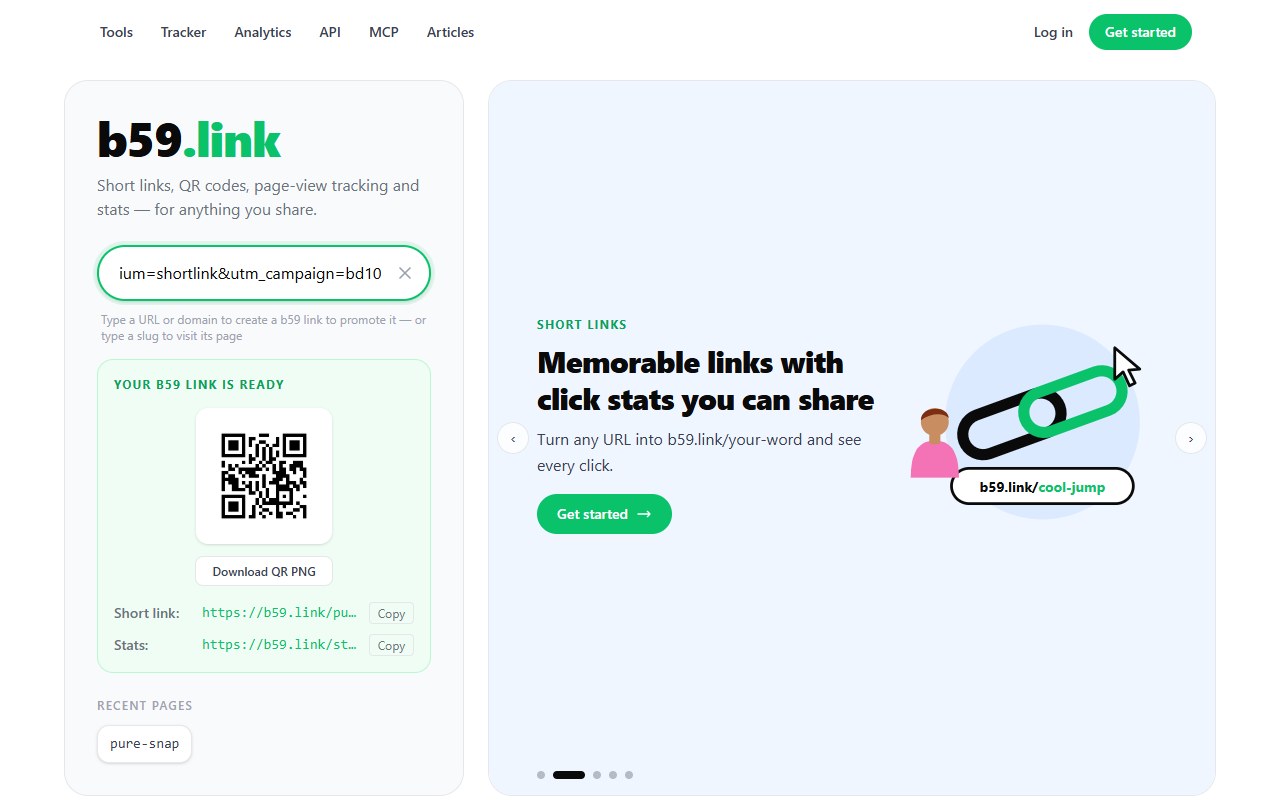
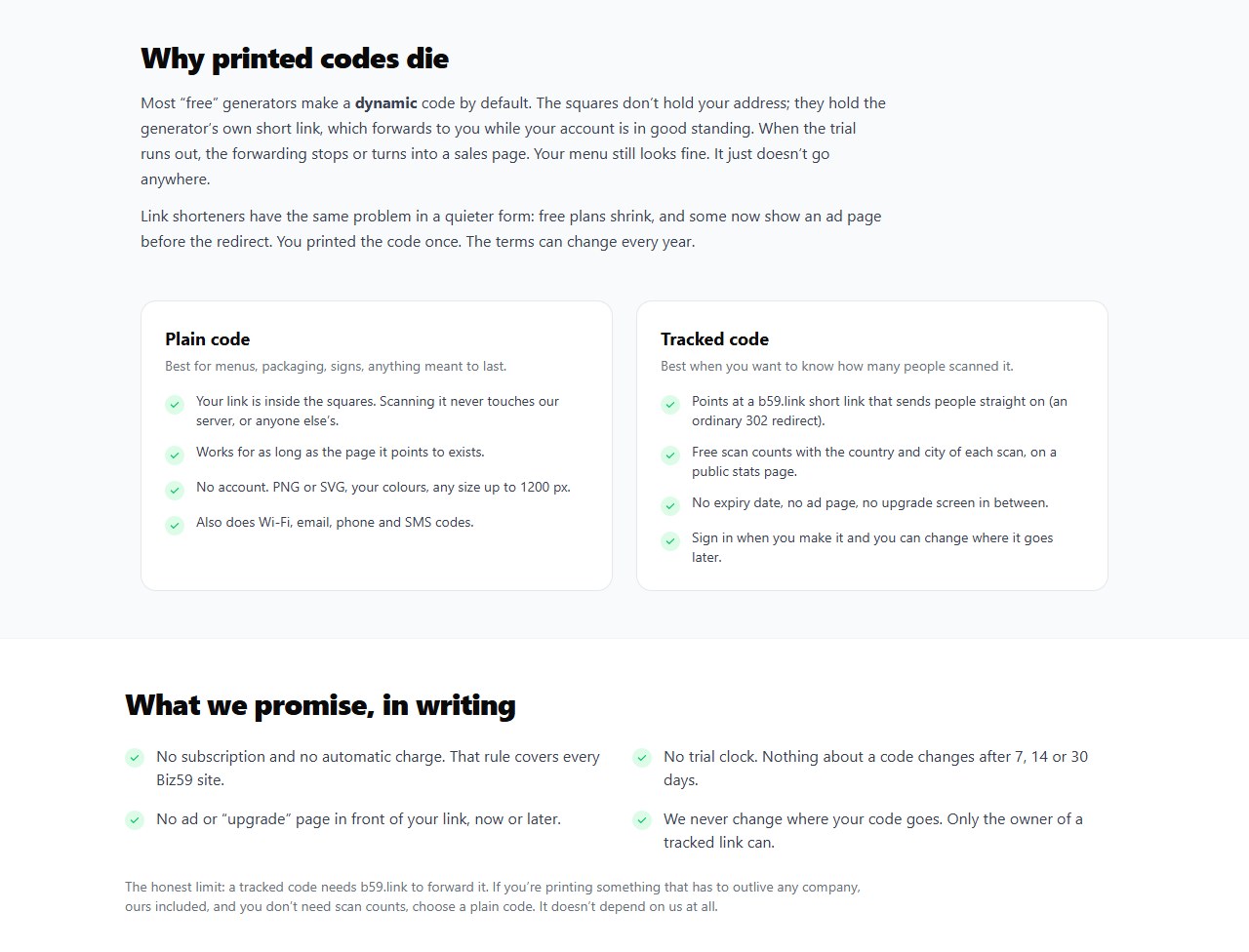
The link is an ordinary 302 redirect. Nothing sits between the click and your page: no preview, no advert, no "continue to site" button. That's a promise we've put in writing on the QR page, because a printed code can't be changed once it's on 500 menus.
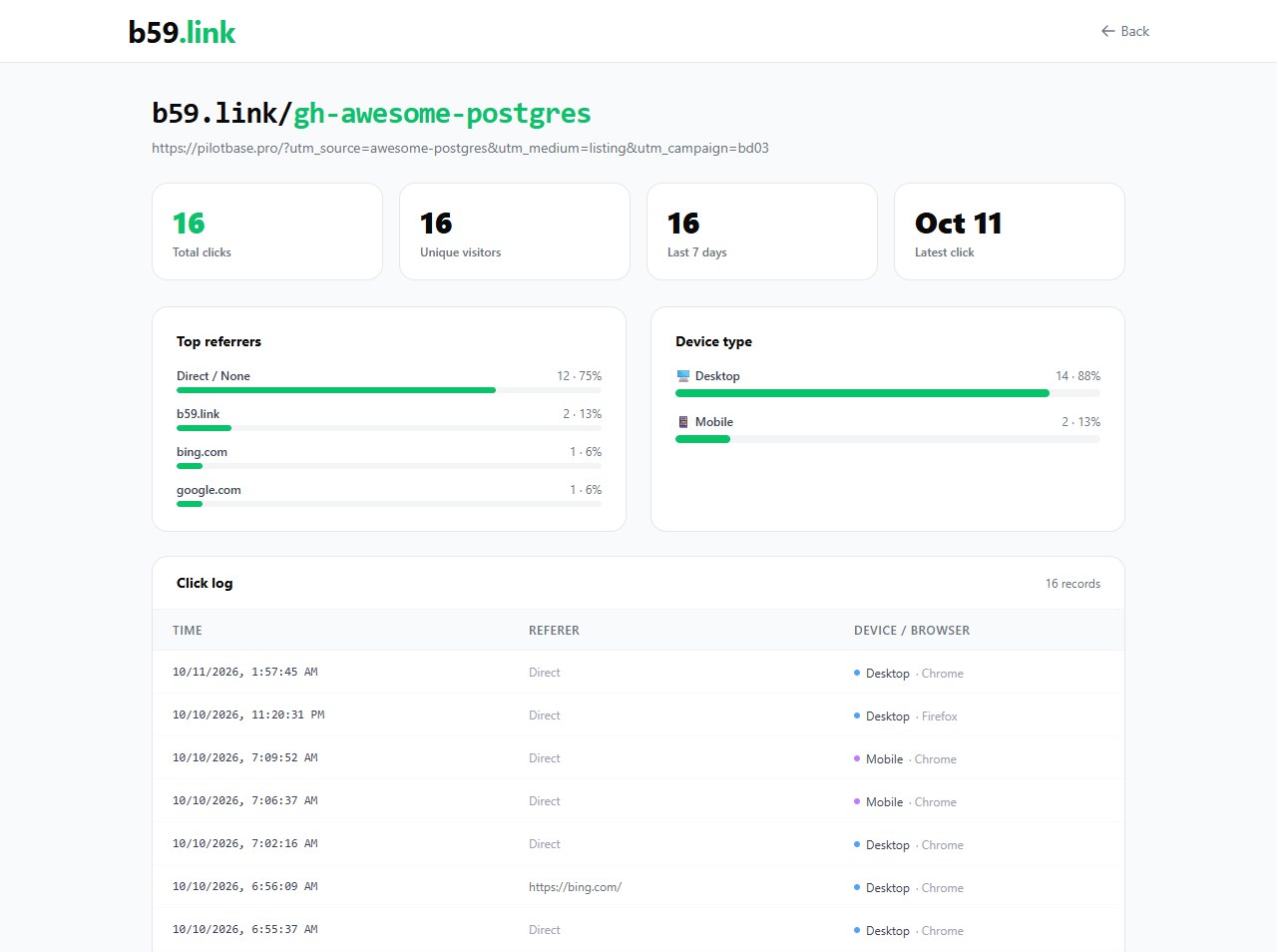
Every link has a stats page: total clicks, visitors, the last seven days, where the clicks came from, phone or desktop, and a log of each click. Here is a real one, the link we put in a pull request to a public list of Postgres tools on 10 October.
If you sign in (an email code, no password), the links you make are listed under your account and you can change where one points later. That's the piece Bitly calls redirects and keeps for paid plans.
Side by side
Bitly's column is its free plan, because that's what most people leaving it were on. Figures are from Bitly's own pages on 11 October 2026.
Read the right-hand column twice. Five of those rows are things we don't do.
Where Bitly is the better choice
You want links on your own domain. go.yourbrand.com/sale is a real advantage: people trust it, and you can move it to another service one day. We don't offer custom domains. If a branded domain matters to you, pay Bitly or one of the tools built around that.
Your stats must stay private. Our stats pages are open to anyone who knows the link's name. They show no visitor IP addresses, but a competitor could read your click count. Bitly keeps analytics inside your account.
Several people manage the same links. Roles, approvals, single sign-on, an audit trail. We have none of that.
You're printing something that has to work in 2036. Bitly has been running since 2008. We started this year. A short link from either of us only works while the company does, so for packaging and signs use a plain QR code that holds your own address, or a redirect on a domain you own. We wrote up how in QR codes on packaging.
Where b59.link fits
A flyer, a slide, a podcast mention, a link in a bio, a QR code on a counter card. You want it short, you want to know whether anyone used it, and you don't want a monthly bill or an advert in front of your customer. That's the whole job, and it's the one we built for.
Three limits to know before you rely on it. You can repoint one of your links in a few seconds, but you can't delete it yourself yet; for now that goes through our contact form. The site lets a visitor make about ten links a minute, which is plenty by hand and not enough for a bulk import. And each address gets one short link: to tell the newsletter from the poster, add a tag to the address first (?utm_source=poster), or let the campaign link set builder make one link per place for you.
Moving over without breaking anything
Leave your old Bitly links alone. They keep redirecting, and anything already printed or posted depends on them. There's no import, and you don't need one.
Make new links here from today. Try one without an account first. If you like it, sign in with an email code so the links are yours to edit.
Check a printed QR code before the next print run. Drop a photo of it into the QR checker. It runs in your browser and tells you whether the code holds your own address or someone's redirect.
If you work from scripts or an AI assistant, the same things are in the API and the MCP server, including choosing the link's name.
Paste an address and get a short link, a QR code and a stats page. No account needed to try it, and no ad page in front of your link.
Shorten a linkSources
Bitly plan limits and prices: bitly.com/pages/pricing, read 11 October 2026 (Free: 5 links, 2 QR codes and 3 custom back-halves a month, "With Ads"; Core $10 a month billed yearly; Growth $29 a month with a custom domain). The ad page on free links: Bitly help centre, Why are there ads on my links?. Plans change, so check both pages before you decide. b59.link figures are from the live site on the same day; the screenshots are of b59.link itself. This article was written by the people who run b59.link (Biz59 LLC).