In late December 2021 someone walked around San Antonio sticking small QR codes on the city's parking pay stations. More than 100 of them. A few days later Austin's parking staff checked all 900 of their own kiosks and found the same stickers on 29, mostly downtown. The codes opened a site called "Quick Pay Parking" that took card numbers. Nobody knows how many drivers paid.
The trick has been repeated ever since: Conwy's seafront in Wales in August 2024, Fort Lauderdale's garages, New York's ParkNYC meters in June 2025, car parks in Portsmouth, Northamptonshire and Torbay. It has a name now, quishing (QR phishing), and it isn't only parking. Anything with a printed code that people scan without thinking, in a place where nobody is watching, is a target: a poster, a menu stand, a charger, a collection box.
This is a guide for the people who print the codes: what the scam needs to work, what actually stops it (some popular advice doesn't), how to check your own codes, and what to tell your customers.
How the sticker scam works
It's cheap and low-tech. The scammer prints a sheet of QR stickers at home, each holding the address of a page they control, and sticks them over your code or next to it. The page is made to look like yours or like the payment app people expect, often with the right logo. It asks for a card number, a login, or for a payment app to be installed from a link.
Three things make it work:
- People trust the object, not the code. A sticker on a city meter or on a café's own table sign borrows the trust of the thing it's stuck on.
- Nobody reads the address. A QR code hides where it goes until it's scanned, and the phone's preview shows a domain for a second or two before the thumb taps it.
- The real code has already taught people to pay by scanning. If your sign normally takes people to a payment page, a fake one that does the same thing doesn't look odd.
That last point is why several councils now say their meters don't use QR codes at all. Conwy's notice said plainly that the official PayByPhone app doesn't use them; New York's DOT told drivers that if they see a QR code on a meter, they shouldn't scan it. When a code isn't part of the normal way to pay, any code is suspicious.
The FTC's consumer alert from December 2023 covers both kinds: codes stuck over the real ones, and codes sent by email or text with a made-up reason to scan ("your parcel is held", "re-verify your account"). The email kind is a problem for IT departments. This article is about the printed kind, because that one is your problem if you own the sign.
What doesn't stop it
Tamper-evident stickers
The usual advice is to print your code on a tamper-evident label, the kind that leaves VOID across the surface when someone peels it off. That protects against someone removing your sticker. The scammer doesn't remove it. They stick a new one on top, and a VOID label under a fake sticker looks exactly like an untouched one.
A VOID label still has a use if your code is a sticker: if someone peels yours off and puts theirs in its place, you'll see the residue. But that's the rarer attack.
A fancy-looking code
Logos in the middle, colours, rounded dots: none of it helps. The scammer photographs your sign and prints a lookalike in an evening, or doesn't bother, because people don't compare. If anything, a plain black and white code on a sign that also prints its address is easier to check than a styled one.
A "secure" QR code
Some products sign the content of a QR code cryptographically. That works only if the scanning app checks the signature, and the phone's camera doesn't. For a public sign scanned by strangers, it's no protection.
What does help
Print the code into the sign, not on a sticker
A code that's part of the printed sign, under the same lamination or behind the same acrylic, makes an overlay stand out: a sticker on a glossy laminated sign has an edge you can feel and usually a different shine. Better still, put the code in a recess or a frame with a lip, so a sticker can't sit flat over it.
Then put something printed right around the code, inside the frame but outside its quiet zone (the blank margin a code needs to scan; keep at least four squares' width clear). Your name in a ring, a coloured border, a line of text. A square sticker can't cover the code without either covering that border or leaving the code's old edges showing. Either way it looks wrong.
Print the address under the code
Under every code, print in plain type where it goes: b59.link/rose-cafe-tips or rosecafe.com/pay. Two reasons. Customers can compare the address their phone shows with the one on the sign, which is exactly what the FTC tells them to do. And people who don't want to scan at all can type it.
This works best when the address is short and recognisable. A long payment-provider address full of random characters teaches people that gibberish is normal, and a scammer's address looks like gibberish too.
Your own name in the address, if you can
The strongest version is your own domain: rosecafe.com/pay. A scammer can't put a page on it, and a customer who knows your name can see at a glance that rosecafe-payments.top isn't it.
Here we have to be honest about short links, including ours. A short link on a shared domain such as b59.link/... is easy to type and you can change where it goes, but anyone can make a link on the same domain. A scammer could make b59.link/rose-cafe-pay while yours is b59.link/rose-cafe-tips. Names are first come, first served, so they can't take yours, but they can take one that looks close. So if you use a shared short domain, the name after the slash has to be printed on the sign and has to be the thing customers compare. If you have your own domain, put that on the sign.
Don't make scanning the only way to pay
If a code is the only way to pay, a fake code is the only thing people see. If the sign also says "pay at the counter" or "in the app: search for Rose Cafe", customers have a way that doesn't involve trusting a sticker. Councils that took codes off their meters and pointed people to the app name and the machine did it for this reason.
A walk-round check of your printed codes
Every code you've put somewhere you don't stand all day needs a regular look. For a shop that's a weekly walk; for codes around a car park, a trail or a campus, a monthly round with a list.
- Keep a list of every printed code: where it is, what it should open, and when it went up.
- Look and touch. Run a finger over each code. An extra layer, a raised edge, a code that sits slightly off its printed frame, a different shade of white: peel it.
- Scan it and read the address, every time, even if it looks fine. Or take a photo of each one and check them all at your desk later.
- Check the addresses against your list. A photo of a sign can be decoded without scanning it on the spot: our QR code checker reads a photo in your browser and shows exactly what the code holds. The photo isn't uploaded.
Photograph your sign, drop the photo in, and see the address the code really holds before a customer does.
Check a QR code from a photoLet the scan counts tell you
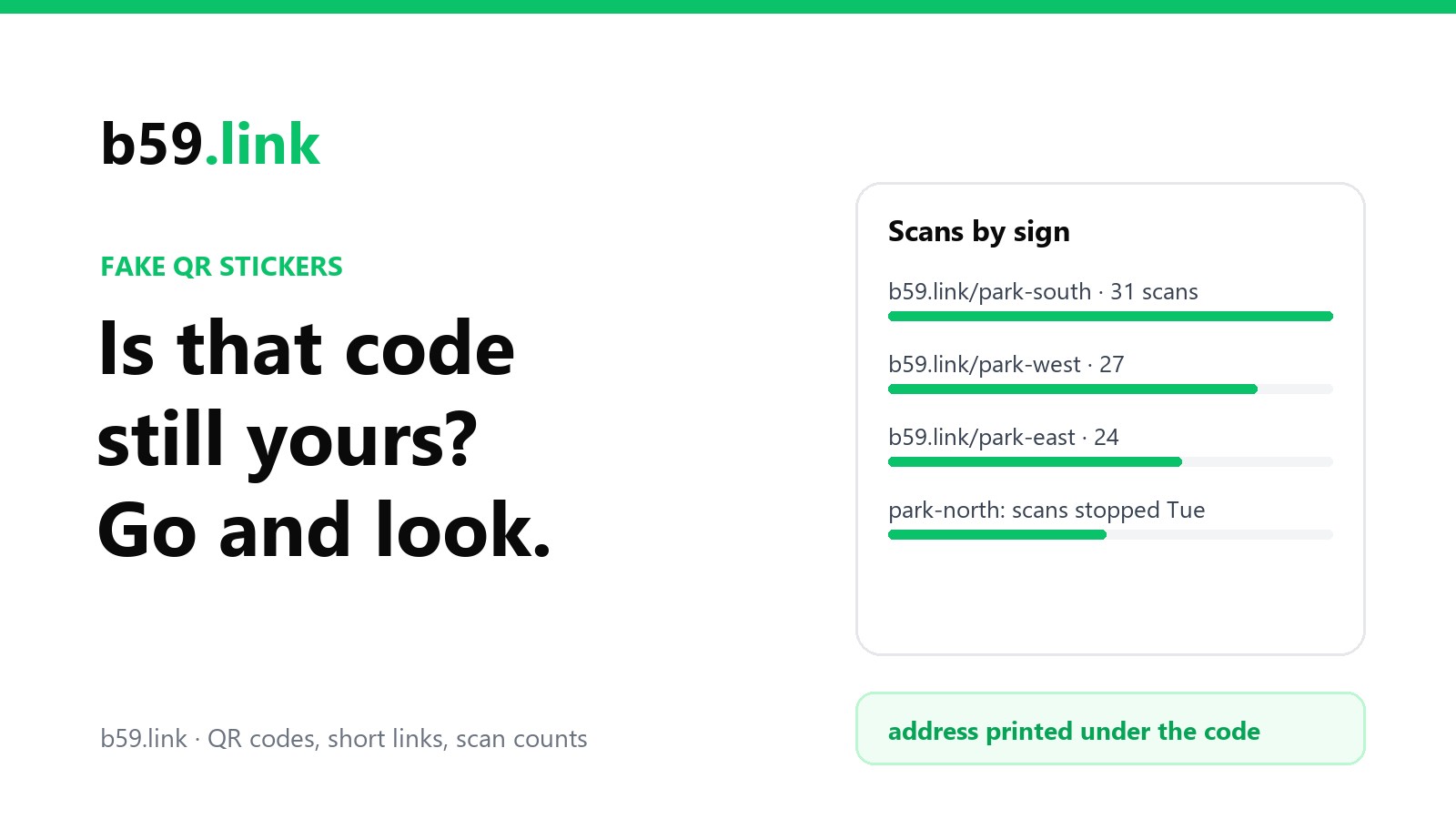
If each sign has its own short link (the same habit that tells you which flyer works), you get an alarm for free. A fake sticker steals the scans: people scan the scammer's code, not yours, so your count for that sign drops. When the car park's north entrance goes from 30 scans a week to none while the south entrance carries on as usual, go and look. It may be rain damage or a van parked in the way, but it may be a sticker.
This doesn't catch everything. A sticker placed next to your code rather than over it splits the scans instead of stopping them. But a sign whose scans fall to zero is always worth a walk.
If you find a fake code
- Photograph it before you remove it, close up and showing where it was. Scan it too and save the address.
- Remove it, and check every other code nearby. These come in batches; Austin found 29 in one round.
- Report it. In the US, to the local police and to the FTC at reportfraud.ftc.gov; in the UK, to Action Fraud. If the fake page sits behind a short link, report it to that shortener too (for a b59.link address, through our contact form), so it's switched off for everyone who already scanned or photographed it.
- Tell your customers. A note at the counter, a post on your page, and if people may have paid, the plain advice to call their bank.
What to tell your customers
A line on the sign, next to the code, does more than a poster about scams. Pick the one that's true for you:
And for staff: if a customer says a code took them somewhere odd, that's the most useful report you'll get. Thank them, and go and look at the sign.
If the code on your sign is for gifts rather than payments, the same rules apply, and there are a few more decisions about which payment page to put behind it. Our guide to a QR code on a tip jar or donation box covers those.
Sources
- FTC consumer alert, "Scammers hide harmful links in QR codes to steal your information", 6 December 2023.
- FBI Internet Crime Complaint Center, public service announcement on tampered QR codes, 18 January 2022.
- Austin and San Antonio pay stations: Fox 7 Austin and Route Fifty, January 2022 (29 of 900 Austin kiosks; more than 100 stations in San Antonio).
- Conwy County Borough Council, "Beware Parking QR Code Scam", August 2024.
- New York City DOT advisory on ParkNYC meters, 6 June 2025 (reported by NY1 and Gothamist); Fort Lauderdale city warnings reported by WLRN, May 2025.
- Which?, "Quishing scams warning: how to spot and avoid dodgy QR codes".