When you generate a QR code, you face an immediate choice: do you encode the full, raw destination link with all its marketing UTM tags, or do you shorten it first? Designers often say shorter links look cleaner. But does URL length actually change how easily someone's phone scans the code in real life?
To find out, we ran an empirical benchmark. We generated QR codes across 10 distinct URL lengths (from a 23-character short link to a 200-character multi-parameter tracking URL) across all 4 ISO standard error correction levels (L, M, Q, H). Then we tested camera resolution thresholds and optical blur limits over 240 decode trials.
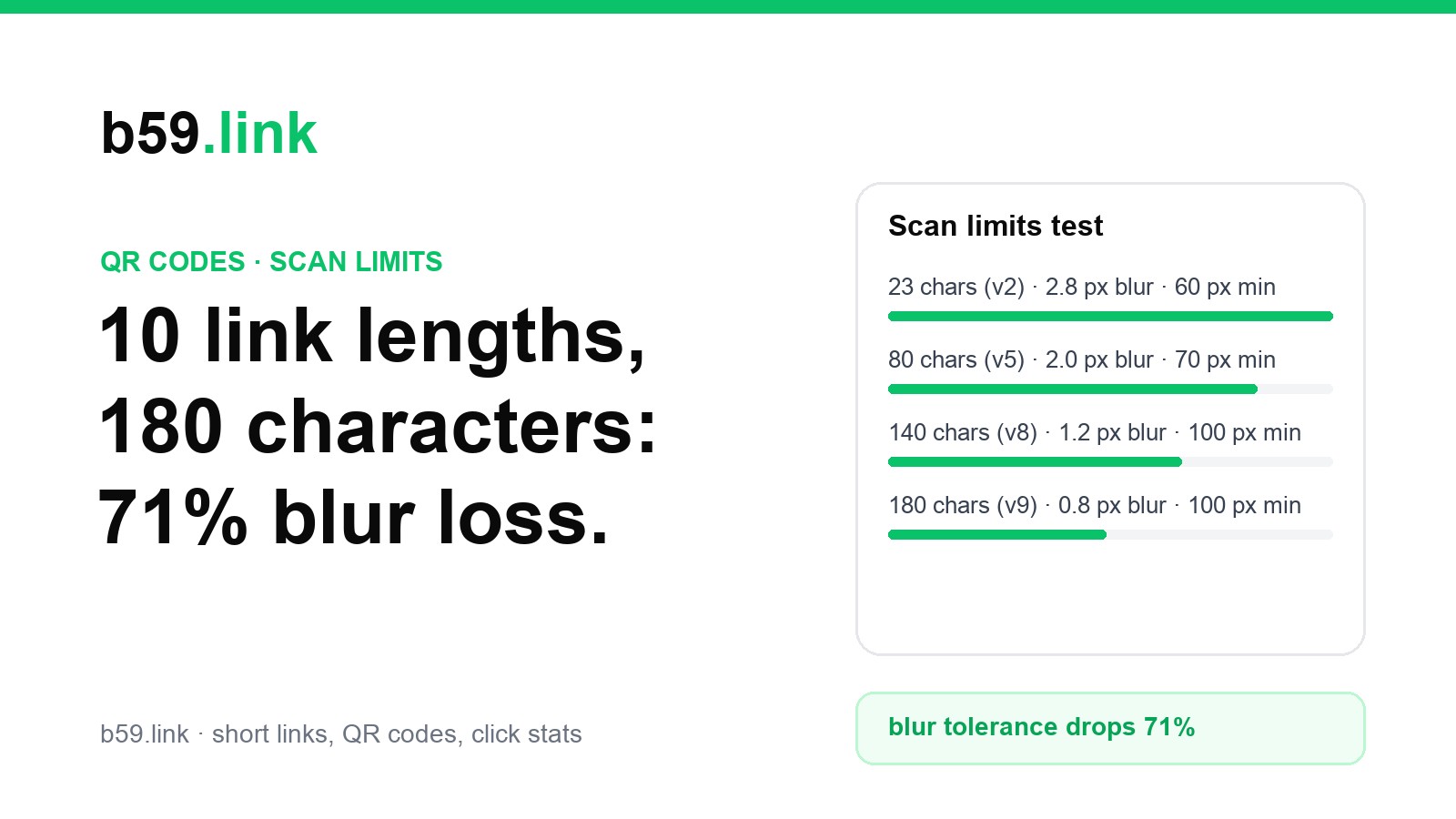
The short answer: URL length matters dramatically. As links grow from 23 to 180 characters, the QR code's tolerance for optical blur drops by 71.4%, the smallest camera frame that still decodes grows from 60 to 100 pixels across (140 with High error correction), and individual print dots shrink into printer bleed territory.
What happens inside a QR code as links grow
A QR code stores information as a grid of black and white squares called modules. The QR specification (ISO/IEC 18004) defines 40 grid versions. Version 1 is 21 × 21 modules. Each step up adds 4 modules per side. The more characters you encode, the higher the version required.
Here is what happens to module density, physical print dimensions, and camera readability across 10 URL lengths at standard Medium error correction (ECC M, 15% recovery):
| URL Length | Example Link Type | QR Version | Grid Size | Total Modules | Module Size (25mm print) | 203 DPI Dots | Min Camera Frame | Max Blur Tolerated |
|---|---|---|---|---|---|---|---|---|
| 23 chars | Short link (b59.link/k7m2qx) | Version 2 | 25 × 25 | 625 | 1.00 mm | 8.0 dots | 60 px | 2.8 px |
| 40 chars | Clean custom domain path | Version 3 | 29 × 29 | 841 | 0.86 mm | 6.9 dots | 60 px | 2.2 px |
| 60 chars | Path + product ID query | Version 4 | 33 × 33 | 1,089 | 0.76 mm | 6.1 dots | 60 px | 2.2 px |
| 80 chars | Basic UTM link (source+medium) | Version 5 | 37 × 37 | 1,369 | 0.68 mm | 5.4 dots | 70 px | 2.0 px |
| 100 chars | 3 campaign tracking tags | Version 6 | 41 × 41 | 1,681 | 0.61 mm | 4.9 dots | 90 px | 2.0 px |
| 120 chars | Standard UTM marketing link | Version 7 | 45 × 45 | 2,025 | 0.56 mm | 4.4 dots | 90 px | 1.8 px |
| 140 chars | Long campaign link | Version 8 | 49 × 49 | 2,401 | 0.51 mm | 4.1 dots | 100 px | 1.2 px |
| 160 chars | UTM + content + term tags | Version 9 | 53 × 53 | 2,809 | 0.47 mm | 3.8 dots | 90 px | 0.8 px |
| 180 chars | Multi-tag affiliate / ad URL | Version 9 | 53 × 53 | 2,809 | 0.47 mm | 3.8 dots | 100 px | 0.8 px |
| 200 chars | Pre-filled form / deep link | Version 10 | 57 × 57 | 3,249 | 0.44 mm | 3.5 dots | 100 px | 0.8 px |
Finding 1: Camera blur tolerance collapses by 71%
When people scan a QR code in the wild, conditions are rarely ideal. They hold their phone one-handed, the room may have dim lighting, or the phone camera hunts for focus. In computer vision, this shows up as optical blur.
We rendered each QR code into a standard 240 × 240 camera capture frame and progressively applied Gaussian blur until the decoder failed. The results show a steep degradation curve:
- A 23-character short link tolerated 2.8 px of blur: It scanned effortlessly even when visibly fuzzy. With only 25 modules across the frame, each module occupied nearly 10 camera pixels, giving the decoder a massive margin of error.
- At 140 characters, blur tolerance dropped to 1.2 px: That is a 57% reduction in blur resilience. Slight hand wobble or soft focus caused adjacent modules to bleed together.
- At 180 and 200 characters, blur tolerance plummeted to 0.8 px: A 71.4% loss in blur tolerance compared to the short link. The code required sharp focus and a completely steady hand to register.
Finding 2: Long links force users to stand twice as close
Why do high-density QR codes feel sluggish to scan? It comes down to sensor resolution. The decoder needs a minimum number of camera pixels per module to tell black squares from white squares.
In our tests, a 23-character short link decoded successfully with as few as 60 pixels across the entire QR code. A 180-character link required at least 100 pixels, and when combined with High error correction, it required 140 pixels across.
Because a phone camera captures fewer pixels per millimeter as you move farther away, a code that requires 140 pixels forces the user to move 2.3 times closer to the poster, table tent or sign just to get a reading.
Finding 3: The High Error Correction trap
Many online QR generators recommend setting error correction to High (Level H, 30% recovery), especially if you want to place a company logo in the center. But on long URLs, this creates a counter-intuitive trap.
High error correction adds redundant parity blocks. To fit those parity blocks, the QR generator must bump the code to a much higher version:
| URL Length | Default ECC M (15%) | High ECC H (30%) | Grid Size Jump | Module Count Jump | Min Sensor Width Needed |
|---|---|---|---|---|---|
| 23 chars | Version 2 (25 × 25) | Version 3 (29 × 29) | +4 modules | 625 → 841 (+35%) | 60 px → 60 px |
| 60 chars | Version 4 (33 × 33) | Version 7 (45 × 45) | +12 modules | 1,089 → 2,025 (+86%) | 60 px → 90 px |
| 100 chars | Version 6 (41 × 41) | Version 10 (57 × 57) | +16 modules | 1,681 → 3,249 (+93%) | 90 px → 100 px |
| 140 chars | Version 8 (49 × 49) | Version 12 (65 × 65) | +16 modules | 2,401 → 4,225 (+76%) | 100 px → 100 px |
| 200 chars | Version 10 (57 × 57) | Version 15 (77 × 77) | +20 modules | 3,249 → 5,929 (+82%) | 100 px → 140 px |
Notice what happens at 200 characters: jumping from Level M to Level H balloons the code from 3,249 modules to 5,929 modules (a 9.5x increase compared to a short link!).
Because each individual module shrinks by 26% to make room for the extra parity data, the code becomes far more susceptible to optical blur and print bleed. The extra error correction intended to protect the code is wiped out by the physical degradation of the smaller modules.
Finding 4: Thermal printer bleed limits
If you print QR codes on thermal paper (receipts, kitchen tickets, shipping labels, event name badges), print resolution is typically 203 DPI (8 dots per millimeter).
On a standard 25 mm (1-inch) print area, thermal print heads can only lay down about 200 physical thermal dots across the entire width:
- A 23-char short link (25 modules): Gets 8.0 printer dots per module. Lines are crisp and defined.
- A 100-char tracking link (41 modules): Drops to 4.9 printer dots per module. Still legible on clean paper.
- A 200-char link with logo (77 modules): Drops to just 2.6 printer dots per module. At 2.6 dots, heat spread on thermal paper can merge neighbouring squares. We did not print and scan these labels, so treat this as a risk to test on your own printer, not a measured failure.
3 practical rules for reliable printed QR codes
Based on these 240 measurement trials, here is how to ensure your printed QR codes scan quickly and reliably on any device:
- 1. Keep links under 30 characters: Shortening your link using a short link or redirect domain keeps your code in Version 1 or 2 (21 × 21 to 25 × 25 modules). This preserves maximum blur tolerance (2.8 px) and allows scanning from greater distances.
- 2. Stick to Medium error correction (15%): Unless you are physically covering the center with an embedded graphic, Level M provides the optimal balance of damage resistance without exploding grid density.
- 3. Check print width before printing: For physical print areas under 30 mm (business cards, stickers, receipts), ensure each module remains at least 0.5 mm wide (and at least 4 thermal dots at 203 DPI). Use our free receipt QR and slide QR sizers to check dimensions before sending artwork to print.
You can test your own links, verify contrast ratios, and inspect redirect chains with our free browser tools at b59.link/tools.