A tag on a dog's collar, a label on a suitcase, a sticker inside a laptop lid or on a bike frame: they all have one job. Someone who finds the thing has to be able to reach you. For decades that meant engraving a name, an address and a phone number into a disc of metal. A QR code lets you put a link there instead, and the link can open a page you change whenever your number does.
It also lets you leave things off. A suitcase tag with your home address on it tells everyone in the check-in queue where an empty house is for the next two weeks. A dog tag with a landline can be looked up to a street. This guide is about what a finder actually needs, what belongs on the page behind the code, what has to stay on the tag itself, and how to make a code survive 25 millimetres of metal being dragged through hedges.
What the finder needs
Put yourself in the finder's place. They're standing in a park holding a frightened dog by the collar, or at a café table with someone's backpack. They want one thing: a number to call or text, now. They don't want to post a letter to you, and they don't need to know which street you live on.
For pets the numbers are encouraging. In the ASPCA's survey of 1,015 US households, published by Weiss, Slater and Lord in the journal Animals in 2012, 93% of lost dogs were found again, about half of them by searching the neighbourhood, and about one in seven came home because of a tag or a microchip. Cats did worse: around three in four were found, most of them because they walked home by themselves, and cats were less likely to wear any ID at all. A readable tag is the part of that you control.
So the page behind the code should answer, in this order:
- How to reach you: a mobile number that opens the dialler when tapped, and a second person in case you don't pick up (a partner, a neighbour, a friend who knows the dog).
- Anything urgent: "needs daily medication", "diabetic, please call straight away", "deaf, won't hear you calling", "nervous, don't chase".
- What to do if nobody answers: "microchipped, any vet can scan him", or "hand the bag to the hotel reception and text me".
- A reward line, if you want one, without an amount. Something like "we'll gladly cover your costs" works without inviting someone to hold the dog to ransom.
That's it. No home address, no surname if you'd rather not, no date of birth, and not the pet's full medical record.
What still has to be on the tag
A code alone isn't enough, for three reasons. Not every finder will scan it. An older person, or someone whose phone is flat, will look for a number. And in some places the law asks for more.
In England, Wales and Scotland, the Control of Dogs Order 1992 says a dog in a public place must wear a collar with the owner's name and address on it, on the collar itself or on a plate or badge attached to it. Working dogs, guide dogs and a few others are exempt. A code that leads to an address doesn't meet that rule; the words have to be on the tag. The usual answer in the UK is surname, house number and postcode on one side, and the QR code on the other. Other countries and many US cities have their own licence-tag rules; check yours before you drop anything.
Elsewhere, a good small tag carries:
- the phone number, engraved in plain digits, on the side with the code or the back;
- the word Microchipped if the pet is (the number itself takes too much room and a vet's scanner reads it anyway);
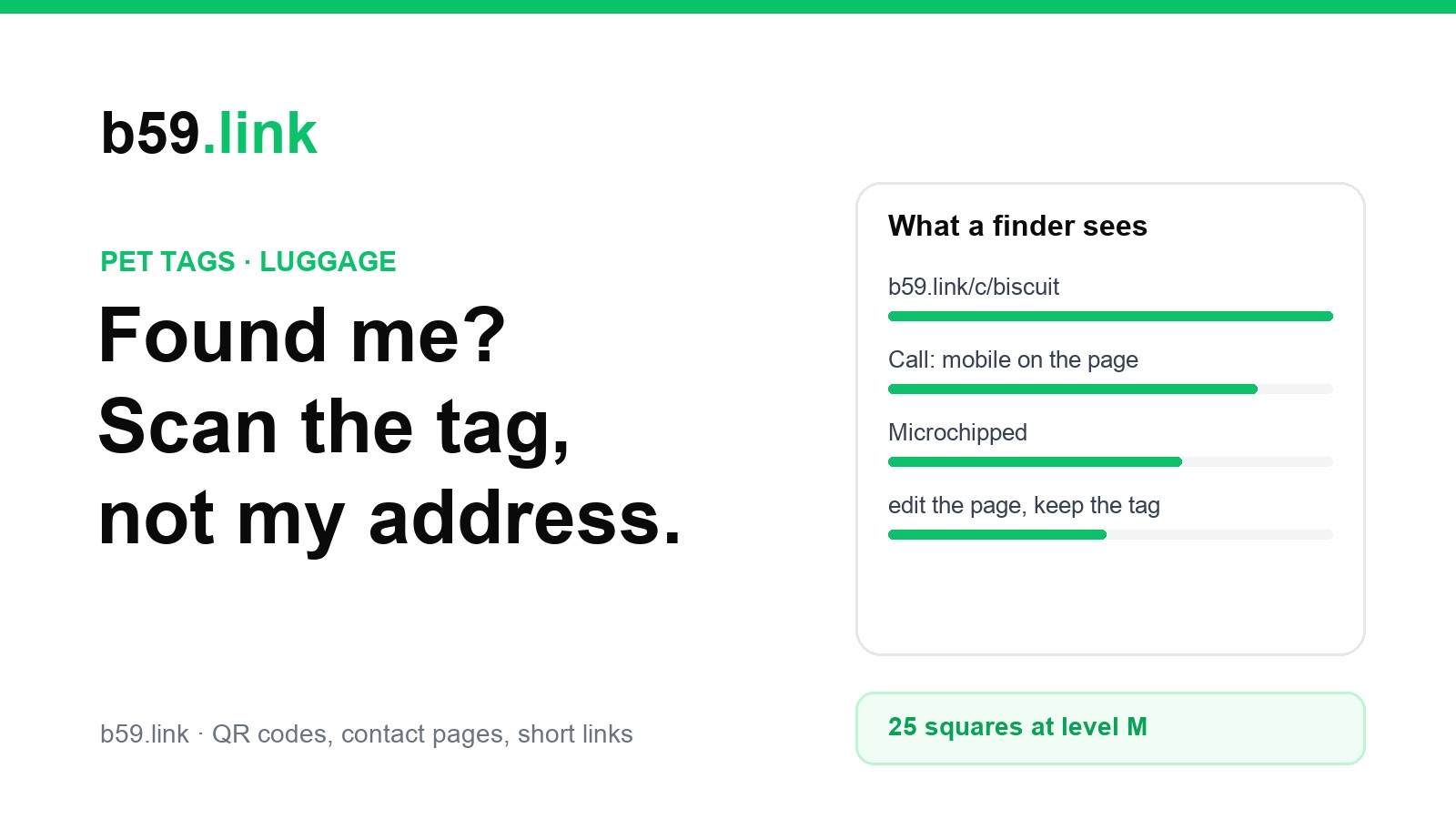
- the short address of the page in letters, for example b59.link/c/biscuit, so someone who can't scan can still type it.
For luggage, the airline's own tag gets the bag back to the airport you flew to. Yours is for the cases where that tag is torn off, or a bag is left on a train. Put your name, a mobile number and an email address on it, and leave the street off. If the bag is going somewhere you'll be staying, some travellers write the hotel's name inside instead.
A page you can edit, not details baked into the code
There are two ways to put contact details into a QR code, and only one of them keeps working when your life changes.
Details baked into the code. A vCard QR code holds the whole contact card: name, number, email, maybe an address. The phone reads it without going online, which is a real advantage on a hillside with no signal. But the code is the data. Change your number and every tag you've engraved is wrong, and there's no way to hide the address you put in it last year. Our guide to vCard QR codes also shows why they get dense: a full card can need three times as many squares as a short link, which is a problem on a 25 mm disc.
A link to a page. The code holds only an address, such as https://b59.link/c/biscuit. The page behind it has the current details, and you edit the page, not the tag. New phone number, new flat, dog-sitter for a fortnight: change the page and the tag is right again. The cost is that the finder needs mobile data, which nearly everyone with a smartphone in a town has.
For a pet or a bag you'll own for years, the link wins. If you want both, put the link in the code and engrave the phone number in text next to it.
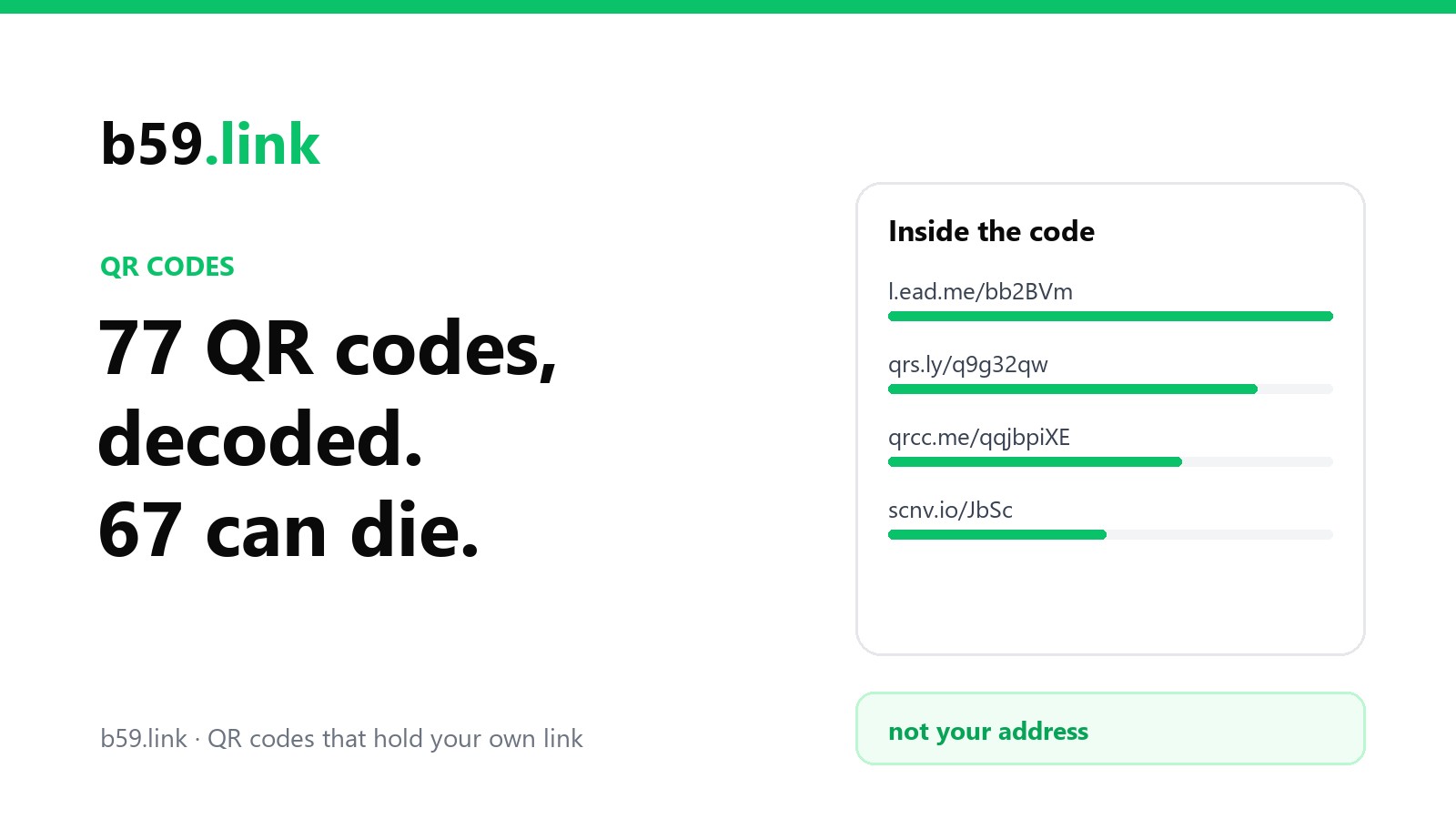
Whatever the code points at, make sure it's an address you control. Many tag sellers put their own website in the code, and the page works only while you keep paying them, or while they're still in business. We found that in 67 of 77 codes on QR generators' own websites: the code holds the generator's redirect, not your page. A short link you can repoint, or a page on your own domain, outlives any one seller.
Size on a 25 mm tag
Pet tags are small. A round 25 mm (one inch) disc leaves room for a square of about 17 to 18 mm inside the circle, and that square has to hold the code and a little white border around it. How many squares the code has decides whether it survives at that size.
We generated codes for three addresses at the error correction levels people usually pick:
On an 18 mm square with a two-square border, the short address at level M gives squares about 0.6 mm wide. The 80-character address at level H gives about 0.34 mm, roughly half the width, and every scratch now covers twice as much of a square. Short address, fewer squares, bigger squares: that's the whole trick.
Our printing guide has the rule of thumb that a code scans from about ten times its width. An 18 mm code is read from about 18 cm, which is where someone holding a collar will hold their phone anyway.
Scratches, wear and what the tag is made of
A dog tag spends its life rattling against a metal bowl, a buckle and other tags. Luggage gets thrown onto belts. Some practical points:
- Engraved or printed under resin lasts longer than a sticker. Laser engraving on anodised aluminium gives dark-on-light codes that don't peel. Stainless steel engraving is tougher but lower in contrast; test it before you order twenty.
- Level M or Q, not H. Error correction lets a code be read with part of it missing, but higher levels add squares. On a tiny tag, bigger squares at level M usually survive wear better than more, smaller squares at level H.
- Dark code on a light background. A light code engraved into a dark tag looks smart and fails on many phones; our coloured QR test found that inverted codes read only in decoders that try the inversion.
- Flat, not domed. A code on a curved tag or under a thick dome reflects light across it. Flat and matt is easiest to scan.
- Rescan it every few months with your own phone, and replace the tag when it starts to hesitate. A spare costs less than a lost weekend.
What a scan can tell you, and what it can't
Many QR tag sellers advertise that you'll be alerted with the location every time the tag is scanned. Look at how that works before you rely on it. A QR code is a printed picture; it has no GPS and no battery. The location comes from the finder's phone, and only if the finder's browser asks for it and the finder taps Allow. One seller's own help pages say exactly that: the location is shown only if the person scanning has allowed it to be sent.
If the code holds a short link with click counting, you'll see that the link was opened, when, and roughly where, from the internet address of the phone. On b59.link that's a city and country worked out on our server, which is a hint ("someone opened it in Leeds at 7:40"), not a street. It tells you someone has your dog or your bag in hand, which is often enough to keep your phone close.
What it can't do is find a pet nobody has found yet. A QR tag only works once someone picks the animal up. For a dog that bolts, or a cat that roams, a GPS collar or a Bluetooth tracker answers a different question. An AirTag in Lost Mode, for example, shows a finder who taps it with an NFC phone a page with the phone number the owner entered. It's a good partner to a tag, not a replacement: it runs on a battery, and pets can lose the holder.
Keep the page itself private enough
Whatever you put on the page can be read by anyone who scans the tag, including a stranger who photographs your dog's collar in the park. Treat the page as public.
- No home address on the page. Same reason as the tag.
- Not indexed by search engines. A page that can be found by searching your dog's name plus your town is more exposed than one that can only be opened from the tag. b59.link contact pages ask search engines not to index them; if you build your own page, add a noindex tag.
- A number you're happy to hand out. Some people use a second number, or a forwarding number, so the one on a tag that might be lost for years isn't their main line.
- An address that's hard to guess. /c/biscuit-7k2 is less likely to be found by someone typing names at random than /c/biscuit.
- Change it when the situation changes. Moving house, going away, dog with a sitter: update the page that day.
Setting one up
A simple way to do this with b59.link, free and without an app:
1. Sign in and make a contact page at b59.link/tools/contact-page. Put the pet's name where the first name goes, your mobile, a second person's number in the other phone field, and the urgent notes ("microchipped", "needs medication") in the note field. Leave the address fields empty.
2. Download the page's QR code from the same screen. It's drawn in your browser at level M.
3. Send it to an engraver as a vector or a large PNG, together with the phone number and the short address to engrave in text on the same tag.
4. When the tag arrives, scan it with two different phones, in a dim room, before it goes on the collar.
5. If you'd rather keep your own page somewhere else, make a short link to it at b59.link instead, and put that in the code. You can change where it points without touching the tag.
The same steps work for a camera bag, a set of keys, a child's school bag or a walking stick. Don't print an address on any of them.
Sources: Weiss E, Slater M, Lord L, "Frequency of Lost Dogs and Cats in the United States and the Methods Used to Locate Them", Animals 2012, 2(2):301-315, and the ASPCA's summary of the survey. The Control of Dogs Order 1992, legislation.gov.uk. Animal ID support pages on how QR tag scan locations are sent (support.animal-id.net). Apple AirTag Lost Mode as described by MacRumors. Code sizes generated with the Python library segno.
Make a contact page for a pet tag or a luggage label, and download its QR code. Change the details any time; the tag stays the same.
Make a contact page