Before a launch, the number that matters most is how many people are waiting for it. A waitlist gives you that number, and the addresses behind it. b59.link now has a waitlist tool: you create a list, paste one snippet on your site to show a sign-up panel, and export the entries whenever you like.
Create the waitlist
Sign in on b59.link, open Waitlist at b59.link/wl and give the list a name, such as your product name plus "launch waitlist". The description is optional and only you see it. Each account can have up to 50 lists.
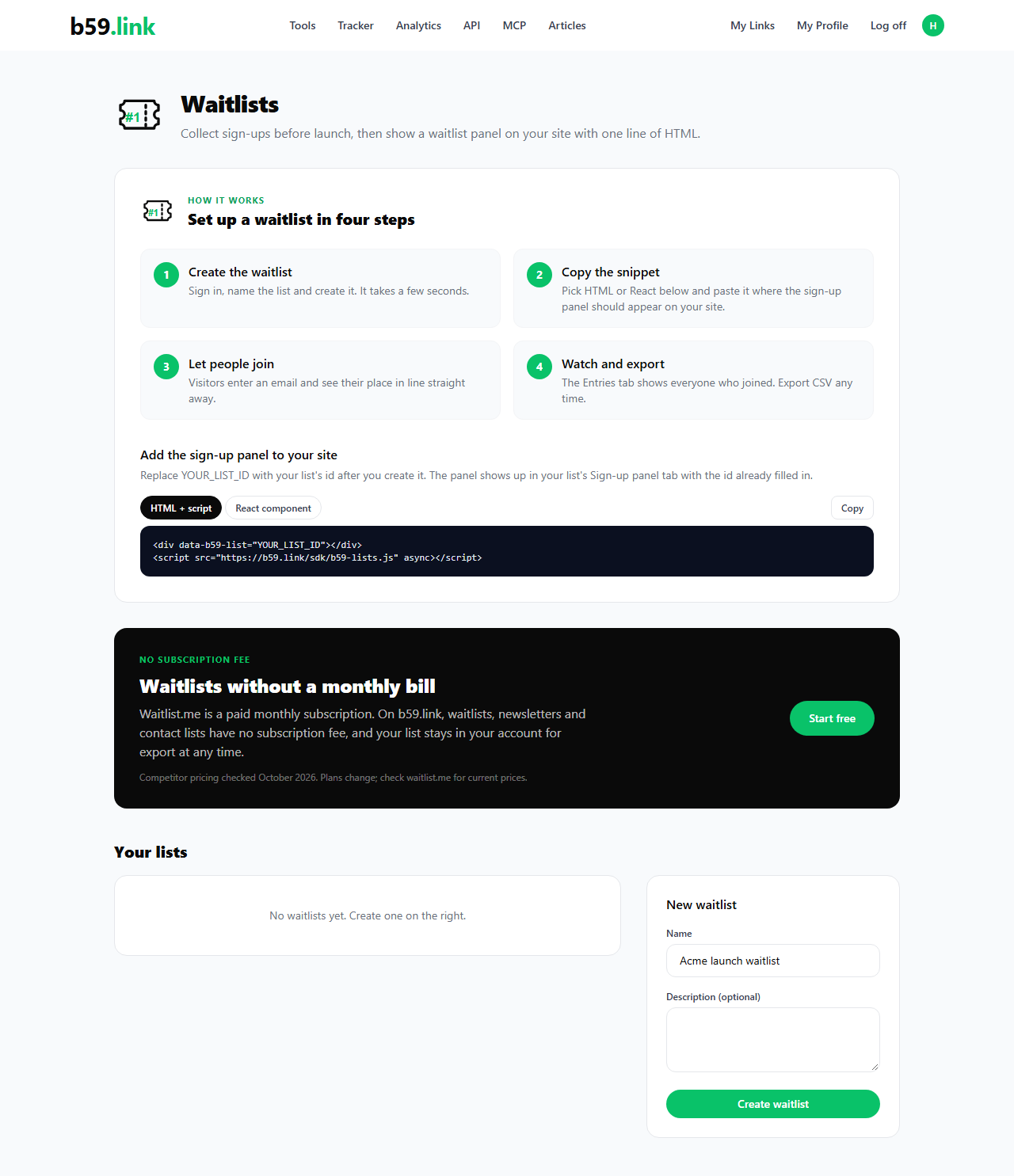
Put the panel on your site
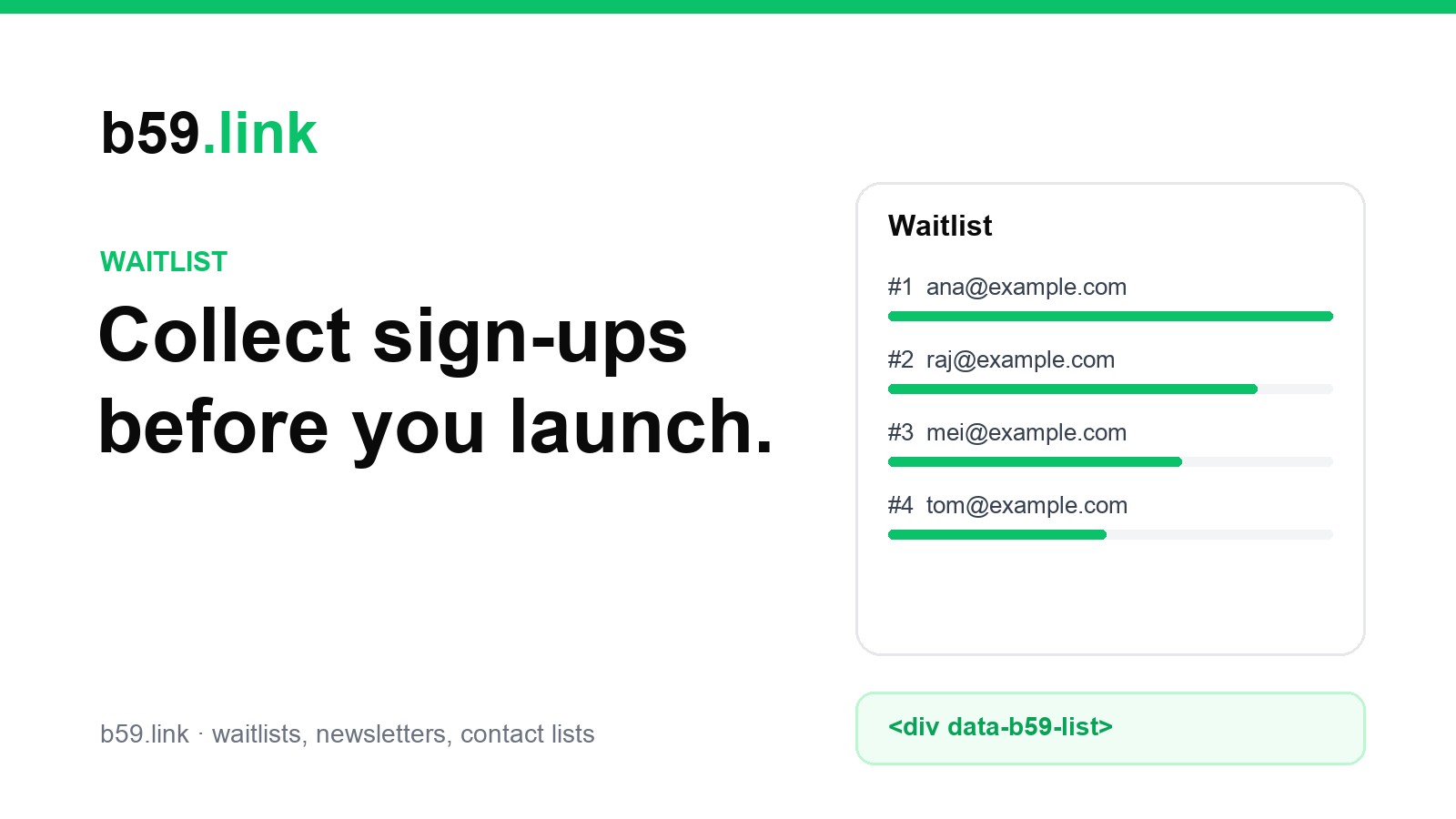
Open the list and go to the Waitlist panel tab. The snippet is a div and a small public script, with no iframe. It works on any site: a static page, a Next.js app, a WordPress post. Copy the HTML version and paste it where the panel should appear, or use the React tab if your site is a React app. The list id is already filled in.
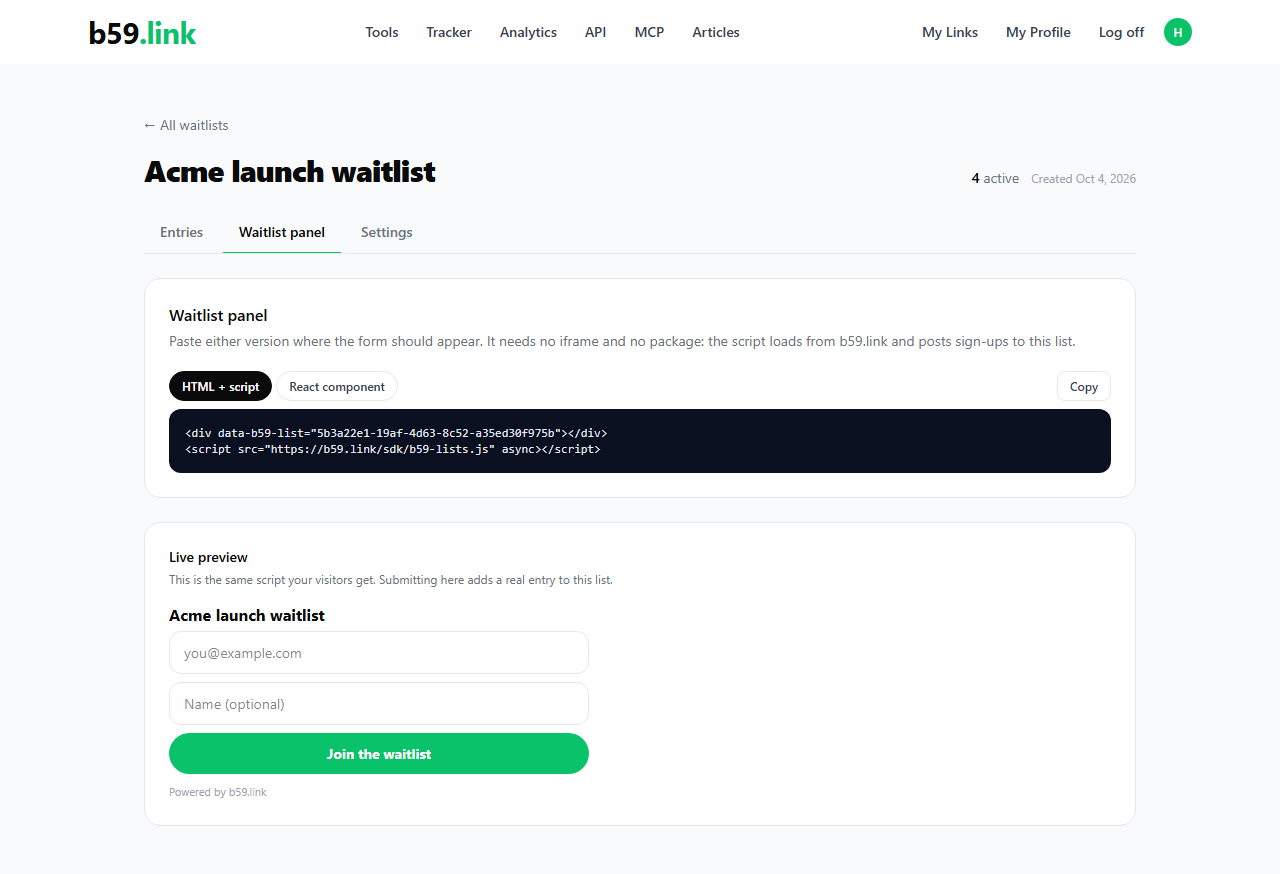
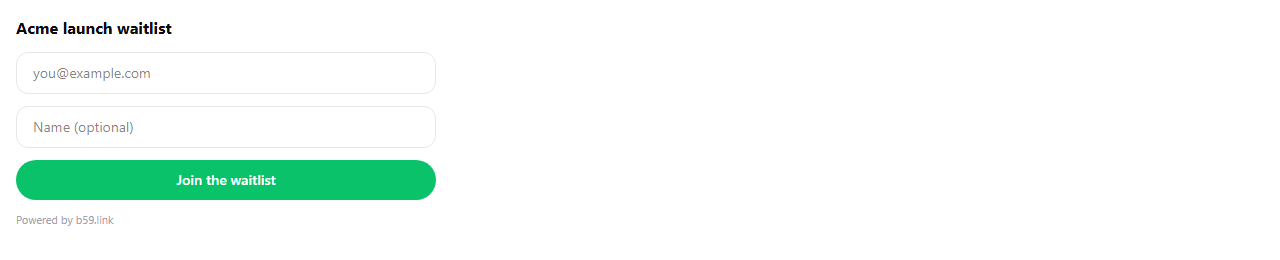
Visitors see a short form: an email address and an optional name. The panel runs on b59.link, so the sign-ups go straight to your list and you don't need a server of your own.
What a visitor sees
When someone joins, the panel says You're #N on the waitlist, where N is their place in the order people joined. Joining again with the same address doesn't create a second entry, and the panel shows the same place.

Spam protection
The form has a hidden field that people never see. Bots tend to fill every field, so when it is filled the sign-up is dropped without an error. Nothing is stored for those requests.
See, export and add entries
The Entries tab lists every entry with its email, name, where it came from (the panel or added by hand), its status and the date. The count at the top shows active entries and unsubscribed ones separately.
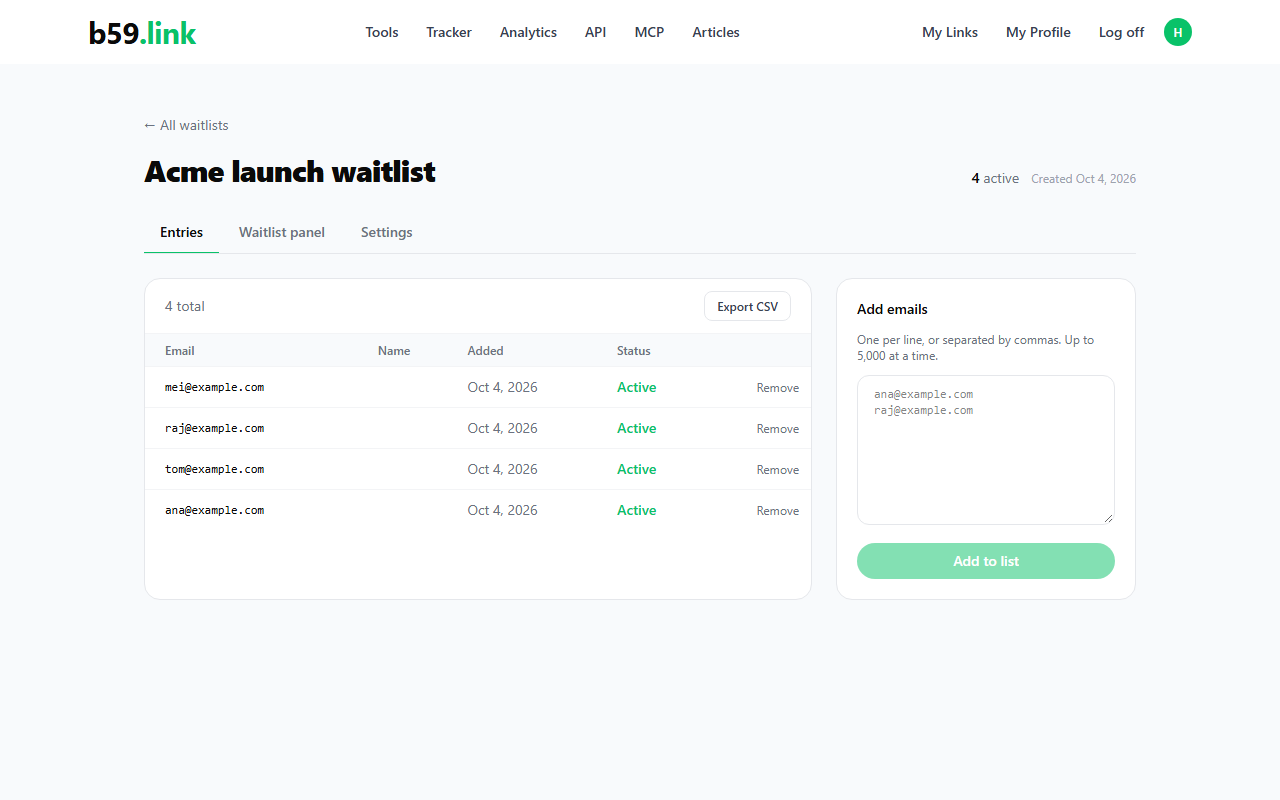
Export CSV downloads the whole list at any time, including unsubscribed entries. The file has five columns:
You can also add people by hand. Paste addresses one per line or separated by commas, up to 5,000 at a time. Addresses that are already on the list are skipped, and anything that isn't a valid address is reported back to you.
Some waitlist services are paid monthly subscriptions. On b59.link, waitlists, newsletters and contact lists have no subscription fee, and the list stays in your account for export.
Use the list only for people who asked
A sign-up on the panel is stored as it comes in, and b59.link doesn't send a confirmation email for waitlist entries. So only add people who asked to hear from you. When you want to tell the list about the launch, the newsletter tool at /nl sends it to them with an unsubscribe link in every email.
Create your waitlist, copy the snippet, and you can have a sign-up panel on your site in a few minutes.
Create a waitlist