Most launches start with a page that says "coming soon" and an email box. The email box is the newsletter list. b59.link's newsletter tool keeps that list, lets you write the issues you send to it in an HTML editor, and queues each campaign for the people on the list.
Start the list
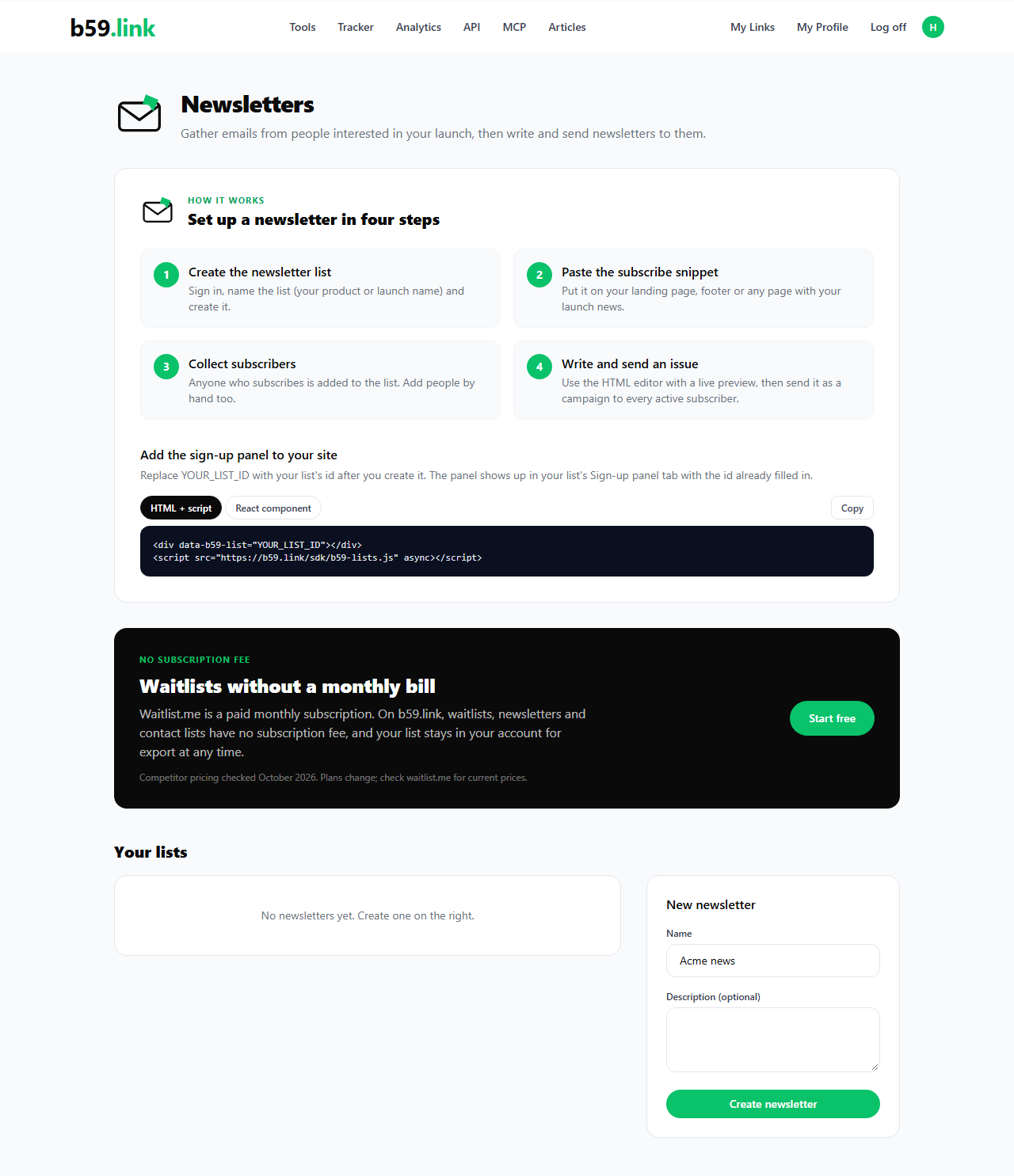
Sign in and open Newsletter at b59.link/nl. Create the list with a name people will recognise, such as your product name. The list page has three tabs: Subscribers, Subscribe panel and Newsletters, plus Settings to rename it or delete it.
Add the subscribe panel
The Subscribe panel tab has the same HTML snippet and React component as the waitlist, and the button says Subscribe. Paste it on your landing page, in the footer or under the hero text.
Write an issue in the HTML editor
Open the Newsletters tab and choose New newsletter. The editor has three fields: a title that only you see, the subject line subscribers get in their inbox, and the HTML body. The preview on the right renders the HTML as you type. Scripts are switched off in the preview and are rejected when you save, so an issue can't run code in a reader's inbox.
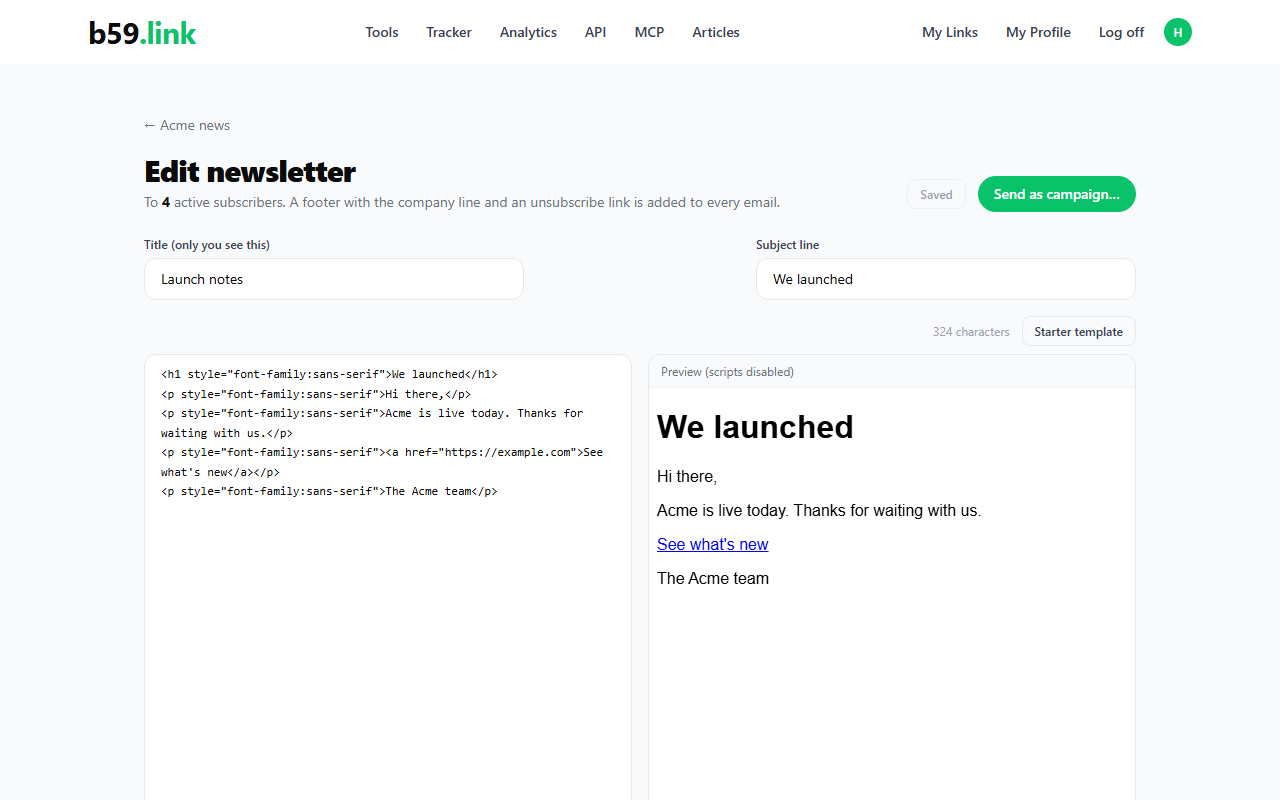
Use Starter template to get a simple layout with a headline, a paragraph and a button. Tab inserts two spaces in the editor, so indentation stays readable. A short issue looks like this:
Send it as a campaign
Send as campaign… asks you to confirm, then writes one email per active subscriber. Anyone who unsubscribed is skipped. Each email gets a footer with the company line, Biz59 LLC in New York, and an unsubscribe link that is unique to that subscriber. The footer goes inside the body of your HTML, before the closing tag.
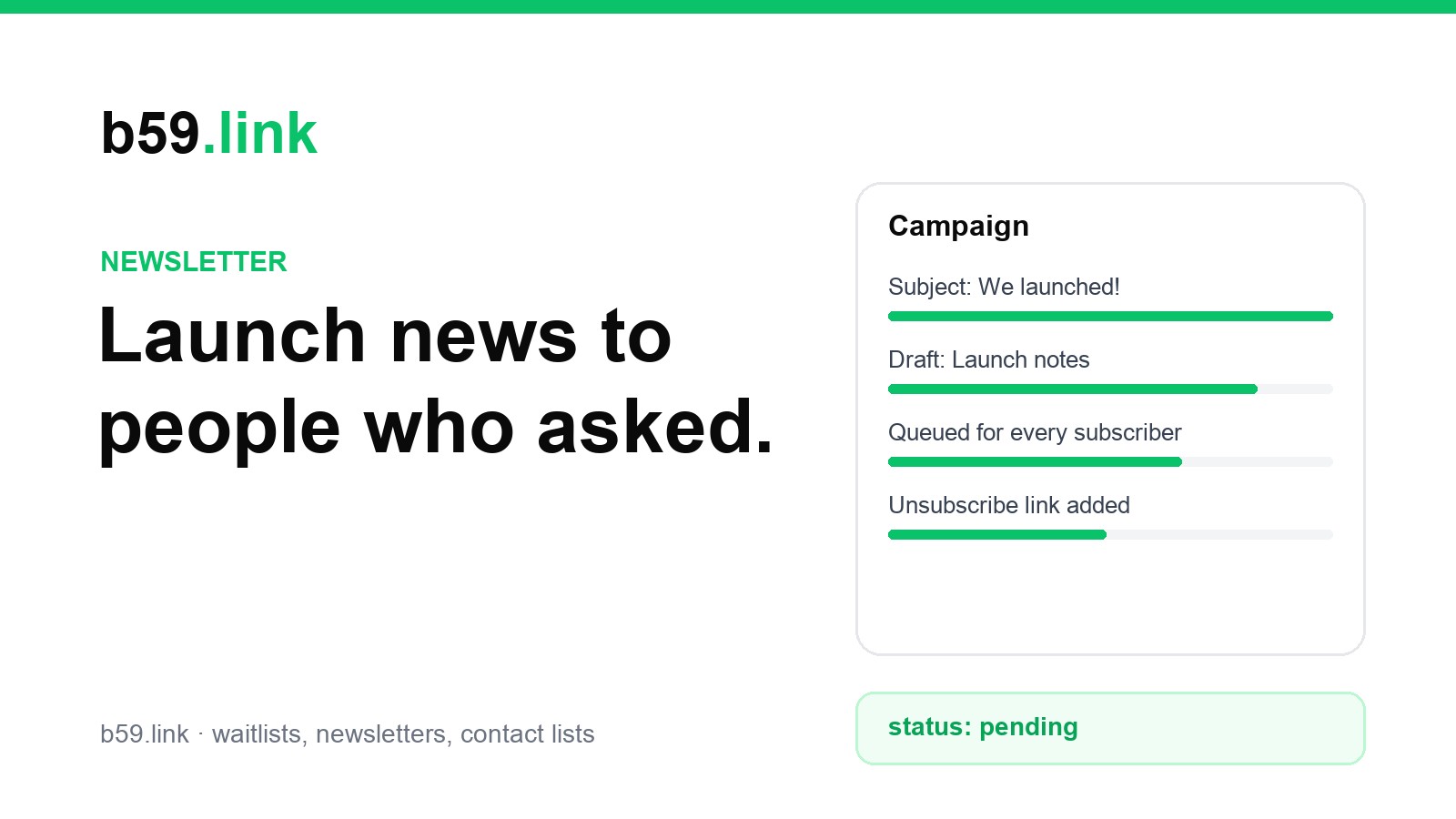
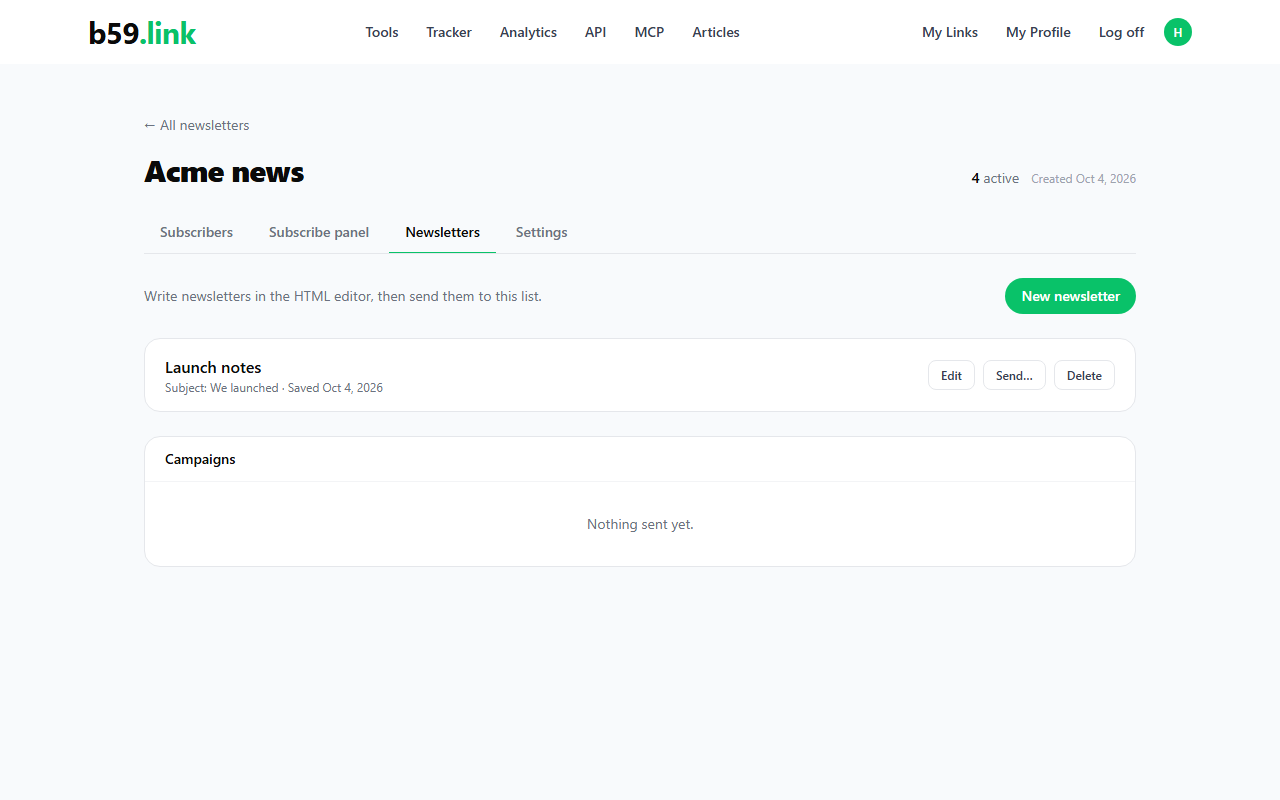
A campaign is queued, not sent in the same click. Each queued email shows as pending in the Campaigns table on the Newsletters tab, and changes to sent or failed once our email service has handled it.
Keep the list clean
Unsubscribing removes a person from future campaigns but keeps the row, so you can show how many people left. You can export the subscribers at any time from the Subscribers tab, in the same CSV format as the waitlist.
Start a newsletter list, paste the subscribe panel on your site, and write the first issue when you are ready.
Start a newsletter