A place of worship lives with two completely different kinds of print. Every weekend brings a fresh stack of paper: weekly service sheets, parish bulletins, mass cards or Friday Jummah programs that congregants take home or leave on the pews. Beside them sit permanent physical fixtures: wooden vestibule noticeboards, framed posters in the narthex, brass plaques, hymnal cards, and metal boards by the churchyard or mosque gate intended to last five to ten years.
Putting QR codes across these surfaces connects worshippers to three everyday tasks: donating without loose change, following weekly livestreams from home or hospital, and checking volunteer rotas. But printing raw third-party web addresses directly onto signs or weekly sheets creates silent failures. Giving platforms change providers, weekly YouTube broadcast links expire after 90 minutes, and volunteer sheets change every Tuesday. Here is how to build codes that stay working, back them with real figures, and respect the quiet privacy of a sanctuary.
Giving: why QR codes yield 3.5× higher gifts than card taps
Fewer congregants carry cash to services every year. Many parishes install contactless card-tap terminals (such as SumUp or Payaz CollectTins) by the door, while printing QR codes on the back of pew cards, giving envelopes, and service sheets.
The Church of England's National Giving Team tracked digital income across thousands of parishes (raising nearly £25 million digitally). Their reported averages reveal a striking difference between hardware taps and smartphone scans:
| Collection Method | Average Gift | Donor Interaction | Gift Aid & Tax Reclaim |
|---|---|---|---|
| Loose Cash Plate | £3.00 – £5.00 | Spare pocket coins and notes passed in basket | GASDS applies to gifts under £30 without forms |
| Contactless Card Tap | £8.73 – £8.76 | Quick fixed tap at door terminal (£5, £10 preset) | GASDS applies up to £30 without donor identity |
| QR Code / Mobile Web | £30.19 – £35.73 | Scanned in pew; opens full responsive checkout | Captures digital Gift Aid declaration (+25% boost) |
Why do QR codes average over £30 while card taps linger under £9? Physical terminals encourage rapid, low-friction taps on fixed buttons during the rush out the door. A pew-card QR code is scanned while sitting down during the offertory or notices. The donor lands on a mobile page where they can review funds (general fund, church roof, youth work, zakat, or disaster appeals), choose thoughtful donation amounts, and tick a Gift Aid box.
In the UK, that digital Gift Aid tick adds 25% from HMRC at zero expense to the donor. On a £100 donation, the parish receives £125. Under the Gift Aid Small Donations Scheme (GASDS), cash and card taps under £30 can be claimed without names, but larger personal gifts require a declaration. QR codes make that collection natural.
Never print the raw payment processor URL
The common trap is generating a QR code directly from whatever giving platform the parish treasurer adopted this morning: Subsplash, Tithe.ly, Give A Little, SumUp, Parish Giving Scheme, or PayPal Giving Fund. Faith organisations change payment processors frequently as merchant rates shift or diocesan programs evolve:
| Giving Platform | Online QR / Card Fee | Monthly Subscription | Platform Strengths & Limitations |
|---|---|---|---|
| Parish Giving Scheme (PGS) | 0% (funded by UK dioceses) | Free | Automated HMRC Gift Aid reclaim; Anglican parishes only |
| Give A Little | 1.95% + Stripe (~1.2% + 20p) | Free tier; £7.50/mo Premium | Excellent multi-campaign giving; supports card reader + web QR |
| SumUp Payment Links | 2.50% flat (UK) / 2.9% + 15¢ (US) | Free | Quick to set up; no native fund split or automated Gift Aid claim |
| Tithe.ly | 2.9% + 30¢ (cards) / 1% + 30¢ (ACH) | Free base tier | Comprehensive US/international tools; 30¢ fixed fee hurts micro-gifts |
| Pushpay | ~2.5% – 3.0% + 30¢ | $100 – $250+/month | Deep church CRM integration; expensive monthly fees for smaller bodies |
If you print 500 wooden or acrylic pew-card plaques holding a raw address like https://tithe.ly/give?c=129481, you are handcuffed to that provider forever. If your church council votes next year to join the Parish Giving Scheme or switch to Give A Little to save 1.5% in fees, every physical plaque and printed hymnal card is ruined.
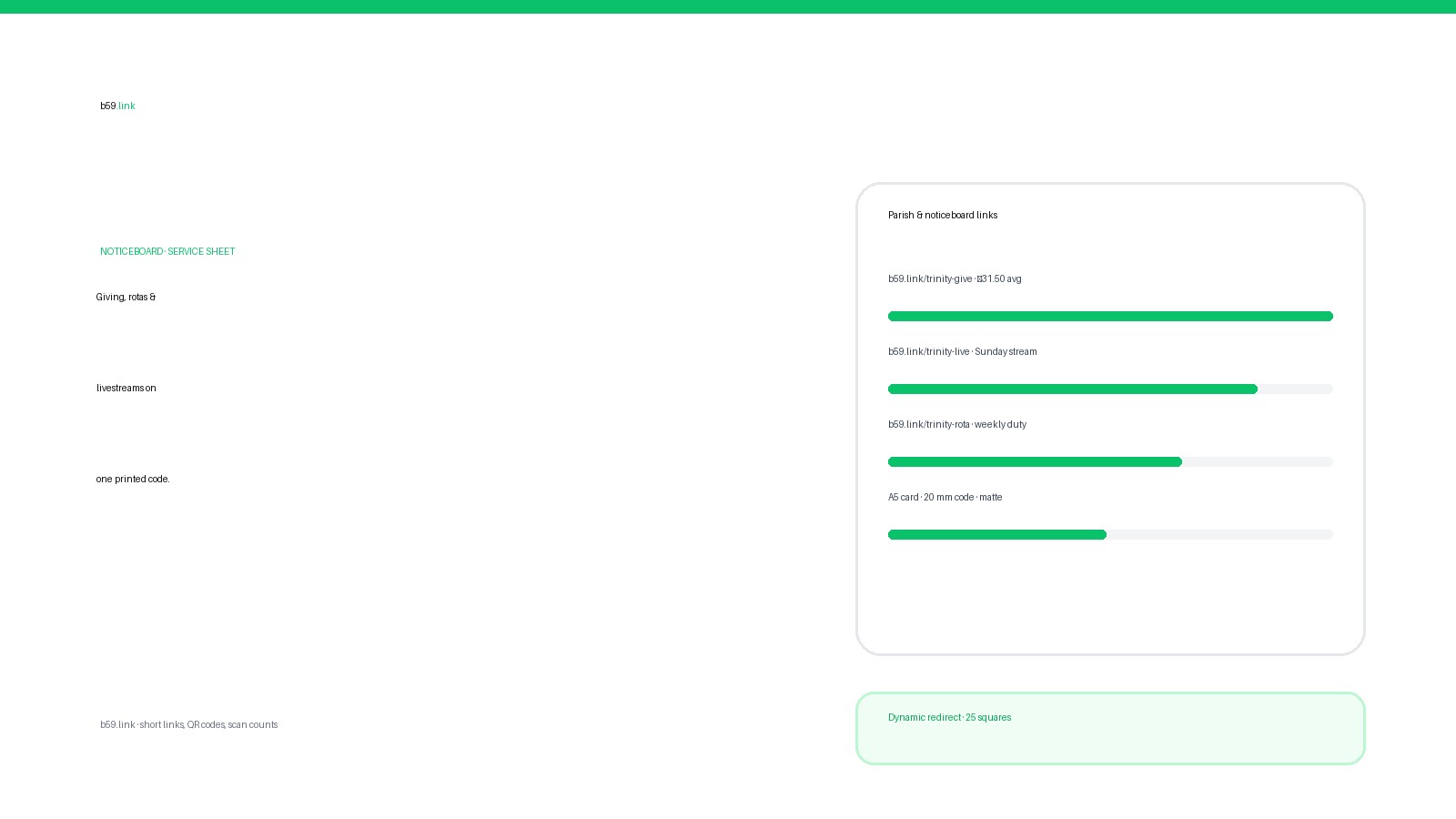
The rule is simple: encode a permanent redirect link that you own, like b59.link/trinity-give or stmarks.org/give. When you change banking providers, you update the destination URL in your dashboard. The physical signs in the pews stay right where they are.
Livestreams: fixing the weekly YouTube broadcast expiration
Since 2020, thousands of churches, gurdwaras, and mosques broadcast weekly worship for elderly congregants, sick members, and families travelling abroad. The technical problem is YouTube's live link structure.
When an AV volunteer schedules next Sunday's broadcast in YouTube Studio, YouTube assigns a unique 11-character video ID:
If that address is printed on the weekly service sheet, noticeboard, or pew cards, it works for exactly one service. By Sunday afternoon, the stream is finished. A visitor scanning it next Sunday morning sees 'Stream ended 7 days ago' or an error, while the fresh service is broadcasting unnoticed under a brand-new ID.
Why not use YouTube's handle link (youtube.com/@ChurchHandle/live)? In theory, it forwards to an active stream. In practice, if the AV team has not hit 'Go Live' yet, visitors see an empty channel page. If a video premiere was scheduled earlier in the week, it often forwards to the wrong video.
A permanent short link (e.g. b59.link/trinity-live) solves this cleanly:
- Thursday: The AV volunteer schedules Sunday's YouTube broadcast and copies the new video link.
- Thursday evening: The volunteer logs into the short link dashboard and points
b59.link/trinity-liveto Sunday's upcoming stream. - Sunday morning: Worshippers scan the code from their service sheets or home bulletins and land directly in the live room.
- Monday morning: The link can remain on yesterday's recorded sermon, or point back to the parish video archive until next Thursday.
The volunteer rota: replacing messy pencil edits
Every worship community depends on volunteer teams: scripture readers, sidespeople and ushers, intercessory prayer leaders, tea and coffee hosts, sound engineers, creche workers, and cleaning crews. In mosques and gurdwaras, volunteers coordinate shoe-rack duty, Friday prayer parking, and community kitchen (langar) preparations.
Posting a printed paper rota on the vestry noticeboard fails within days. Someone swaps shifts via text message on Wednesday; someone gets the flu on Friday. The printed sheet ends up covered in crossed-out names, scribbled pencil arrows, and confusing question marks.
Most teams now manage schedules in tools like ChurchSuite, Planning Center Services, Elvanto, SignUpGenius, or a shared Google Sheet. Print a permanent QR code on the vestry noticeboard and the back page of the bulletin:
Volunteer Noticeboard Code: b59.link/trinity-rota
Points directly to the live volunteer view. Volunteers can check their upcoming duty dates, request a swap directly on their phones, or see vacant slots for next Sunday and sign up before leaving the building.
Sanctuary lighting and QR sizing: the 100-lux reality
Commercial retail stores and modern offices are illuminated at 500 to 750 lux. Historic stone sanctuaries, candle-lit chapels, and carpeted prayer halls are very different: they often sit at 75 to 150 lux, lit by warm chandeliers, shaded wall sconces, or stained glass.
In dim light, smartphone cameras widen their aperture and increase sensor ISO, creating grain and hunting for focus. If a printed QR code has tiny, densely packed modules, the camera cannot distinguish them.
| Physical Surface | Scan Distance | Typical Lighting | Recommended Code Size | QR Version & Module Size |
|---|---|---|---|---|
| Pew Card / Hymnal Slip | 25 – 35 cm (handheld) | 75 – 150 lux (dim sanctuary) | 20 × 20 mm (min 18 mm) | Version 2 (25×25), 0.80 mm module |
| Weekly Service Sheet (Back) | 30 – 40 cm (in lap) | 100 – 200 lux | 22 × 22 mm | Version 2 (25×25), 0.88 mm module |
| Vestry / Volunteer Board | 0.6 – 1.0 m (standing) | 300 lux (office/vestry) | 50 × 50 mm | Version 2 (25×25), 2.00 mm module |
| Narthex / Foyer Noticeboard | 1.0 – 1.5 m (standing aisle) | 200 – 300 lux | 75 × 75 mm to 90 × 90 mm | Version 2 (25×25), 3.00 mm module |
| Exterior Gate Noticeboard | 1.5 – 2.5 m (pavement) | Daylight (outdoor) | 120 × 120 mm to 150 × 150 mm | Version 2 (25×25), 4.80 mm module |
Notice how payload length impacts scan reliability. A clean short link (b59.link/grace-give, 19 characters) fits in a Version 2 code (25 × 25 modules). At 20 mm wide, each black square is 0.80 mm across. A phone camera snaps that in a fraction of a second, even in deep church gloom.
If you encode a raw third-party giving URL decorated with UTM tracking tags (https://give.provider.com/church-name/campaign?fund=general&utm_source=pew_bulletin_autumn), the text reaches 85 characters. That forces Version 7 (45 × 45 modules). At the same 20 mm print size, each module shrinks to 0.44 mm. In 100-lux ambient lighting, older smartphone cameras will fail to lock on, leaving congregants tapping their screens in frustration.
Print finish and usability for senior congregants
Faith communities often have a substantial proportion of older attendees (aged 65+) who may have eyesight difficulties, hands that shake slightly when holding a phone, or hesitation with camera tools.
- Always print the plain address in words beneath the code: Put
b59.link/st-jude-givedirectly under the QR square in 10 pt or 11 pt clean sans-serif type. Anyone who cannot get their camera to scan can simply type 18 letters into their mobile browser. - Never use high-gloss laminate or metallic foil: Gloss finishes reflect overhead chandeliers and stained-glass reflections like a mirror. The specular glare blinds the camera lens. Use uncoated or matte cardstock (300–350 gsm for pew cards, 90–120 gsm for service sheets).
- Maintain the 4-module quiet zone: Never let decorative borders, hymn lyrics, or background floral illustrations touch the edge of the QR code. Keep a minimum 3 mm clean white margin on all four sides.
- Use plain, encouraging calls to action: Replace generic labels like 'Digital Portal' with clear instructions: 'Scan with your phone's camera to donate or view this week's notices.'
Counting scans per service without invading privacy
Worshippers value sacred spaces as sanctuaries free from commercial tracking. Embedding commercial tracking pixels, Meta ad tags, or invasive fingerprinting scripts into faith materials is unacceptable.
At the same time, parish treasurers and church councils need answers to basic practical questions: <em>'Are people actually reading the digital notices?'</em> and <em>'Did anyone scan the giving code during the 8:00 AM communion, or is it only used at the 10:30 AM family service?'</em>
Clean, privacy-respecting short links solve this without storing personal data. You get hourly scan counts, device types (iPhone vs Android), and referring services, with zero tracking cookies and zero visitor IP logging. Grouping scans by service time window reveals real patterns:
This data tells the church council exactly what works: the 10:30 service generates high digital engagement, while the 8:00 AM service remains predominantly cash-based. The parish can tailor its print quantities and volunteer efforts accordingly, without monitoring a single individual.